34
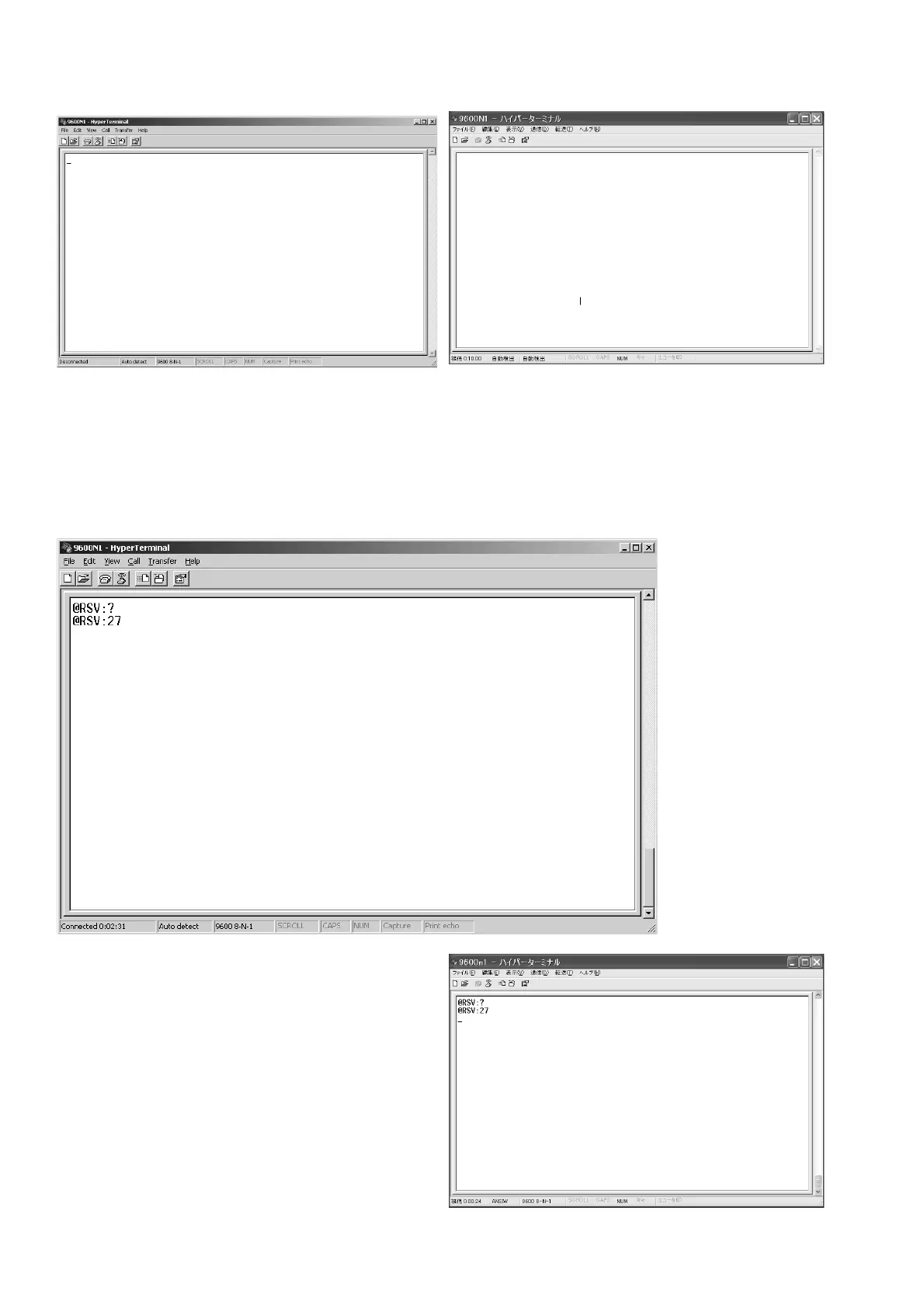
11. 次の画面が表示されます。
12. 本機とPCがRS-232ケーブルで接続され、電源が入って
いることを確認し、キーボードからハイパーターミナル
に
@RSV:?と入力し、Enterを押します。
ハイパーターミナルに
@RSV:27と表示された場合、ソフト
ウェアのバージョンは
27です。
11. It becomes the following screens.
12. Check once again that a connect RS-232C cable from
unit to PC and turn on the unit.
Type the @RSV:? into the HyperTerminal from the
keyboard, and press the Enter.
If the @RSV:27 is displayed on HyperTerminal, if means
version 27 of software.



 To Next Page