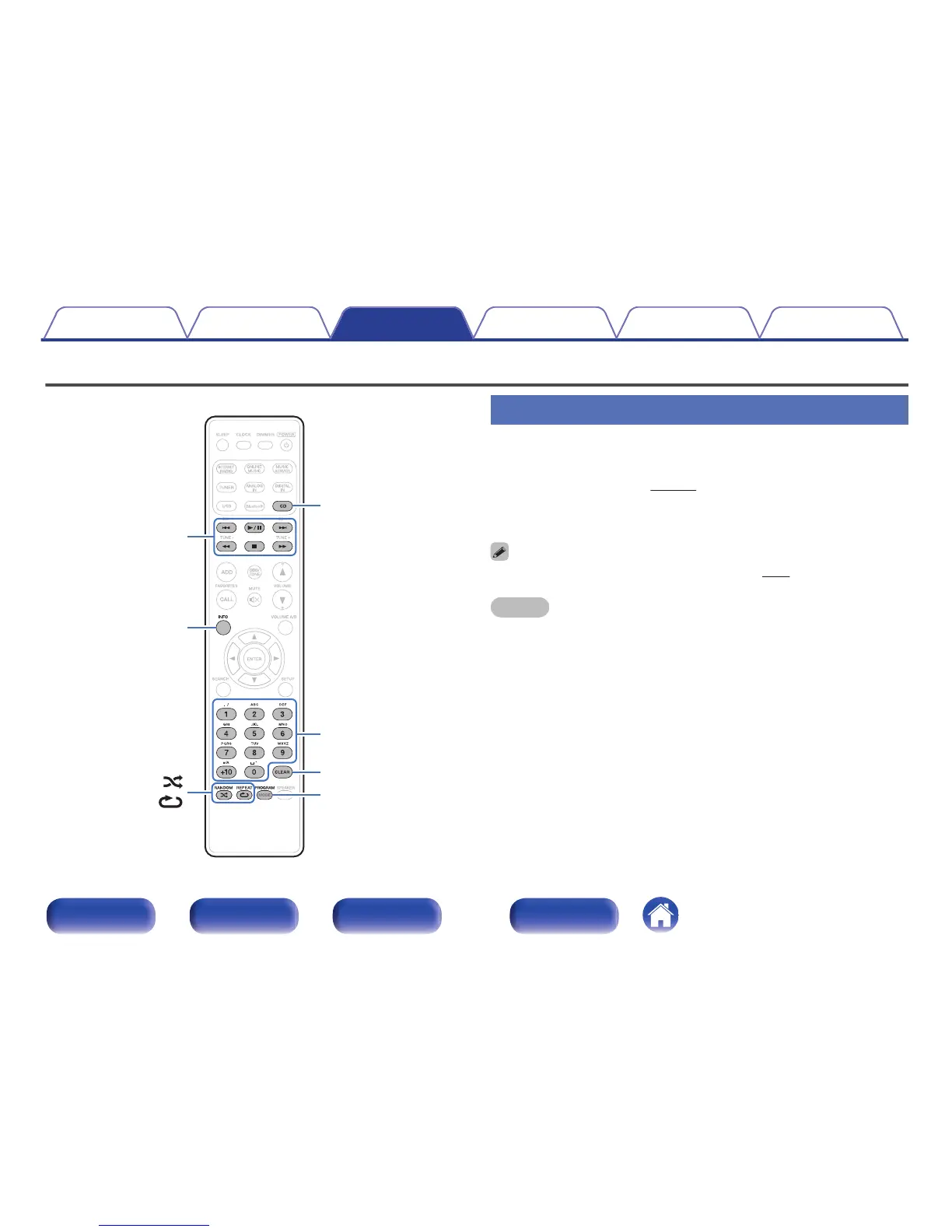
Playing CDs
1
Press CD to switch the input source to “CD”.
2
Insert a disc. (v p. 133)
Playback starts.
0
Press 5 on the main unit to open/close the disc tray.
0
You can set whether to automatically play CDs. (v p. 96)
NOTE
0
Do not place any foreign objects in the disc tray. Doing so could result in damage.
0
Do not push the disc tray in by hand when the power is turned off. Doing so could
result in damage.
Contents
Connections Playback Settings Tips Appendix
35
Front/Top
panel
Rear panel
Remote control
unit
Index






 To Next Page