8
CONNECTIONS
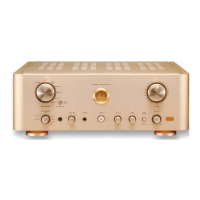
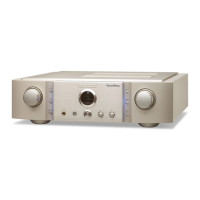
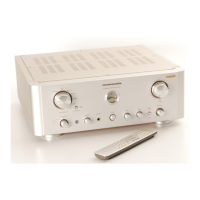
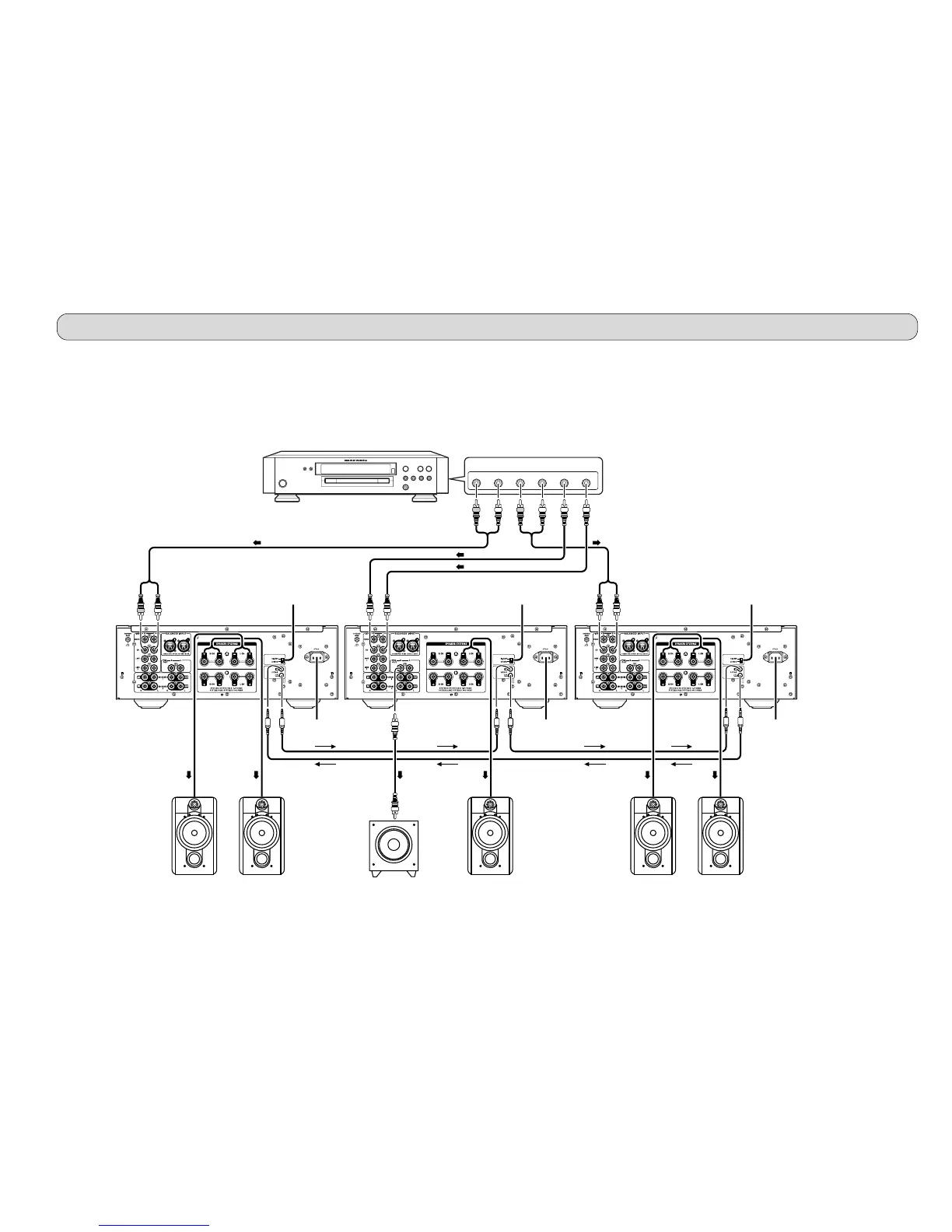
Connection Example 2: Basic Connection for 5.1 Multi-Channel Playback Using 3 PM-11S1
The three PM-11S1s are connected by FCBS. For the FCBS connection, prepare 3 portable audio connection cables with
monaural ⇔ monaural miniplugs or stereo ⇔ stereo miniplugs as described “ABOUT FCBS” on pg. 17. Set the ID numbers for
the PM-11S1 units as explained “HOW TO SET ID” on pg. 21. When the PM-11S1 of ID 1 is operated, those of ID 2 and ID 3 will
operate in sync. If using an active subwoofer, see the instruction manual that came with the subwoofer for connection and
positioning instructions.
AC IN
3
1
2
3
1
2
AC IN
3
1
2
3
1
2
AC IN
3
1
2
3
1
2
FRONT R FRONT L SURROUND R
MULTI CHANNEL AUDIO OUT
SURROUND L SUB-WOOFER CENTER
SACD multi-channel player, etc.
For front L/R speakers
Set PM-11S1 to ID 1.
Set SPEAKER A button on
front panel in ON position.
Set to “STEREO”. Set to “STEREO”. Set to “STEREO”.
For center speaker or subwoofer
Set PM-11S1 to ID 2.
Set SPEAKER A button on front
panel in ON position.
Set PRE OUT button on front
panel in ON position.
For surround speakers
Set PM-11S1 to ID 3.
Set SPEAKER A button on
front panel in ON position.
To power outlet To power outlet To power outlet
L CH front speaker
R CH front speaker
To line input jack
Active subwoofer
Front center speaker
L CH surround speaker R CH surround speaker


 To Next Page
 Loading...