1
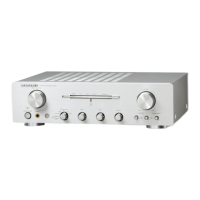
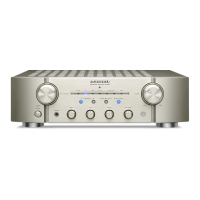
Thank you for choosing a Marantz network
integrated amplifi er. This guide provides step-
by-step instructions for setting up your network
integrated amplifi er.
Please do not return this unit to the store –
call for assistance.
If you need help… :
If you need additional help in solving problems,
contact Marantz customer service in your area.
1-855-ONE-Marantz
1-855-663-6272
Call for Assistance:
Monday – Friday 10:00AM to 10:00PM E.S.T,
Saturday 12:00PM to 8:00PM E.S.T
For frequently asked questions please visit
http://marantz.custhelp.com/app/answers/list
For US and Canada only
Welcome Before You Begin
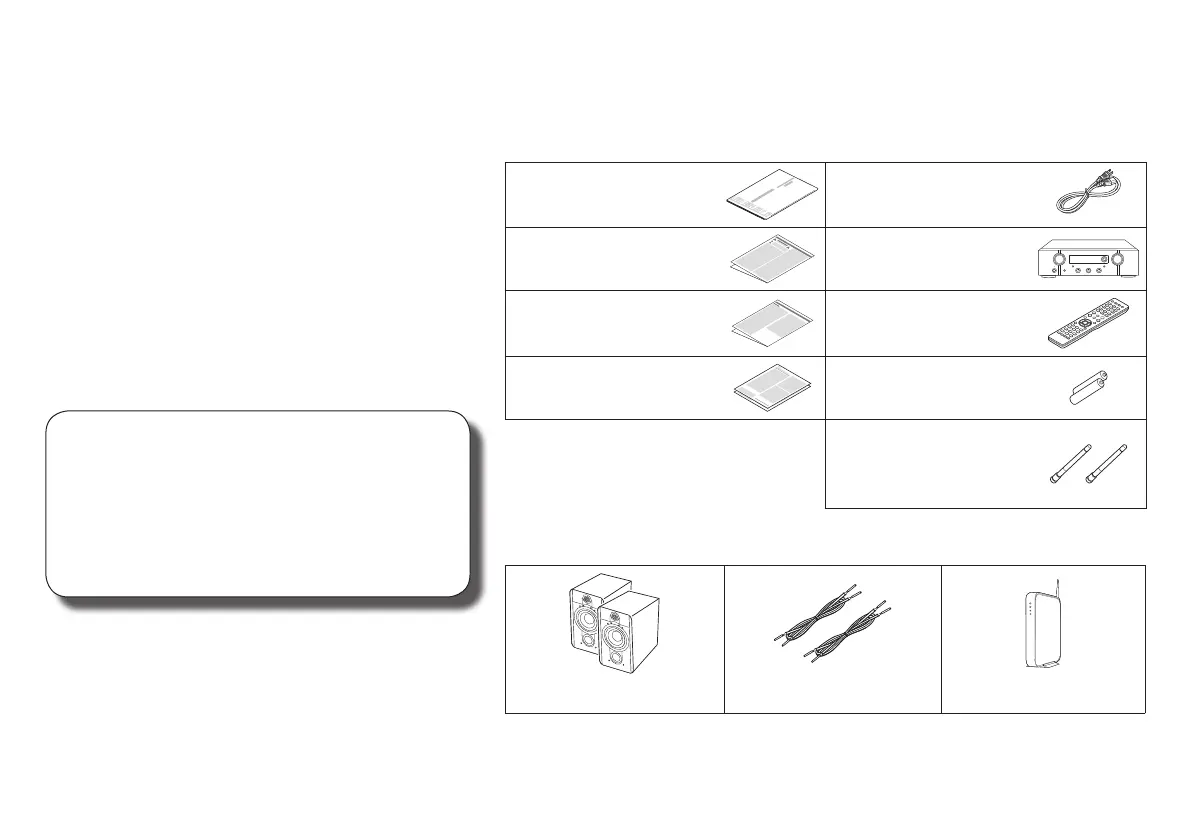
What’s In the Box
Quick Start Guide Power cord
Safety Instructions Network Integrated
Amplifi er
Notes on radio Remote control unit
(RC004PM)
Warranty
(for USA/for CANADA)
R03/AAA batteries
External antennas for
Bluetooth/wireless
connectivity
Required for Setup
Speaker systems Speaker cables Router
1.PM7000NU_ENG_QSG_190808.indd 1 2019/08/23 13:56:28







 To Next Page