Menu map
For menu operations, see the following page.
By default, this unit has recommended settings defined. You can customize this unit based on your existing system and your preferences.
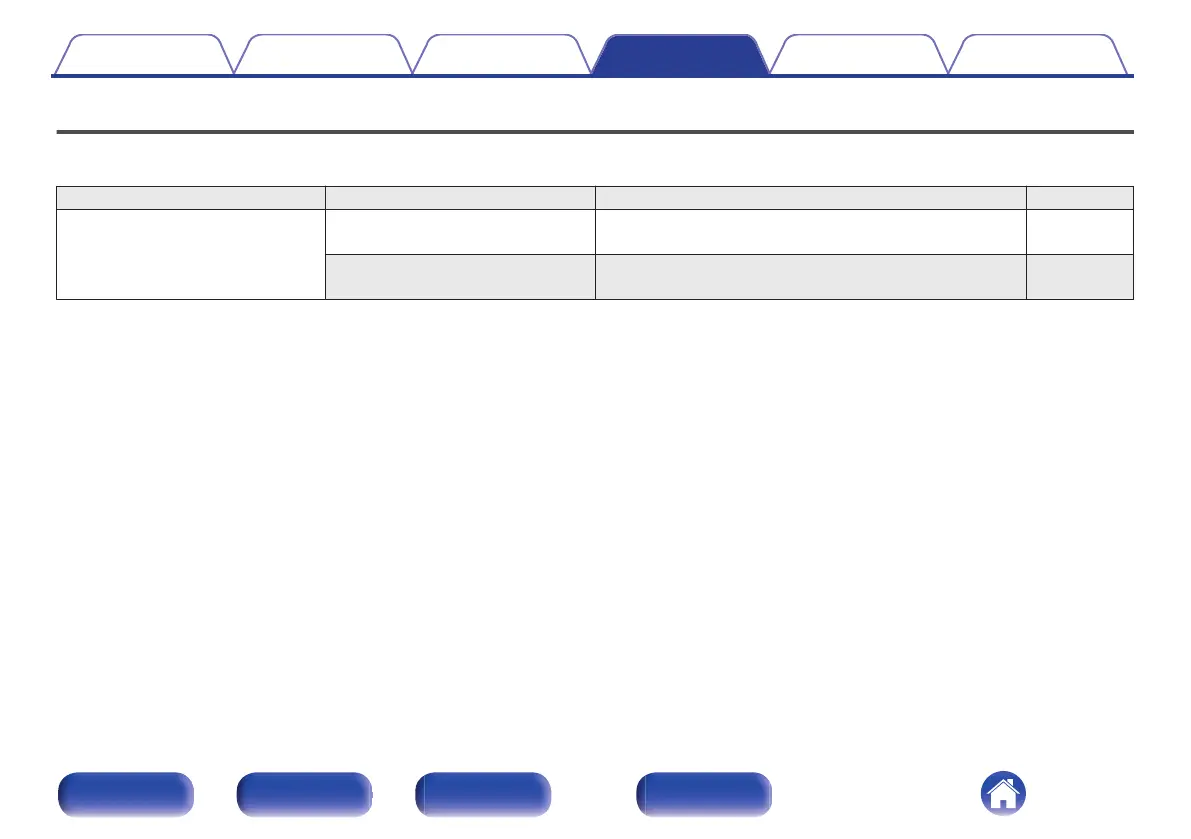
Setting items Detailed items Description Page
Audio Volume Limit Make a setting for maximum volume. The volume cannot be
increased above this setting.
79
Subwoofer - Low Pass Filter Sets the low pass filter for the subwoofer output. Set this
according to your speakers and subwoofer.
79
Contents Connections Playback Settings Tips Appendix
71
Front panel Rear panel
Remote control
unit
Index







 To Next Page