E
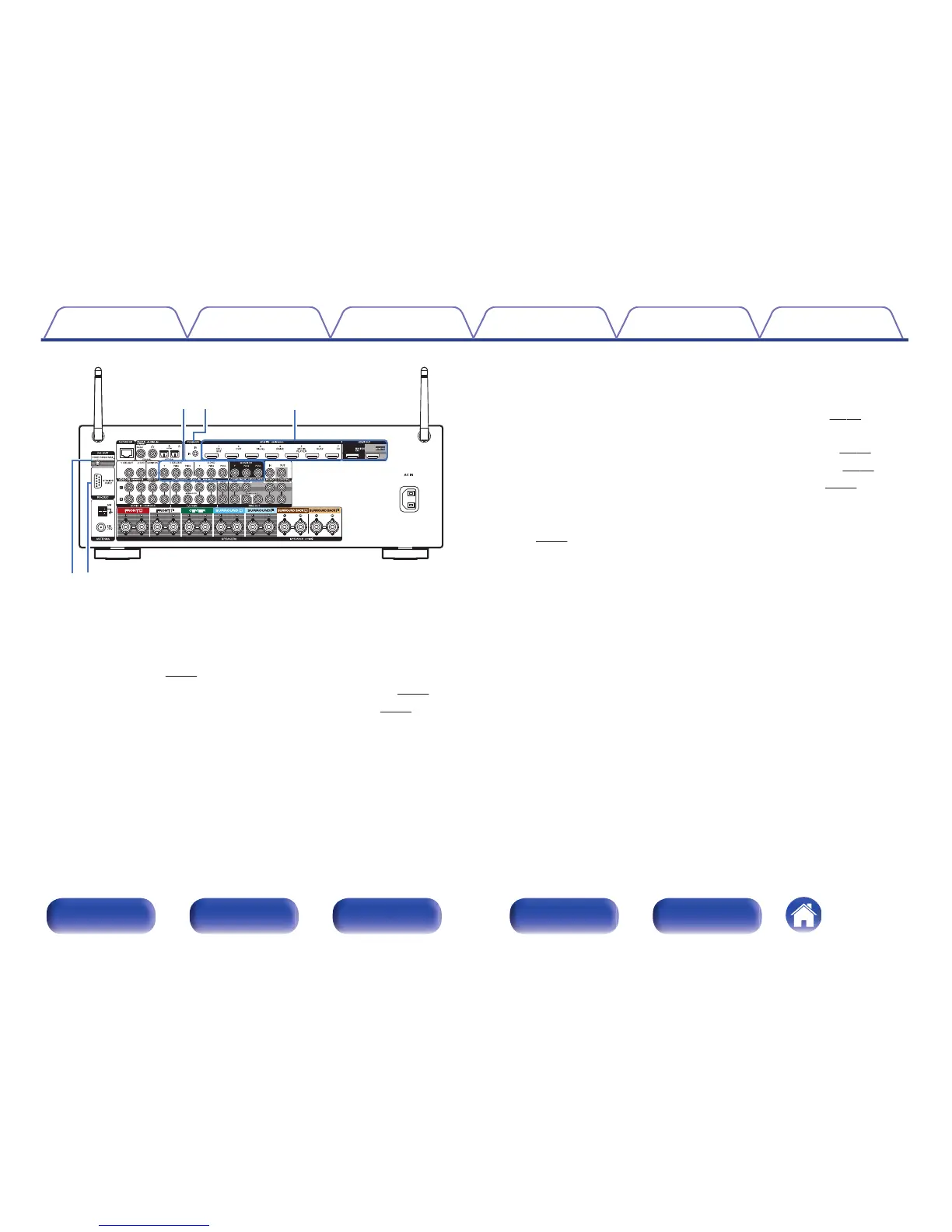
Component video connectors (COMPONENT VIDEO)
Used to connect devices equipped with component video connectors.
0
“Connection 3 : TV equipped without an HDMI
connector” (v
p. 53)
0
“Connecting a set-top box (Satellite tuner/cable TV)” (v
p. 55)
0
“Connecting a DVD player or Blu-ray Disc player” (v p. 56)
F
FLASHER IN jack
Used when using a control BOX or other such control devices to control
this unit.
G
HDMI connectors
Used to connect devices equipped with HDMI connectors.
0
“Connection 1 : TV equipped with an HDMI connector and
compatible with the ARC (Audio Return Channel)” (v p. 51)
0
“Connection 2 : TV equipped with an HDMI connector and
incompatible with the ARC (Audio Return Channel)” (v p. 52)
0
“Connecting a set-top box (Satellite tuner/cable TV)” (v
p. 55)
0
“Connecting a DVD player or Blu-ray Disc player” (v
p. 56)
H
DC OUT jack
Used to connect devices equipped with the trigger function.
(v
p. 66)
I
RS-232C connector
Used to connect home automation controller devices fitted with
RS-232C connectors. Consult the owner’s manual of the home
automation controller for more information about serial control of this
unit.
Perform the operation below beforehand.
A
Turn on the power of this unit.
B
Turn off the power of this unit from the external controller.
C
Check that the unit is in the standby mode.
Contents Connections Playback Settings Tips Appendix
21
Front panel Display Rear panel Remote Index



 To Next Page