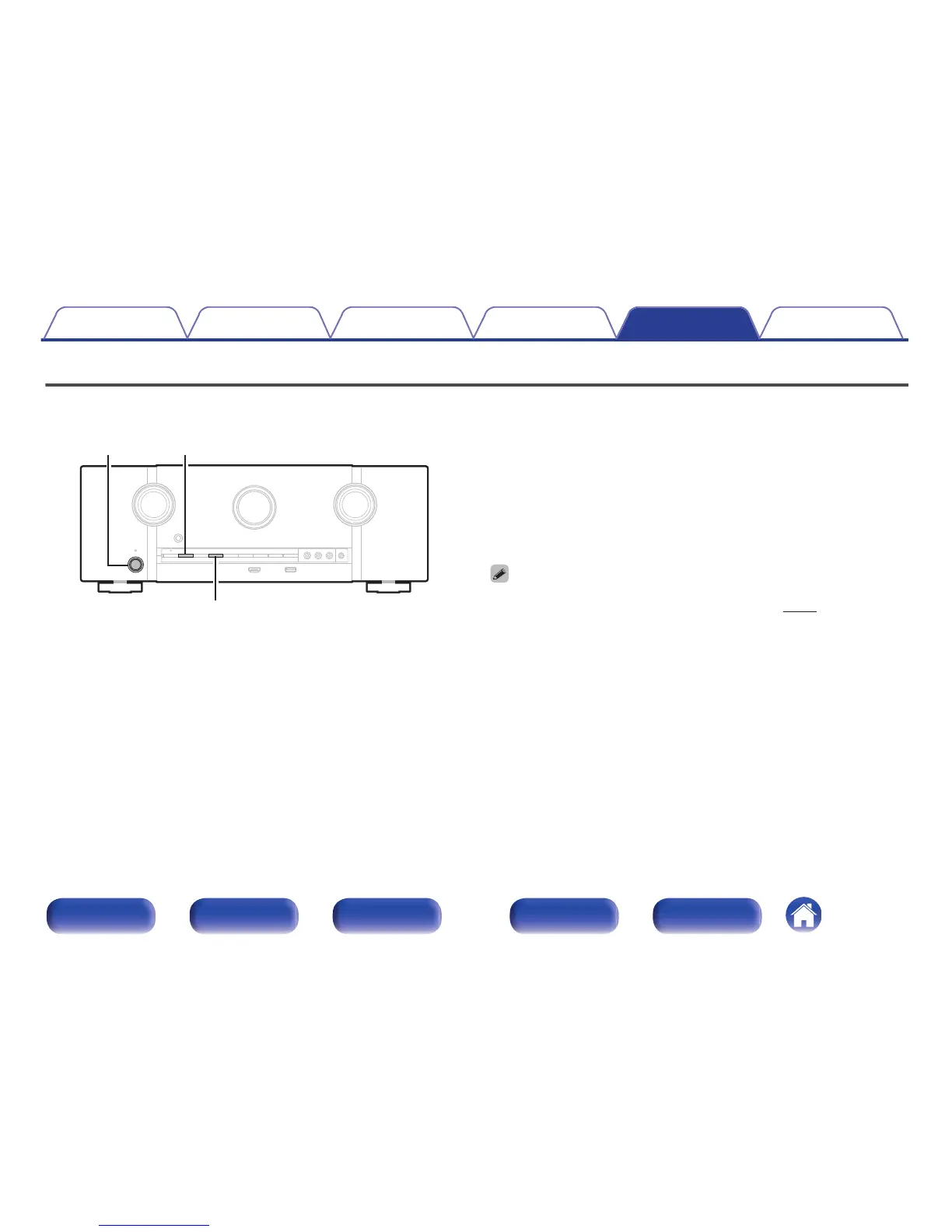
Resetting factory settings
Perform this procedure if the display is abnormal or if operations cannot be performed.
Various settings are reset to the factory default values. Make settings again.
.
1
Turn off the power using X.
2
Press X while simultaneously pressing M-DAX and
ZONE2 SOURCE.
3
Remove your fingers from the two buttons when
“Initialized” appears on the display.
0
Before restoring the default setting, the “Save” function of the web control function
can be used to store the various settings of the unit. (v
p. 139)
However, account information for network content and information on registered
favorites cannot be stored.
Contents Connections Playback Settings Tips Appendix
244
Front panel Display Rear panel Remote Index



 To Next Page