EasyManua.ls Logo

Marantz SR5010 - Playing an Ipod

Marantz SR5010
288 pages
Print Icon
To Next Page IconTo Next Page
To Previous Page IconTo Previous Page
Loading...
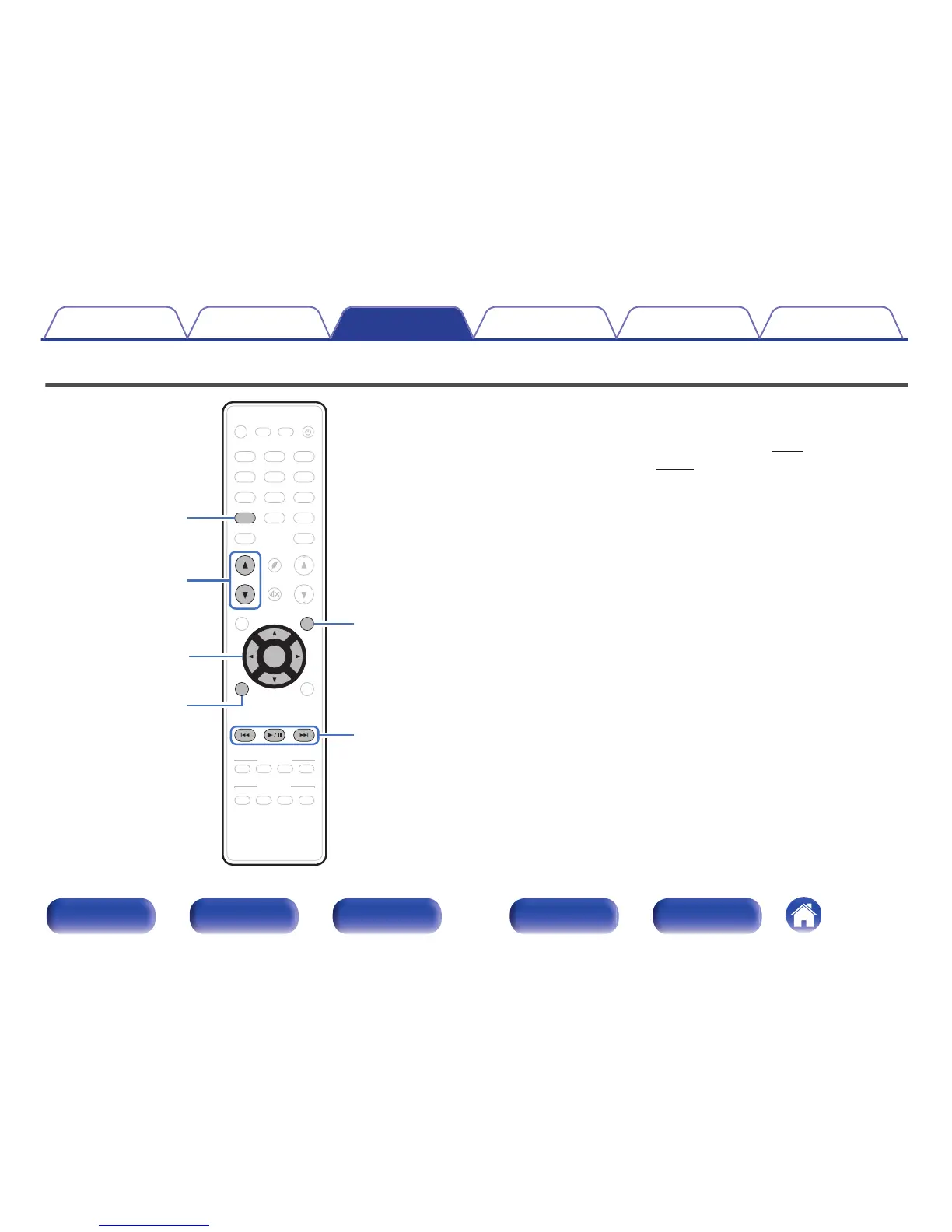
Playing an iPod
.
CBL /SAT
GAME
DVD
AUX1
MEDIA
PLAYER
Blu-ray
TV AUDIO
Bluetooth
TUNER
INTERNET
RADIO
ONLINE
MUSIC
AUX2
CD
SETUP
SOUND MODE
TUNE
+
-
TUNE
SMART SELECT
1234
PUREMOVIE GAMEMUSIC
INFO
VOLUME
MUTE
ECO
ZONE SELECT
SLEEP
MAIN ZONE 2
POWER
CH / PAGE
BACK
ENTER
OPTION
iPod/ USB
1
/
3
8
9
iPod/USB
uio
p
ENTER
OPTION
CH/PAGE
df
BACK
0
You can use the USB cable provided with the iPod to connect the iPod
with the unit’s USB port and enjoy music stored on the iPod.
0
For information on the iPod models that can be played back with this
unit, see “Supported iPod/iPhone models” (v p. 60).
0
See “AirPlay function” (v
p. 103) on how to play a music file saved on
an iPhone, iPod touch, iPad or iTunes on this unit via the network.
Contents Connections Playback Settings Tips Appendix
71
Front panel Display Rear panel Remote Index

Table of Contents

Other manuals for Marantz SR5010

Related product manuals