PTY Search
Use this function to find RDS stations broadcasting a designated program
type (PTY).
PTY identifies the type of RDS program.
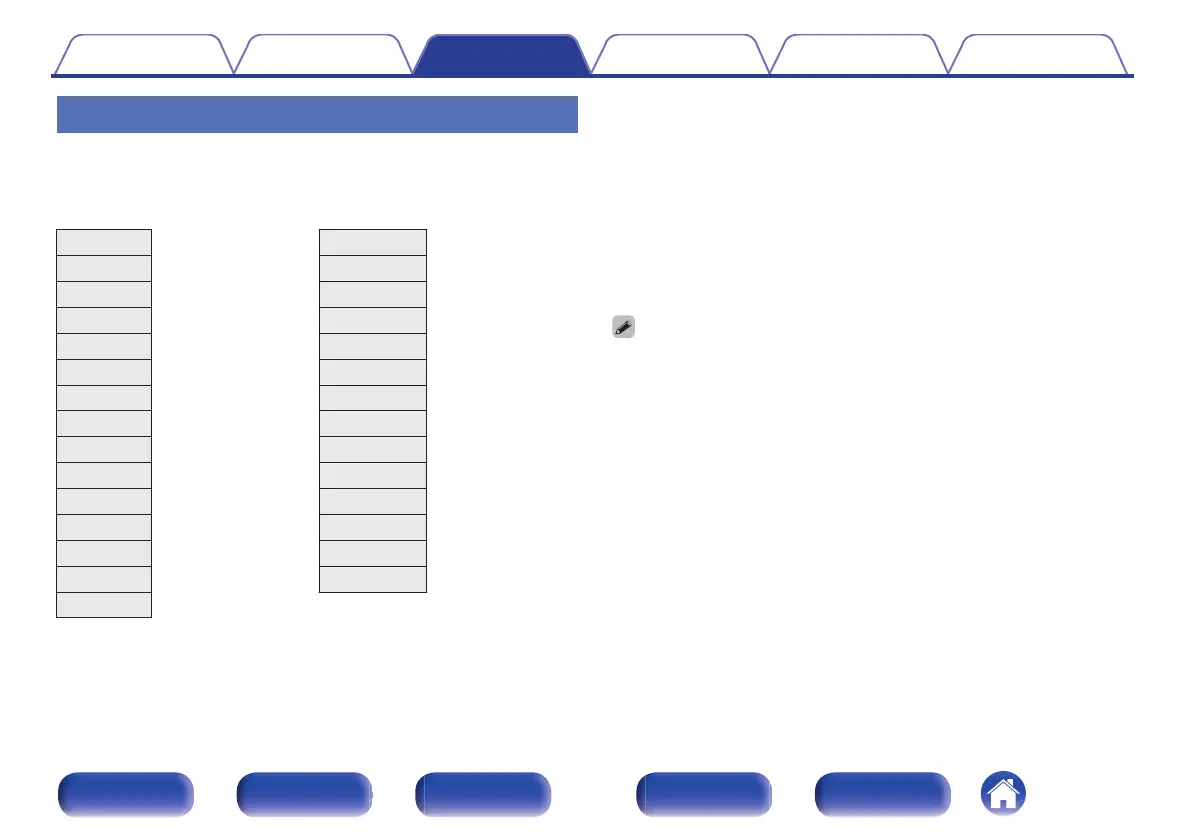
The program types and their displays are as follows:
NEWS
News
WEATHER
Weather
AFFAIRS
Current Affairs
FINANCE
Finance
INFO
Information
CHILDREN
Children’s program
SPORT
Sports
SOCIAL
Social Affairs
EDUCATE
Education
RELIGION
Religion
DRAMA
Drama
PHONE IN
Phone In
CULTURE
Culture
TRAVEL
Travel
SCIENCE
Science
LEISURE
Leisure
VARIED
Varied
JAZZ
Jazz Music
POP M
Pop Music
COUNTRY
Country Music
ROCK M
Rock Music
NATION M
National Music
EASY M
Easy Listening Music
OLDIES
Oldies Music
LIGHT M
Light Classical
FOLK M
Folk Music
CLASSICS
Serious Classical
DOCUMENT
Documentary
OTHER M
Other Music
1
Press OPTION during FM reception.
The option menu screen is displayed.
2
Use ui to select “PTY Search”, then press ENTER.
3
Use ui to call out the desired program type.
4
Press ENTER.
PTY search begins automatically.
0
If you use o p within 5 seconds after the broadcast station name is shown on the
display, you can search for a different station.
Contents Connections Playback Settings Tips Appendix
101
Front panel Display Rear panel Remote Index



 To Next Page