5
Use ui to select the “Play Now” or “Play Now &
Replace Queue”, then press ENTER.
Playback starts.
.
Nature 01
-
Various Artists
NOW PLAYING
-2:212:45
Nature
Operation buttons
Function
1/3
Playback / Pause
8 9
Skip to previous track / Skip to next track
CH/PAGE d f
Switch to the previous page/next page in
the list display
0
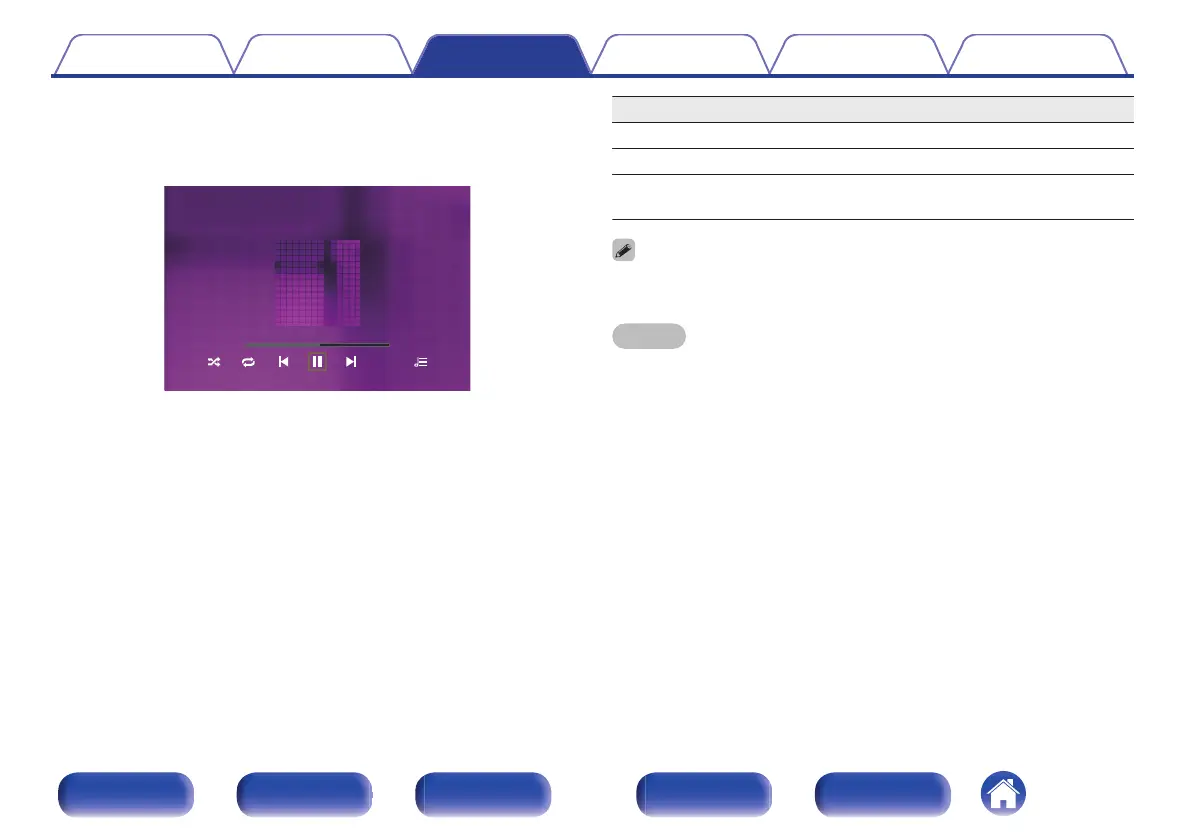
When an MP3 music file includes album art data, the album art can be displayed
while playing the file.
NOTE
0
Note that Marantz will accept no responsibility whatsoever for any problems
arising with the data on a USB memory device when using this unit in conjunction
with the USB memory device.
0
When a USB memory device is connected to this unit, the unit loads all of the files
on the USB memory device. Loading may take a while if the USB memory device
contains a large number of folders and/or files.
Contents Connections Playback Settings Tips Appendix
77
Front panel Display Rear panel Remote Index



 To Next Page