10
ENGLISH
SET-UP
After all components are connected, initial setup must be performed.
ON SCREEN DISPLAY MENU SYSTEM
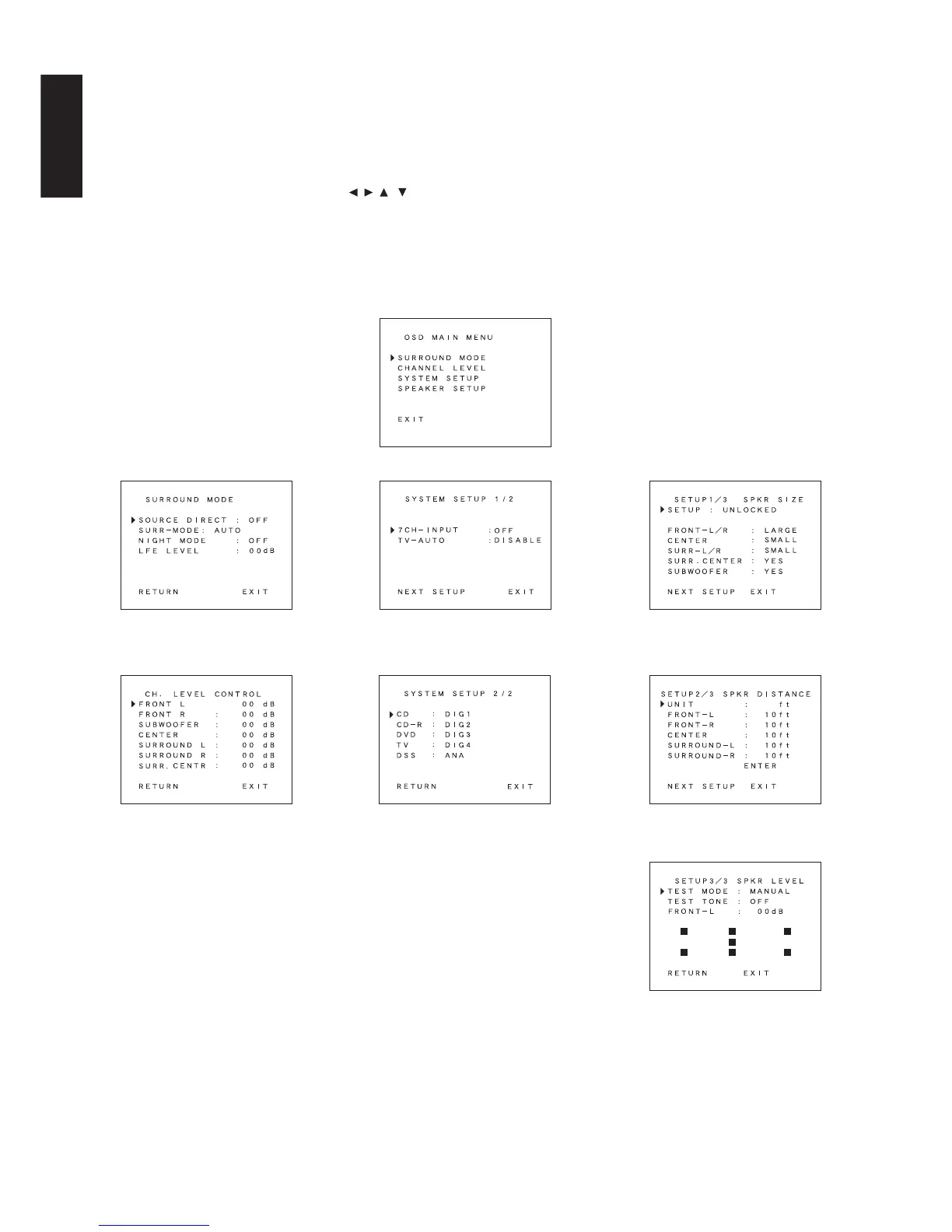
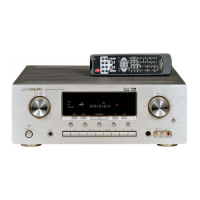
The SR5200 incorporates an on-screen menu system, which makes
various operations possible by using the cursor (
, , , ) and OK
buttons on the remote controller.
The settings made with these buttons are also shown in the on-screen
display.
SURROUND MODE SYSTEM SETUP 1/2
SYSTEM SETUP 2/2
SPEAKER SETUP 1/3 SPKR SIZE
SPEAKER SETUP 2/3 SPKR DISTANCE
SPEAKER SETUP 3/3 SPKR LEVEL
CHANNEL LEVEL CONTROL
OSD MAIN MENU



 To Next Page