SR6006 - Protection History Display Mode (1 of 3)
19
Protection History Mode records and displays an event in which the THERMAL, CURRENT, ASO or DC protection was activated.
HOME
Protection History Display Mode ProcedureSpecs – Dimensions/Weight
Model Information
Index
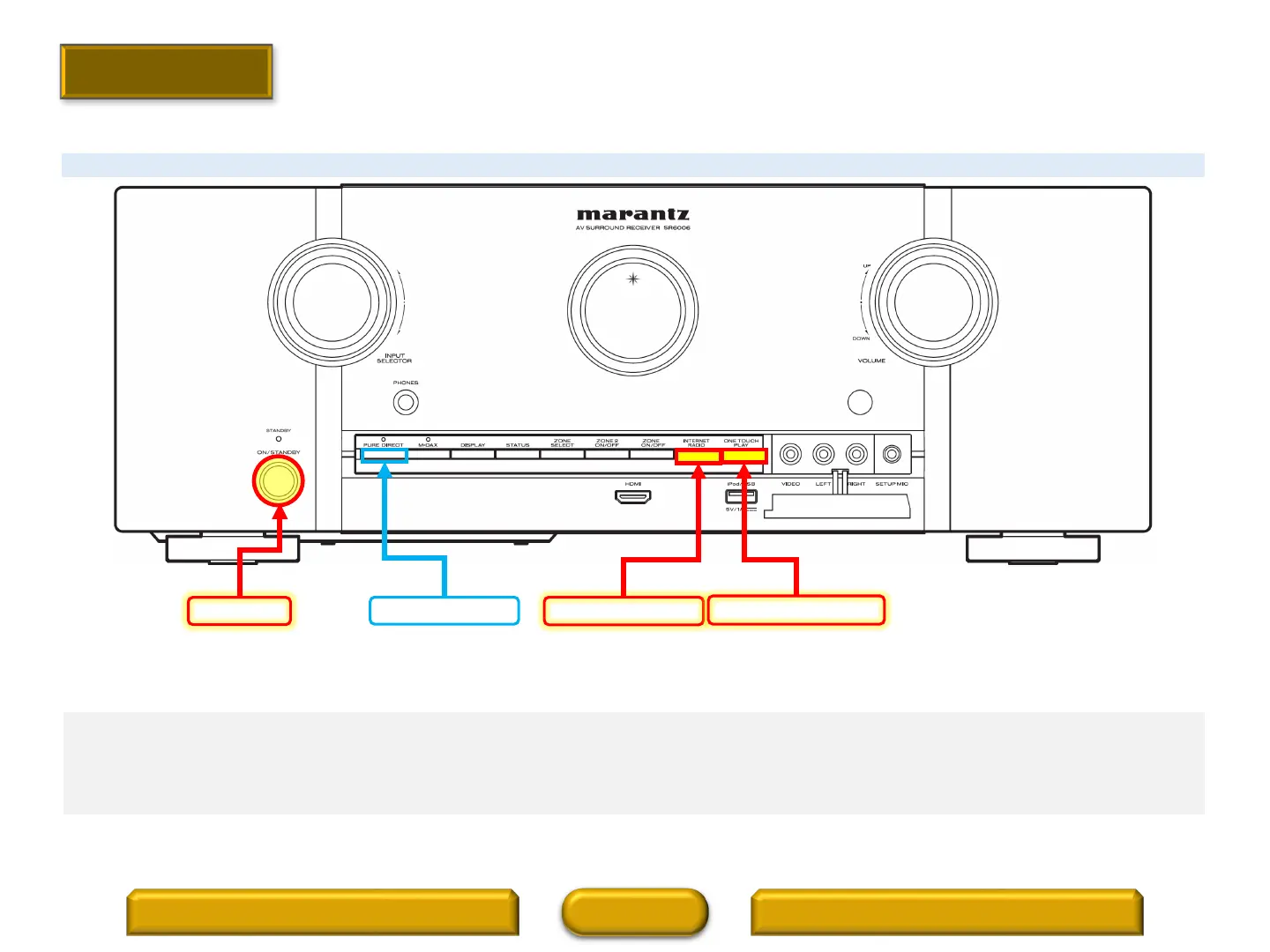
INTERNET RADIO
ONE TOUCH PLAY
POWER
PURE DIRECT
Procedure to enter the “Protection History Display Mode”.
1. Press and hold the “INTERNET RADIO” and the “ONE TOUCH PLAY” buttons at the same time and press the “POWER” button
to turn on the power.
2. Press the “STATUS” button to turn on the FL display.



 To Next Page