2-4. Operation Info Mode
2-4.1. Actions
This mode enables the unit to display the accumulated operating time, power on count and each protection count.
2-4.2. Starting up
While holding down buttons "
ZONE2 SOURCE
" and "
STATUS
" simultaneously, press the power button to turn on the
power.
Select the "4. OP INFO" using the "
TUNER PRESET CH+/-
" button, then press the "
STATUS
" button to conrm.
2-4.3. Operations
Press the "
STATUS
" button after starting up this device in Operation Info mode.
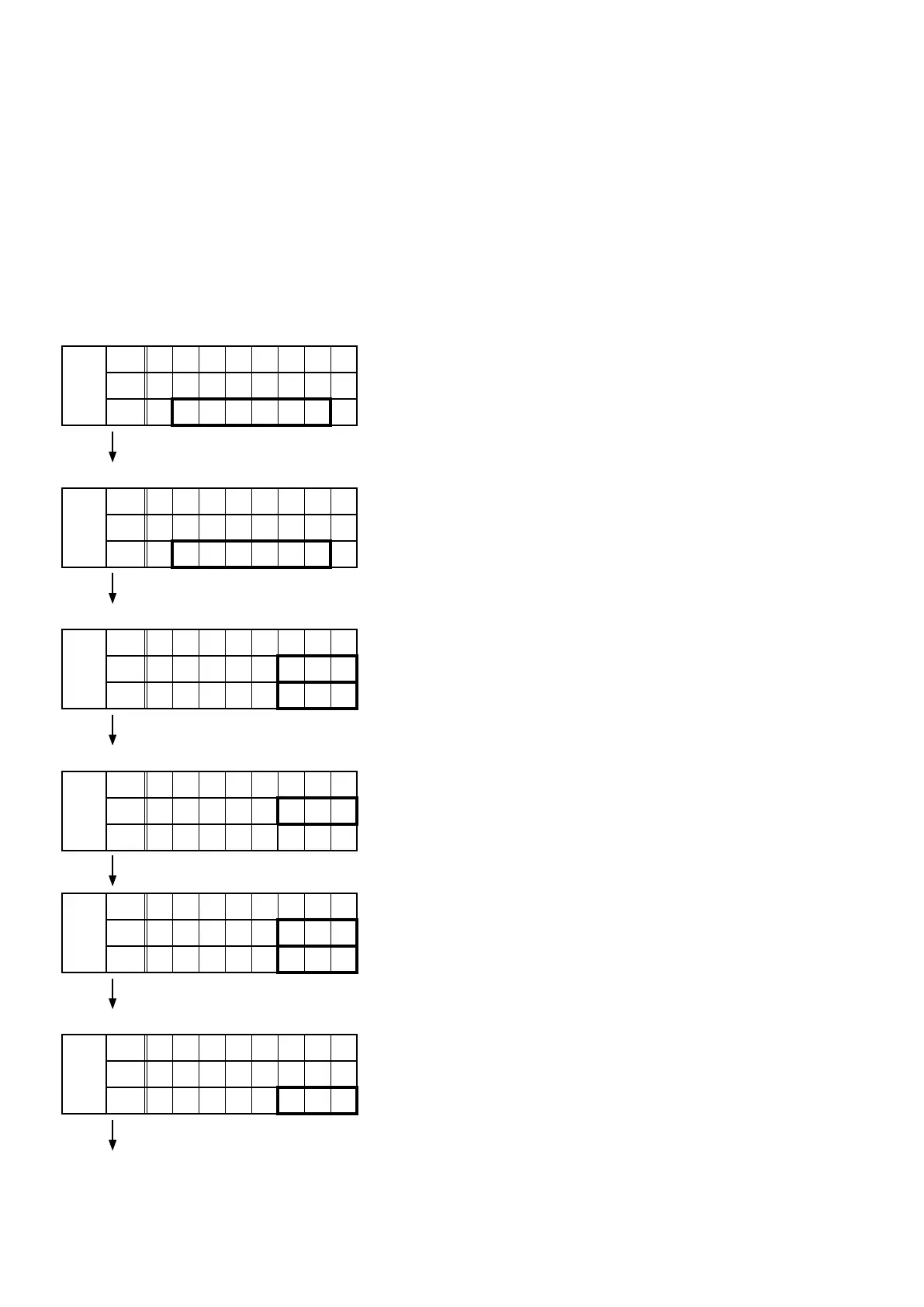
The following information is displayed in the following order.
(a) Accumulated operating time
FLD
L1
O p e r a t e
L2
T i m e :
L3
H
"
STATUS
" ↑ Time display
(b) Power on count
FLD
L1
P o w e r O n
L2
T i m e :
L3
H
"
STATUS
" ↑ Count display
(c) DC / ASO Protection count
FLD
L1
P r o t e c t
L2
D C :
L3
A S O :
"
STATUS
"
(d) Thermal Protection count
FLD
L1
P r o t e c t
L2
T H A :
L3
"
STATUS
"
FLD
L1
P r o t e c t
L2
T H E :
L3
T H F :
"
STATUS
"
(e) CURRENT Protection count
FLD
L1
P r o t e c t
L2
C u r r e n t :
L3
"
STATUS
"
(Returns to normal display)
68



 To Next Page