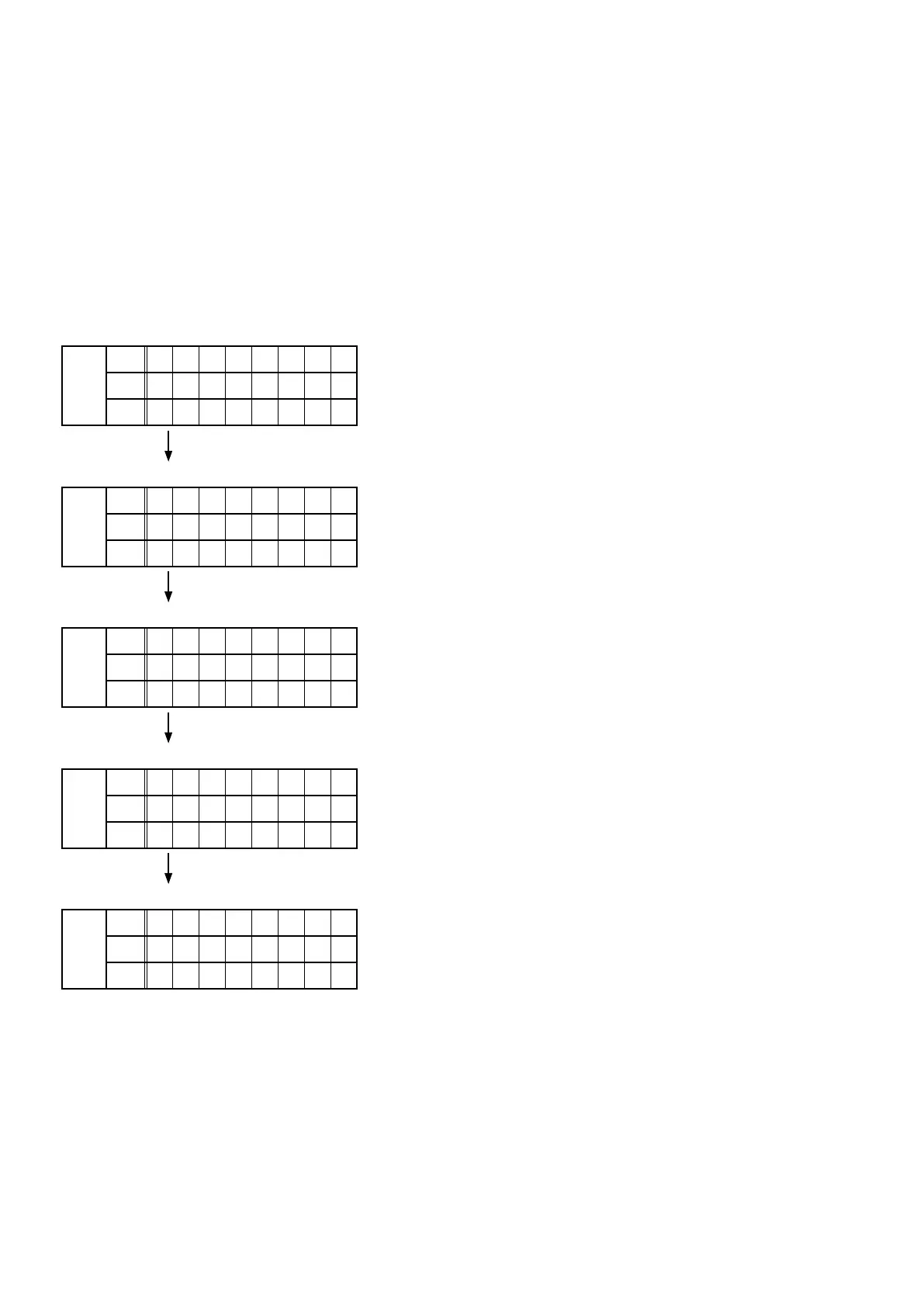
3. PANEL / REMOTE LOCK Selection Mode
3.1. Actions
Switch the PANEL LOCK and REMOTE LOCK modes between on and off.
3.2. Starting up
While holding down buttons "
M-DAX
" and "
DIMMER
" simultaneously, press the power button to turn on the power.
Select the desired mode using the "
TUNER PRESET CH+/-
" button, then press the "
STATUS
" button to conrm.
3.3. Displaying and Selecting Each Mode
The information shown on the display switches each time the "
TUNER PRESET CH+/-
" button is pressed.
Press the "
STATUS
" button to set the currently displayed mode and restart the device.
The setting with "
*
" is selected for each mode.
q
FLD
L1
P / V L O C K
L2
O n
L3
The buttons on the unit and the master volume knob does not function.
w
FLD
L1
F P L O C K
L2
O n
L3
The buttons on the unit does not function.
e
FLD
L1
F P L O C K
L2
* O f f
L3
The PANEL LOCK mode is turned off.
r
FLD
L1
R C L O C K
L2
O n
L3
The device cannot be operated by the remote control.
t
FLD
L1
R C L O C K
L2
* O f f
L3
The REMOTE LOCK mode is turned off.
70



 To Next Page