Error
Code
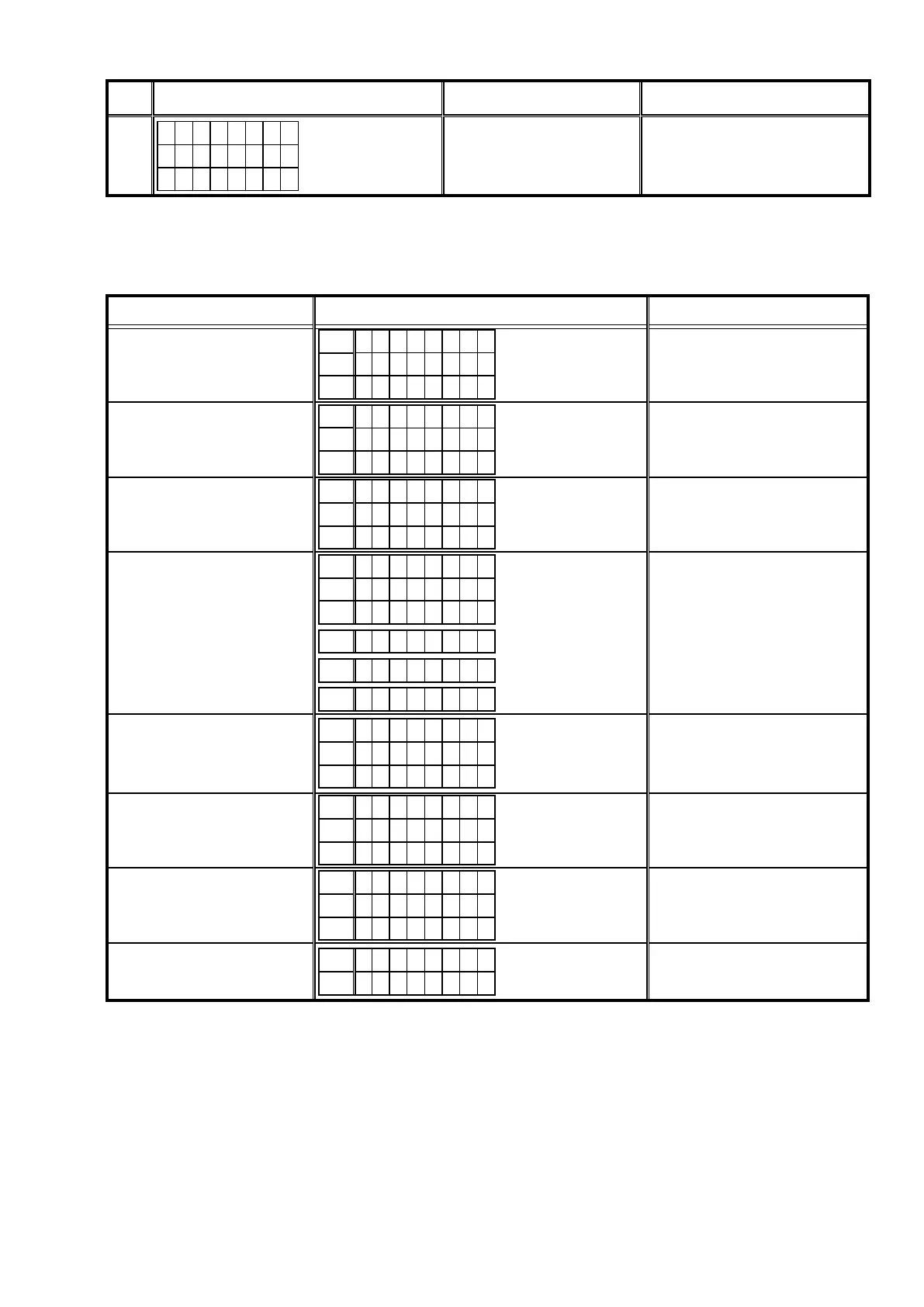
USB Update Error Display Details of Error code Remedies
B5
E I M G B 5
U p d a t i n g
f a i l e d
Failed to transit to Application
Mode.
This unit automatically retries the
request several times. Wait until the
Display stops. If the Display stops at the
Error display, press and hold the "Power
operation" button for 5 seconds.
---Checking the rmware version after updating---
After updating the rmware, check the version. See "1. Version Display Mode" (page 19).
1.12. Device display during the rmware update
Display the device being updated and the update progress.
Target device USB Update Display Error code when an error occurs
Main CPU
L1
M a i n
L2
* * * m i n
L3
* * %
10 - 16
36 - 3D
3F
Audio PLD
L1
A P L D
L2
* * * m i n
L3
* * %
50 - 52
54 - 57
5A - 64
VIDEO PLD
L1
V P L D
L2
* * * m i n
L3
* * %
50 - 52
54 - 57
5A - 64
DSP
L1
D S P 1
L2
* * * m i n
L3
* * %
L1
D S P 2
L1
D S P 3
L1
D S P 4
50 - 52
54 - 57
5A - 64
GUI Serial Flash
L1
G U I
L2
* * * m i n
L3
* * %
50 - 52
54 - 57
5A
62 - 64
80 - 86
CY920 second Boot Loader
L1
E S B L
L2
* * * m i n
L3
* * %
A2 - A4
A6 - A7
AE - AF
B1 - B5
CY920 Image
L1
E I M G
L2
* * * m i n
L3
* * %
A2 - A4
A6 - A7
AE - AF
B1 - B5
CY920 Image (Emergency
Mode)
L1
U p d a t e
L2
R e t r y
–
---Checking the Firmware Version After the Update---
After updating the rmware, check the version. See "1. Version Display Mode" (page 19).
85



 To Next Page