17
Playing Super Audio CD
1
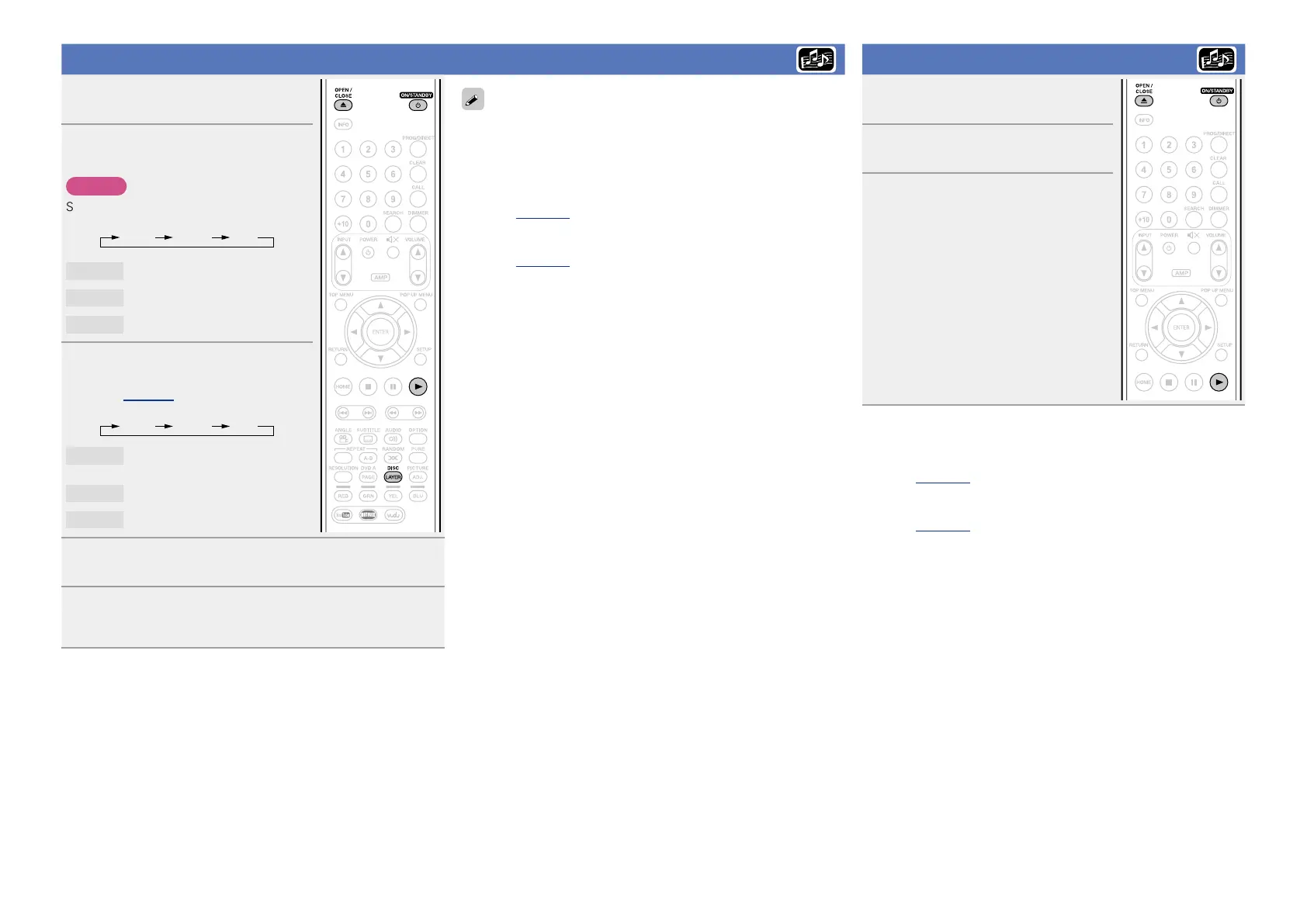
Press ON/STANDBY X to turn
on power to the unit.
2
Press and hold DISC LAYER
repeatedly to select “Multi”.
NOTE
Select the disc layer before a disc is inserted.
Multi Audio BD
Multi
Super Audio CD
Audio
DVD-Audio
BD
Hybrid BD
3
Select the playback area
and layer with DISC LAYER
(vpage 56).
Multi Stereo CD
Multi
Multi-channel area of the HD
layer.
Stereo
2-channel area of the HD layer.
CD
CD layer
4
Press OPEN/CLOSE 5 to open the disc tray and
insert the disc.
5
Press 1.
The disc tray closes and playback starts for the selected area/
layer.
Playing CD
1
Press ON/STANDBY X to turn
on power to the unit.
2
Press OPEN/CLOSE 5 to open
the disc tray and insert the disc.
3
Press 1.
The disc tray closes and playback starts.
n Operations enabled during playback
(vpage23)
n Settings enabled during playback
(vpage28)
The area/layer selected with DISC LAYER remains in the memory even
when the power is turned off
n Operations enabled during playback
(vpage23)
n Settings enabled during playback
(vpage28)




 To Next Page