8
2.2. SETTINGS
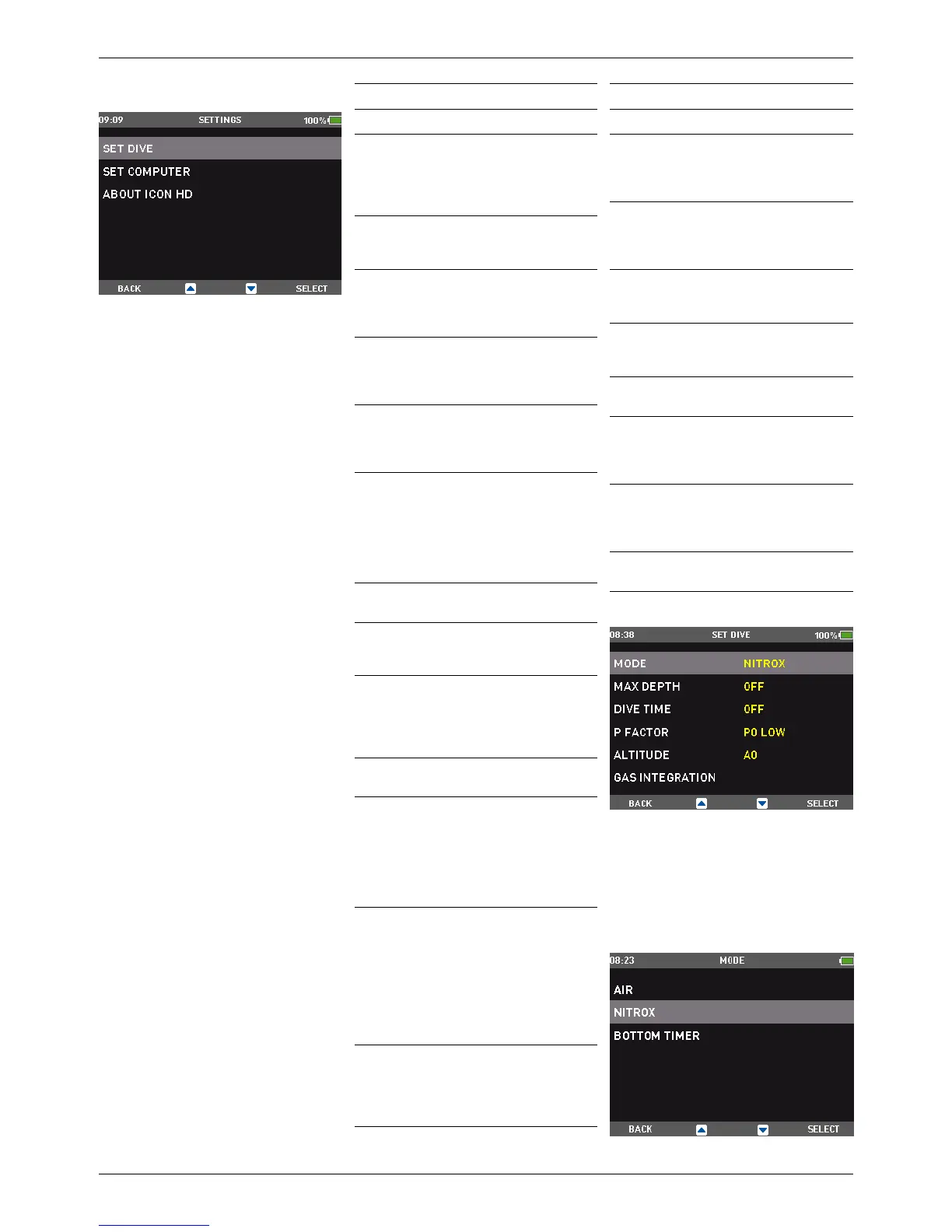
Icon HD’s SETTINGS menu allows you to
access functions or to change settings. Once
inside this menu, you will see three submenus:
SET DIVE, where you can set parameters
pertaining to the dive, SET COMPUTER, where
you can set parameters pertaining to the
computer, and ABOUT ICON HD, where you can
find information about your particular Icon HD
and also statistics about the dives carried out
with the computer.
Here below is a brief description of each menu.
MENU Description
SET DIVE
MODE
Allows you to choose
between air, nitrox and
bottom timer mode. In case
of nitrox, here is where you
set the O
2
% and ppO
2
max.
MAX DEPTH
Allows you to set a max depth
alarm independent of the
MOD.
DIVE TIME
Allows you to set an alarm
that will trigger at the
defined time limit and also at
half of the set limit.
P FACTOR
Allows you to choose between
the standard algorithm (P0)
and an increasingly more
conservative one (P1, P2).
ALTITUDE
Allows you to set the
algorithm into altitude mode
when diving in mountain
lakes.
GAS IN
TEGRATION
Allows you to synchronize
your Icon HD with optional
tank modules and to define
all parameters concerning
gas integration (tank volume,
operating tank pressure, tank
reserve and more).
WATER
Allows you to choose
between salt and fresh water.
LINKED MAP
Allows you to select a map
which you can call up on the
display during the dive.
NIGHT MODE
Allows you to choose
the night mode display
(white numbers on black
background) as default
display.
AUDIBLE
ALARMS
Allows you to turn on or off
all audible alarms of Icon HD.
UNCONTROLLED
ASCENT
Allows you to turn off the dive
violation due to uncontrolled
ascent. This is for dive
instructors only, who may
find themselves in such a
situation because of their
teaching requirements.
ERASE
DESAT
Allows you to reset the
nitrogen saturation to zero,
thereby erasing the effects of
a previous dive. This is only
for people who plan to lend
their computer to another
diver who has not performed
a dive within the last 24
hours.
FUTURE
DECO
Allows you to set the
parameters for the future
deco prediction. Please refer
to section 3.3.1.3 for more
details on this.
MENU Description
SET COMPUTER
LANGUAGE
Allows you to set the language
for the user interface,
all menus and warning
messages during the dive.
TIME
Allows you to set the date,
time, time zone shift when
travelling, and a wake-up
alarm.
UNITS
Allows you to choose
between metric (m,°C, bar)
and imperial (ft,°F, psi) units
BRIGHTNESS
Allows you to set the
maximum brightness of the
backlight.
LCD
ADJUSTMENT
Allows you to compensate in
case of display distortion.
BACKLIGHT
TIMER
Allows you to set the time
interval after which the display
goes from maximum backlight
to low power backlight.
DECLINATION
Allows you to compensate
between magnetic north
and geographic north in the
digital compass.
COMPASS
CALIBRATION
Allows you to recalibrate the
compass.
2.2.1. SET DIVE
2.2.1.1. MODE
In this menu you define the type of gas you will
be breathing during the dive (AIR or NITROX,
including MULTIGAS). You can also set Icon HD
to BOTTOM TIMER, in which case Icon HD will
show only time, depth and temperature: it will
not carry out any decompression calculation
and it will not show any warnings and alarms.



 To Next Page
 Loading...