43
DIVE COMPUTER NEMO WIDE
• Press this button to display the maximum depth
reached. Press it again to remove the maximum
depth.
• Hold down the button for 2 seconds to activate
the display backlight.
<-> button:
by pressing this button you can choose to view on
the display bar:
• total time to surface;
• the % CNS.
Or
• the temperature (in °C or in °F);
• the duration of the dive so far (dive time) in digits.
<ENTER> button:
• temporarily displays (for 10 seconds) the dive
parameter settings, just as they appear in
Predive Mode.
<ESC> button:
• When the <ESC> button is pressed during
the dive, Nemo Wide will temporarily display
the estimated deep stop required. The data
displayed during the ascent may vary as a result
of the diver’s behavior. Divers should check
this data during the ascent for more precise
information on the estimated stop.
!
WARNING
To fully understand how to perform
decompression with EAN, the user should
also carefully read the corresponding
section for compressed-air deco stop dives.
NOTE
If you have completed an EAN dive and
wish to do a repetitive dive with air, set
the computer for “EAN” with O
2
at 21%.
By so doing, the calculation of the %CNS
will remain active.
SURFACING EAN
When the measured depth is less than 1 m (3 ft),
Nemo Wide considers the dive to be suspended
(“Surfacing”) and halts the dive timer. If the diver
does not return below 1.5 m (5 ft) within the next
3 minutes, Nemo Wide considers the dive to be
finished and records its data in the log book memory.
If the diver does re-descend within 3 minutes, the
dive continues and the dive timer resumes from
where it left off.
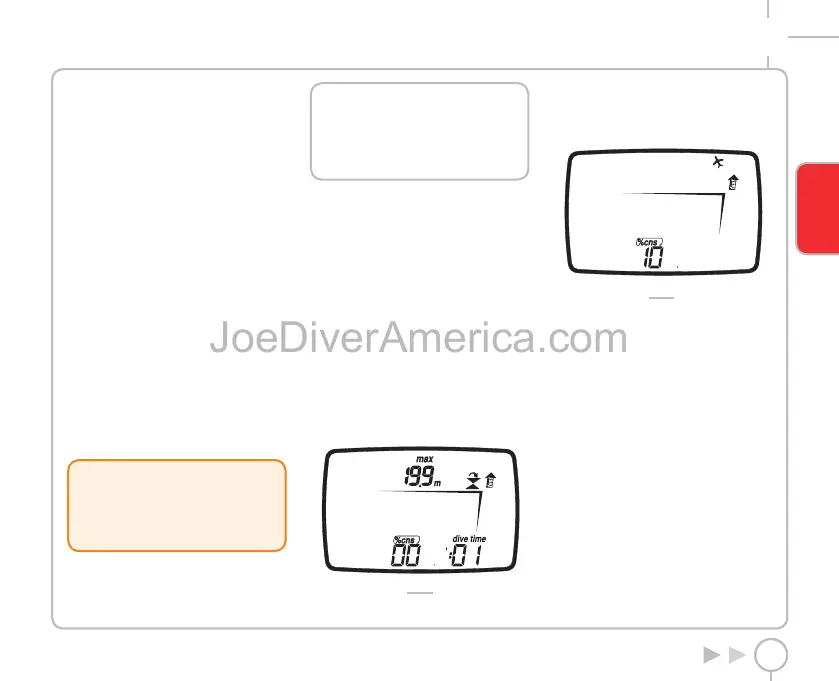
Data displayed in Surface mode (Fig. 25):
• duration of the dive;
• maximum depth;
• icons for any mistakes made during the
dive(omitted stop, uncontrolled ascent)
• display of % CNS
FIG. 25
SURFACE MODE EAN
The data displayed in Surface - EAN mode is the
same as that for Surface - AIR mode, except for the
addition of the % CNS value (Fig. 26).
FIG. 26
DIVE BOTTOM TIME GAUGE
In this mode Nemo Wide functions as an electronic
timer and depth gauge, but does not perform any
calculations for no-deco limits or for deco-stop
times.
Responsibility for planning the no-decompression
limits or an adequate decompression therefore lies
entirely with the user.
The details displayed in Predive and Surfacing mode
are the same as those already described for air or
EAN dives.
The data shown in Dive mode however are the
following (Fig. 27):
• dive time,
• current depth;
• ascent rate;
• temperature (in °C or in °F);
• the primary time.
In this mode the buttons function as follows:
ENGLISH
2334-Nemo Wide-ing-rev.indd 432334-Nemo Wide-ing-rev.indd 43 19/09/2006 11.09.5219/09/2006 11.09.52



 To Next Page