32
SETTING PARAMETERS
FOR THE NEMO WIDE DIVE
COMPUTER
ADJUSTING THE WATCH:
WATCHSET
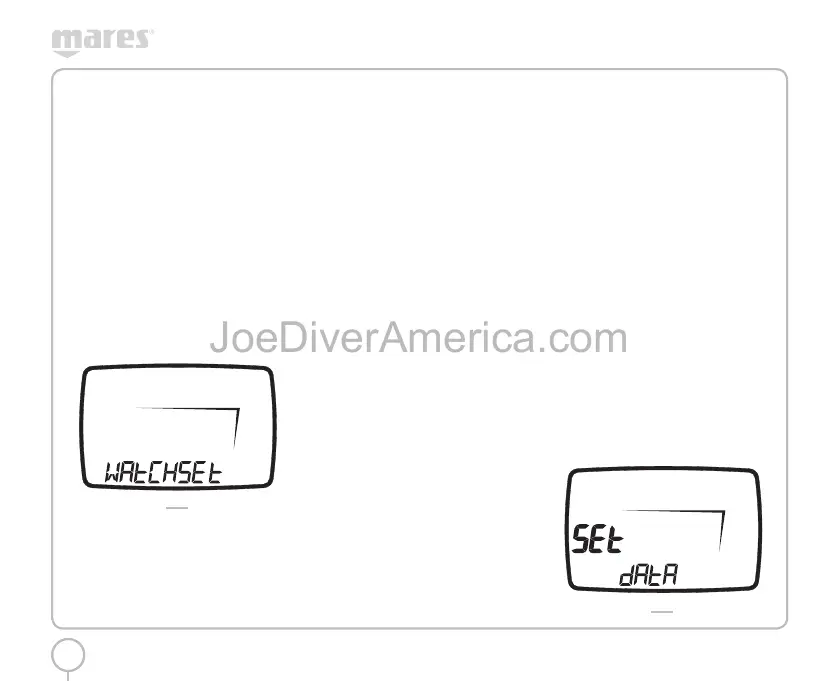
The WATCHSET menu, (Fig. 3), is divided into three
submenus, where you can adjust the following
parameters:
ADJ TIME
TIME
WATCH DISPLAY 12H24H
DATE
KEY BEEP
TURN KEY SOUNDS ON OR OFF
CONTRAST
DISPLAY CONTRAST
FIG. 3
From the main menu, use the <+> or <-> keys to
select WATCHSET mode. Pressing the <ENTER>
button will display the words “ADJ TIME”.
WATCHSET ADJ TIME
Pressing the ENTER button will enter this mode. Use
the <+> or <-> buttons to adjust the values: press
and release the button to change the value by one
unit at a time, or hold down one of the buttons to
scroll automatically.
Press the <ENTER> button to save the changes
made and move to the next selection.
The <ESC> button exits to the previous set.
After making our selection we find ourselves back in
the ADJ TIME menu. Use the <+> and <-> buttons to
move to the Key Beep menu.
WATCHSET KEY BEEP
Press the ENTER button to access this mode, where
you can use the <+> and <-> buttons to select
whether or not you want to hear a sound when you
press the keys.
Press the <ENTER> button to accept the selection:
After the changes have been made, the computer
returns to the Key Beep menu. Use <+> and <-> to
move to the Contrast menu.
WATCHSET CONTRAST
Pressing the ENTER button will enter this mode, and
it will display the current contrast value. This can be
changed using the <+> or <-> keys.
Press the <ENTER> button to accept the selection.
After the changes have been made, the computer
returns to the Contrast menu.
Pressing the <ESC> button will exit this menu and the
computer goes back to the main WATCHSET menu.
ADJUSTING DIVE PARAMETERS:
SET DIVE
In this menu you can set the general data and
operational modes for the dive. SET DIVE has two
submenus:
SET DIVE DATA
SET DIVE MODE
In the SET DIVE - DATA mode you can change the
following parameters:
salt / freshwater
meters – degrees Celsius / feet – degrees
Fahrenheit
Clear residual nitrogen
In the Set dive - Mode menu you can change the
following parameters as a function of the type of
dive selected.
Air
Altitude
Personal correction factor
Uncontrolled ascent
Audible alarms
EAN
Percentage O
2
Maximum PPO
2
Altitude
Personal correction factor
Uncontrolled ascent
Audible alarms
Bottom time
Audible alarms
From Main Menu, use the <+> or <-> buttons to
select SET DIVE mode. Press the <ENTER> button to
display the word “DATA” (Fig. 4).
FIG. 4
2334-Nemo Wide-ing-rev.indd 322334-Nemo Wide-ing-rev.indd 32 19/09/2006 11.09.4719/09/2006 11.09.47



 To Next Page