57
EN
Log Book - Free - Dive Data
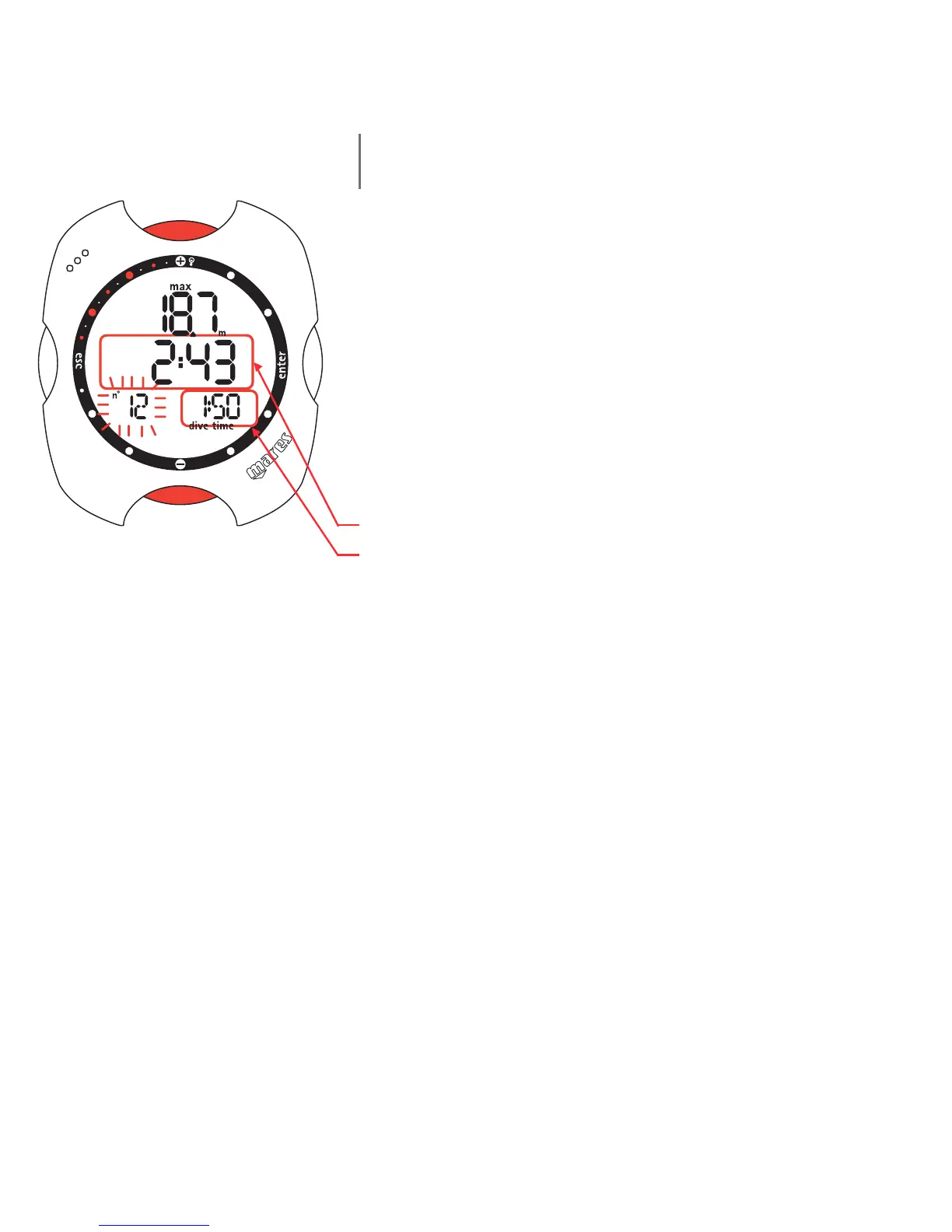
This mode displays the summary data for the dives of a
particular session selected in Log Book - Session - Data.
To move between the different dives, which are numbered
in reverse chronological order, press the <+> or <->
buttons.
The following details are displayed:
• maximum depth reached;
• time at the surface before the dive;
• duration of the dive.
The profile of the last session can only be displayed by
downloading the data to a PC (using the optional IRIS
interface).



 To Next Page