35
PUCK DIVE COMPUTER
ENGLISH
WARNING
The audible alarms should only be
disabled by experienced divers, who take
full responsibility for this operation.
TIME MODE
In this menu you can view the watch, date, and
temperature.
Scroll through the main menu to TIME.
Press and hold the button to enter TIME mode; the
current time will appear.
Press the button to display the date.
Finally, press the button to display the
temperature.
Press the button to move to the ESC position.
Press and hold the button to exit this menu and
return to the main menu.
DIVING WITH PUCK
PUCK manages three different dive types:
• AIR
• EAN
• BOTTOM TIME (GAUGE)
To help clarify how PUCK operates during the
dive, the display screens have been grouped into
four stages:
• Predive
• Dive
• Surfacing
• Surface mode
NOTE
Hold down the button for 4 seconds to
activate the display backlight.
PREDIVE - AIR
This operating mode remains active until the
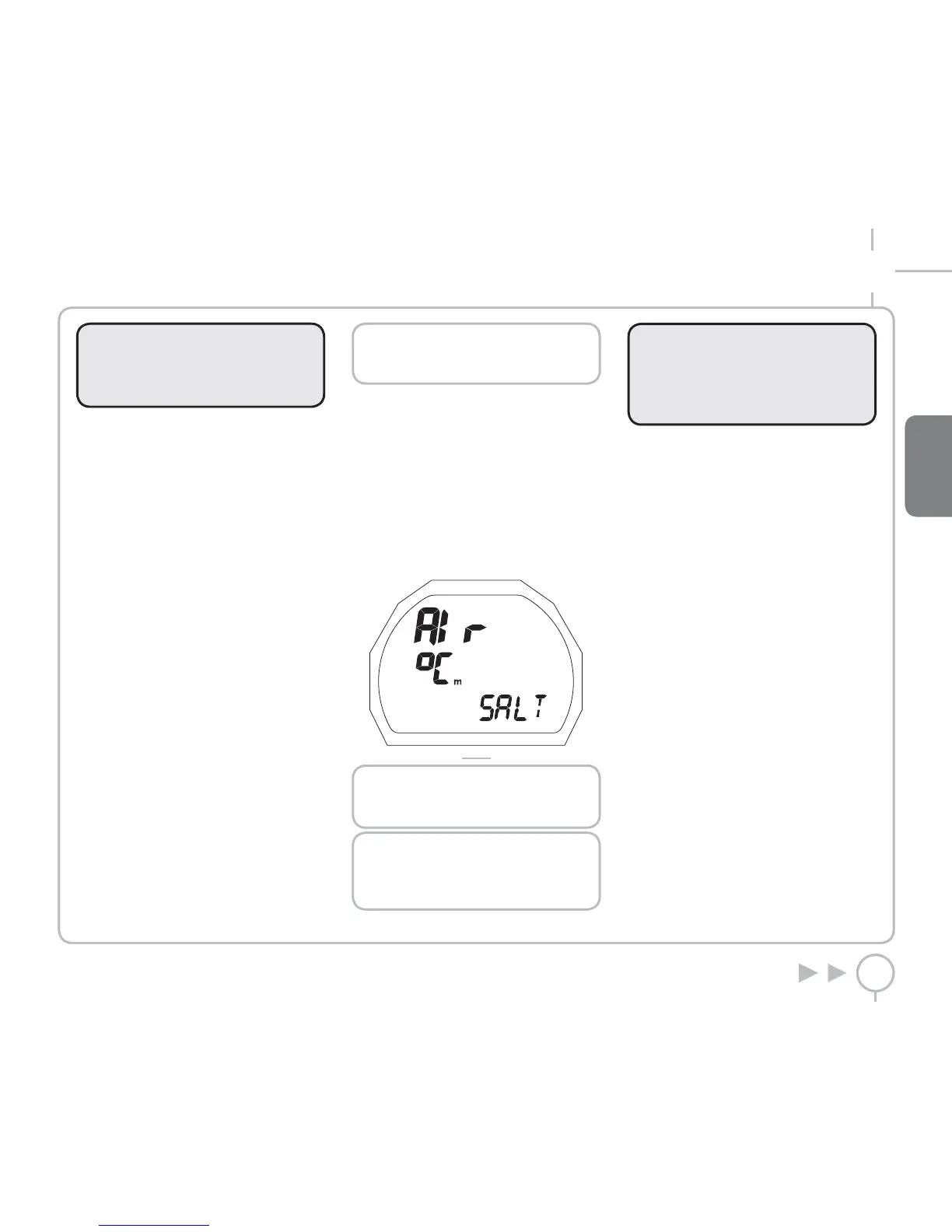
diver goes below 1.2 meters (4 feet). The following
details are displayed (Figure 14):
• Type of dive (AIR)
• Units of measurement (m-°C or ft-°F)
• Type of water (Salt, Fresh)
• Altitude program and level (if enabled)
• Personal correction factor and level
(if enabled)
FIG. 14
NOTE
Before every dive, you should check that
all parameters have been set correctly.
NOTE
If you stay in predive for more than 10
minutes without pressing any buttons,
PUCK will turn off.
WARNING
We advise that when diving you always
put PUCK into PREDIVE mode.
Early in your dive, always check that the
dive computer is switched on.
DIVE – AIR: “NO-
DECOMPRESSION” DIVE
When the diver descends below 1.2 meters (4 feet)
PUCK automatically switches to Dive Mode and
starts displaying the dive data. Remaining in
this mode for more than 20 seconds will make
Puck begin recording the dive details in the Log
Book memory.
The following details are displayed (Figure 15):
• Current depth (in “m” or “ft”)
• The duration of the dive so far (dive time) in
numbers
• No decompression time remaining,
expressed in minutes
• “No deco” icon
• The temperature (in °C or °F)
• The DEEPSTOP icon (if the stop is required)
• Altitude program and level (if enabled)
• Personal correction factor and level
(if enabled)



 To Next Page