31
PUCK DIVE COMPUTER
ENGLISH
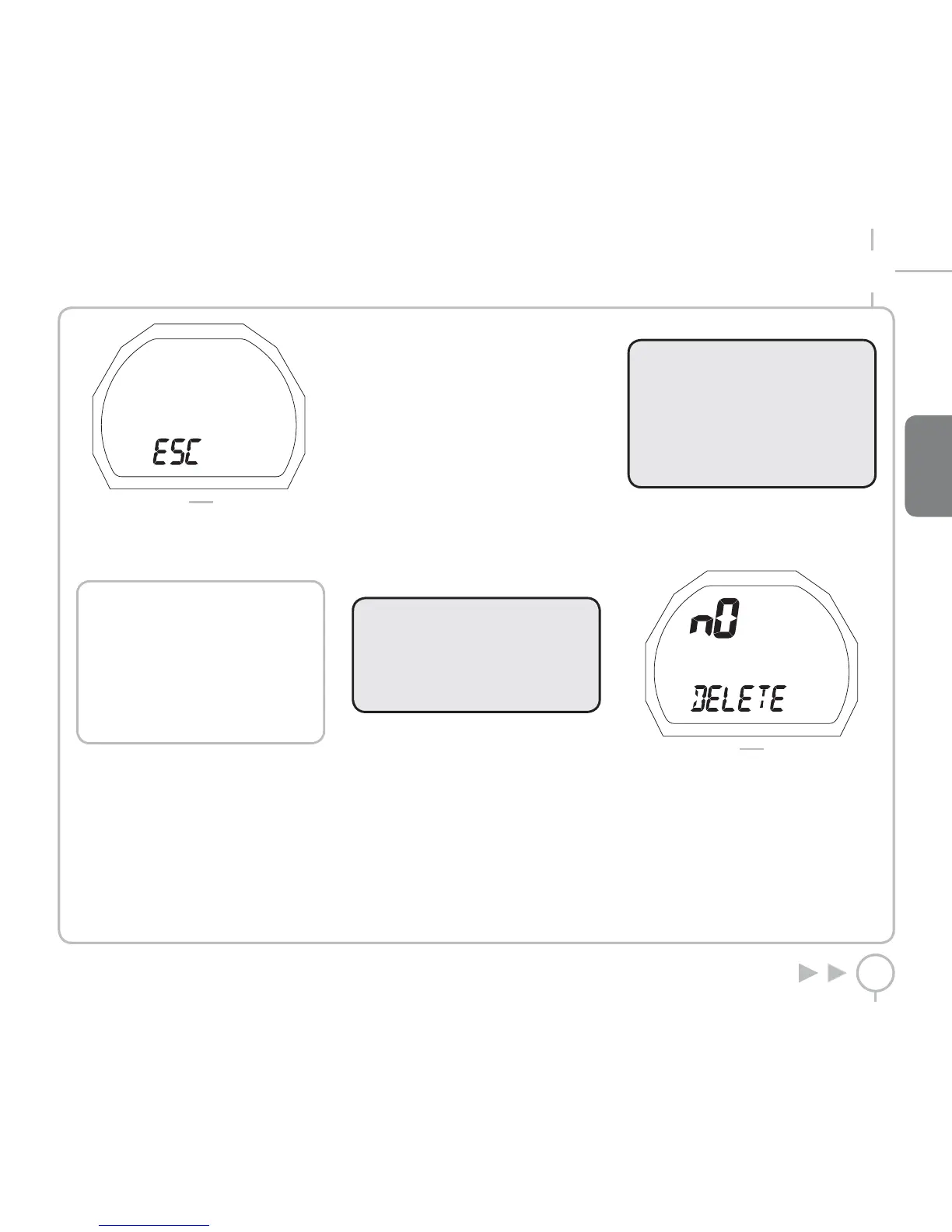
FIG. 4
Press the button to return to the WATCHSET
menu.
Press and hold the button to exit this menu and
return to the main menu.
NOTE
The ESC position is available in all
menus.
When you are in this position, if you
press the button, it takes you to the
beginning of the current menu.
If you press and hold the button, it will
exit the current menu and go back to
the main menu.
ADJUSTING THE GENERAL DIVE
PARAMETERS: SET DATA
In this menu you can adjust the general dive
parameters selected.
• SALT / FRESHWATER
• METERS – DEGREES CELSIUS / FEET – DEGREES
FAHRENHEIT
• CLEAR RESIDUAL NITROGEN
Scroll through the main menu and move to SET
DATA.
To enter the SET DATA menu, press and hold the
button. Either FRESH or SALT will appear.
SET DATA FRESH / SALT
To ensure maximum accuracy, you need to set
PUCK for either fresh water (“Fresh”) or seawater
(“Salt”) as appropriate. Check this setting often,
especially if you use the instrument in a variety of
environments (lake, sea, swimming pool).
Press and hold the button to enter change
settings mode.
Press the button to select the desired mode.
Press and hold the button to confirm your
selection.
Press the button to move to the next selection.
WARNING
Before diving, make sure you have
correctly set the units of measurement.
An incorrect setting may give rise to
confusion during the dive, and hence to
underwater behavior errors.
SET DATA °C METERS / °F FEET
You can select the units of measure to use: metric
(°C and m) or Imperial (°F and ft).
Press and hold the button to enter change settings
mode.
Press the button to select the desired unit of
measure.
Press and hold the button to confirm your selection.
Press the button to move to the next selection.
SET DATA DELETE TISSUE
WARNING
This option is intended only for highly
experienced divers. Users who clear the
residual nitrogen memory cannot use the
instrument for repetitive dives. After this
operation, do not dive with PUCK if you
have already dived within the previous
24 hours.
Use this function to clear the residual nitrogen
memory.
In Set DATA mode, display the word DELETE
(Figure 5).
FIG. 5
Press and hold to enter; the word NO will begin
to flash.
Press the button to change the selection.
To clear the residual nitrogen memory in the
tissue compartments, press and hold when the
word “YES” appears.
If you do not want to clear the residual nitrogen
memory in the tissue compartments, press and
hold when the word “NO” is displayed.



 To Next Page