7
NOTE
- The Mares tank module has a range of
approximately 1.5m/5ft.
- The tank module remains on whenever
it senses a pressure above 15bar/220psi.
In order to maximize the life of the
battery, after a dive close the tank valve
and purge the second stage completely.
- If a tank module battery is weak, Quad
Air alerts you by blinking the battery
symbol together with G1 (or G2 or G3) in
the upper right corner.
Refer to the dedicated tank module manual for
information on how to replace the battery in
the tank module.
NOTE
- You do NOT need to repeat the pairing
procedure after a battery replacement in
the tank module.
- You do NOT need to repeat the pairing
procedure after a battery replacement in
Quad Air.
- You do NOT need to repeat the pairing
procedure after upgrading the firmware
in your Quad Air.
• 2. MENUS, SETTINGS AND
FUNCTIONS
This chapter describes in detail all menus,
setting and functions of the Quad Air dive
computer.
Quad Air always switches on in pre-dive mode.
From here, pressing the UP or DOWN button
allows you to scroll through the following
sequence of menus:
- MOdE: allows you to set the computer to air,
nitrox or bottom timer mode;
- SEt: allows you to view and change all
settings relative to the dive computer;
- LOG: allows you to access the detailed
history of the dives performed;
- PLAN: allows you to plan dives as a function
of depth based on your current nitrogen load;
- PC: allows you to download dives to a PC or
Mac
- INFO: allows you to view information about
software and hardware of your Quad Air.
The pre-dive mode puts the computer in a
ready-to-dive mode and ensures that Quad Air
starts to monitor the dive as soon as a depth
of 1.2m/4ft is reached. If you start the dive
without putting Quad Air into pre-dive mode,
it will start to monitor the dive automatically
but with a delay of up to 20 seconds from
immersion.
The pre-dive display shows p factor and
altitude settings, time of day, surface interval
since the last dive and tank pressure (when
available and upon having activated the
communication by pressing and holding the
lower left button). If Nitrox is set, it will show
the O
2
percentage and the corresponding MOD.
NOTE
- In order to preserve battery life, the tank
data is not automatically shown in pre-
dive. You must press and hold the lower
left button to activate the communication.
Hence upon first entering into pre-dive,
the bottom left corner will show P 1s,
indicating that you must press the button
for 1 second before you can see the tank
pressure.
- If you remain in pre-dive for longer than 3
minutes without pressing any button, Quad
Air will switch off.
- It is recommended to put Quad Air into
pre-dive before submerging. Not doing
so can lead to a delay of up to 20s in
Quad Air monitoring the dive.
2.1. MOdE
Here you can define the type of gas you will be
breathing during the dive (air or enriched air
nitrox, including multigas). You can also set
Quad Air to bottom timer, in which case Quad
Air will show only time, depth, tank pressure
and temperature: it will not carry out any
decompression calculation and it will not show
any warnings and alarms.
Press the UP or DOWN button to scroll through
the three possible options (AIR, EAN or bottom
timer), then press the ENTER button to select it.
AIR is the equivalent of setting EAN to 21%
and a ppO
2
max of 1.4bar, but simplifies the
display a bit by not showing the CNS (its value
however is calculated in the background and if
needed the 75% warning and the 100% alarm
are triggered).
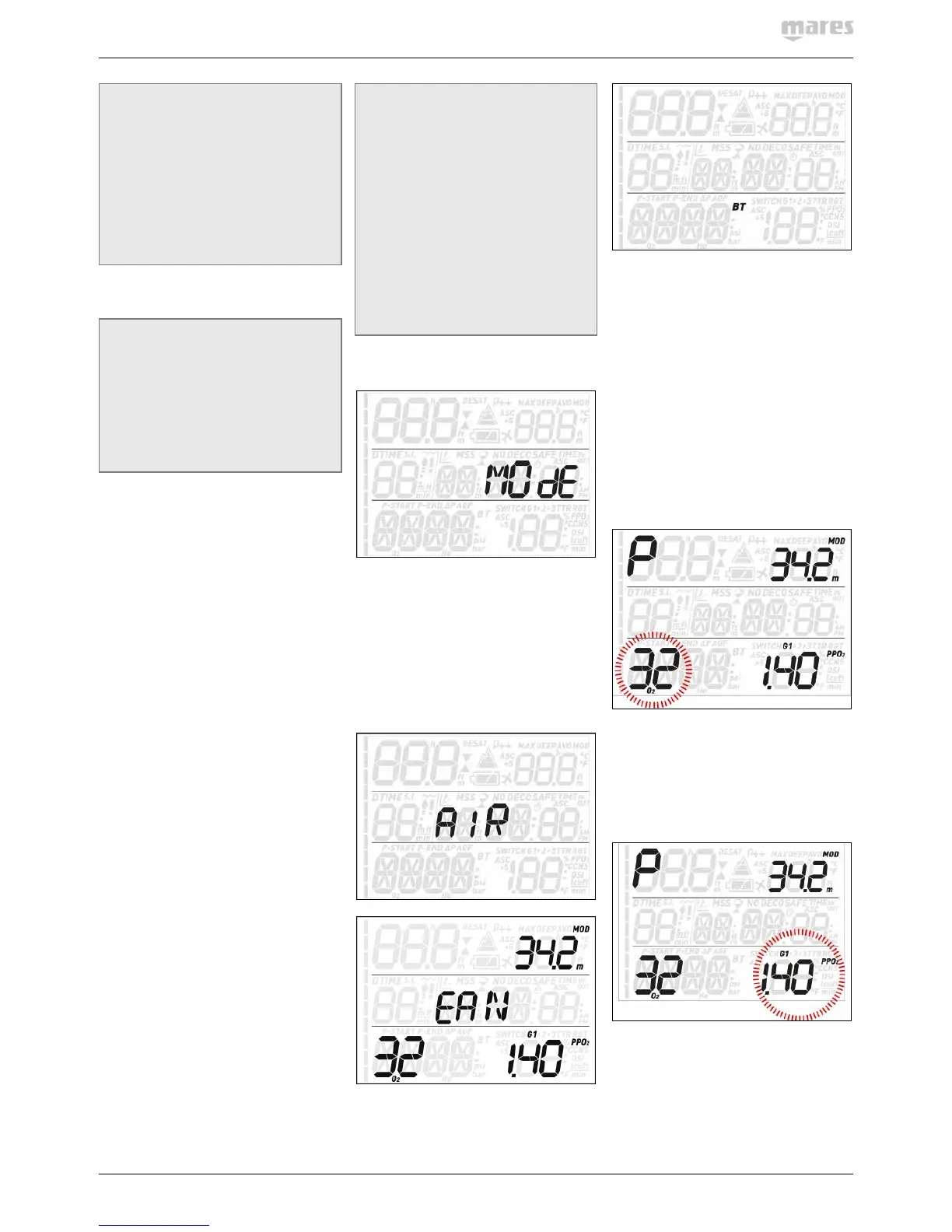
When selecting EAN, you are taken to
a submenu in which you can define the
percentage of oxygen in the mixture (%O
2
) and
the maximum value of oxygen partial pressure
(ppO
2
max) for up to three breathing mixes.
The maximum possible value for the ppO
2
max
is 1.6bar. Most training agencies recommend
not to exceed a value of 1.4bar. A “P” in the
upper left corner indicates that a tank module
has been paired to this channel (G1). Likewise,
“nP” would indicated that no pairing to a tank
module exists for this channel.
Once inside this menu, press the UP or DOWN
button to change the O
2
% and observe how
this affects the maximum operating depth
(MOD). Then press the ENTER button to move
on to the ppO
2
max and use the UP or DOWN
button to change the value, again noticing how
this affects the MOD. Press the ENTER button
again to save the setting.
This leads you to the G2 OFF screen. Press
ESC to exit the menu or go to section 3.5 to
read about diving with more than one gas.



 To Next Page
 Loading...