8
WARNING
- Diving with Nitrox may only be
attempted by experienced divers after
proper training from an internationally
recognized agency.
- Before every dive and after changing
the tank, you must make sure that the
set oxygen concentration in Quad Air
corresponds to the oxygen concentration
in the tank. Setting the wrong oxygen
concentration can lead to serious injury
or death.
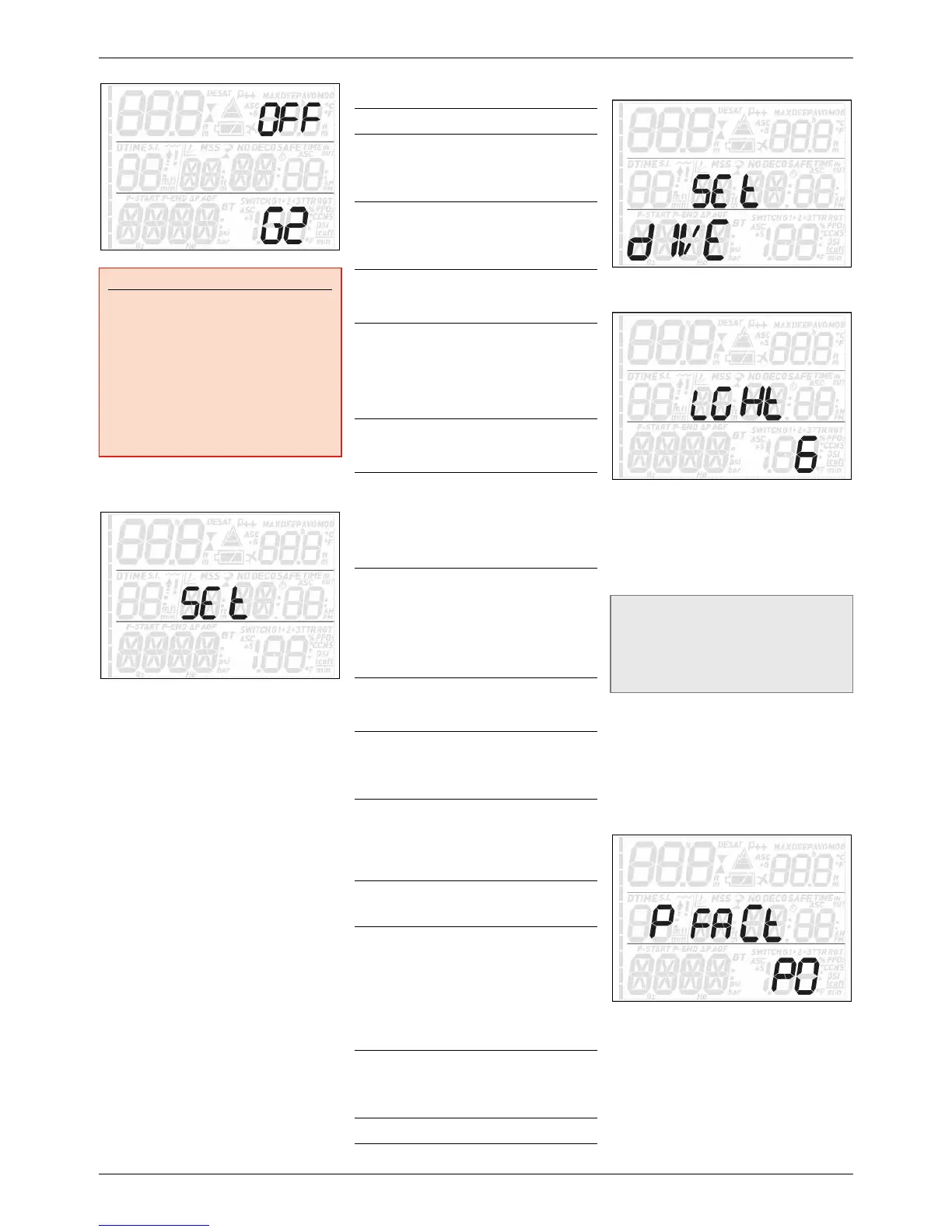
2.2. SEt
Quad Air’s SEt menu allows you to change
settings. Once inside this menu, press the
UP or DOWN button to scroll between two
submenus: SEt dIVE, where you can set
parameters pertaining to the dive, and SEt
tIME, where you can set parameters pertaining
to time and date.
Press the ENTER button to enter a menu, press
the UP or DOWN button to scroll up and down
between available options or to increase or
decrease the value of a setting. Then press the
ENTER button to confirm the change in setting.
Press the ESC button to go up one level in the
menu tree.
MENU Description
SEt dIVE
- LGHt
Allows you to set the duration
after which the backlight turns
off automatically. You can set
this between 1 and 10 seconds.
- P FACt
Allows you to choose between
the standard algorithm (P0)
and an increasingly more
conservative one (P1, P2).
- ALt
Allows you to set the algorithm
into altitude mode when diving
in mountain lakes.
- WAtR
Allows you to choose between
salt (1.025kg/l) and fresh
(1.000kg/l) water or EN13
(1.0197kg/l), corresponding
to the water density used in
European Norm 13319.
- UNItS
Allows you to choose between
metric (m, °C, bar) and
imperial (ft, °F, psi) units.
- GAS INT
EGR
Allows you to pair your Quad
Air with optional tank modules
and to define all parameters
concerning gas integration
(tank volume, half tank
pressure and tank reserve).
- FASt
Allows you to turn off the dive
violation due to uncontrolled
ascent. This is for dive
instructors only, who may
find themselves in such a
situation because of their
teaching requirements.
- DEEp
Allows you to activate or
deactivate the visualization of
deep stops.
- tEMp
Allows you to define whether
the temperature is displayed
in the top right or bottom
right corner of the display.
- ASC 5
Allows you to define whether
the projected ascent time is
displayed in the top right or
bottom right corner of the
display.
- ALRM
Allows you to turn on or off all
audible alarms of Quad Air.
- ErASE
Allows you to reset the
nitrogen saturation to zero,
thereby erasing the effects of
a previous dive. This is only for
people who plan to lend their
computer to another diver
who has not performed a dive
within the last 24hours.
- run AWAy
dECO
Allows you to set the runaway
deco alarm. Please refer to
section 3.3.1 for more details
on this.
SEt tIME
Allows you to set the time.
2.2.1. SEt dIVE
2.2.1.1. LGHt (BACKLIGHT)
Quad Air has a backlight which can be
activated in case of low ambient light. The
backlight is activated by pressing and holding
either of the upper buttons. During a dive, the
backlight will stay on for the duration defined
in this menu. You can choose between 1 and 10
seconds.
NOTE
- The backlight consumes battery energy:
the longer the backlight stays on, the
less your battery will last.
- If the low battery warning is activated,
the backlight will be disabled.
In surface mode, the backlight can be activated
by pressing and holding either of the upper
buttons. The backlight will stay on for 6
seconds, unless you go into any menu, in which
case it will stay on until you return to the pre-
dive display or after one minute of no button
operation (at which point Quad Air turns off).
2.2.1.2. P FACt (P FACTOR)
Quad Air allows you to set an additional
personal safety factor for those circumstances
in which you want to be especially cautious,
such as after a long period of inactivity or
when planning a strenuous dive. In this
menu you can choose between the standard
algorithm (P0), a more conservative version
(P2) or an intermediate one (P1). On the pre-
dive, post-dive, logbook and planner displays,


 To Next Page
 Loading...