13
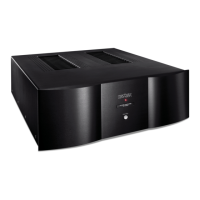
Nº532 Power Amplifier
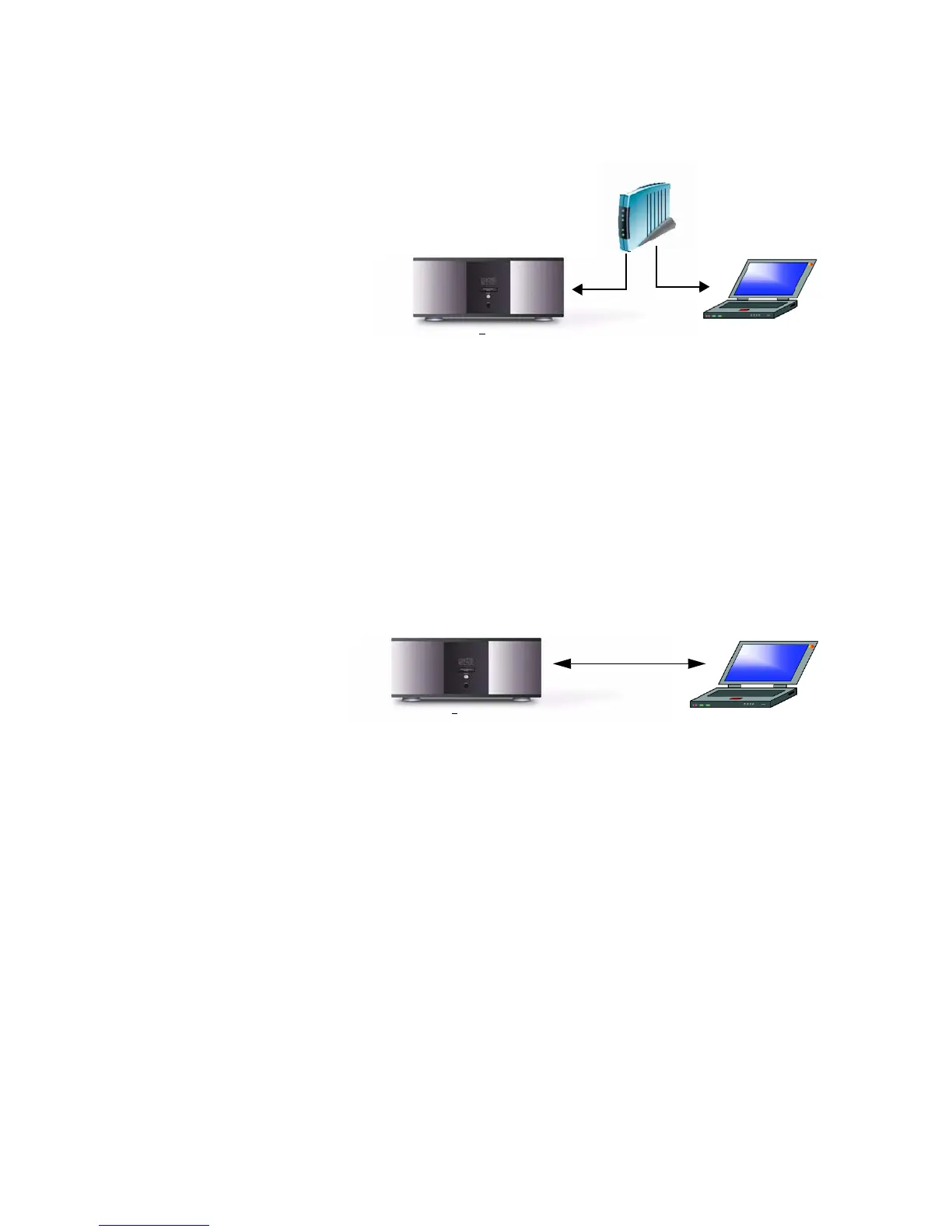
To Connect Using a Router:
1. Connect a network cable between the router and the Ethernet
port on the rear panel of the Nº532.
2. Attach a second network cable between the router and the
Ethernet port of the computer.
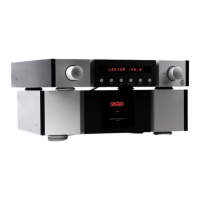
To Connect Without a Router:
To connect the Nº532 directly to the computer, you must use a
network crossover cable. Different from a standard network
cable, the crossover cable is designed to connect network access
ports directly together without a hub, router, or switch.
Connect the crossover cable between the Ethernet port on the rear
panel of the Nº532 and the Ethernet port of the computer.
Internal Web Page
When connected to a computer, the Nº532 has an internal Web
page that provides access to:
• Network Setup – allows the user to modify the network setup
parameters. Accessing the internal Web page is the ONLY way to
modify the network setup parameters of the Nº532 amplifier.
• Status Information – provides basic status information for
the Nº532.
• Error Reporting – tracks system-related error messages for the
Nº532. This page is a diagnostics tool for Mark Levinson
Customer Service use.
The Nº532 MUST be connected to a computer via the Ethernet port
before you can access the internal Web page.
Computer
N
o
532
Router
Computer
N
o
532
Cable
Crossover










 To Next Page