FX20 INSTALL GUIDE
10 VERSION 1.6 | APRIL 26, 2024
FX20 LEVELING AND CORRECTION
Before beginning this section, conrm that the machine is in the customer's intended nal operating
location, and that the location meets all Facilities Guide requirements and guidelines.
Note: In this guide, "x-axis" means right-to-left, "y-axis" means front-to-back.
PREPARATION
INITIAL SETUP
1. Ensure that all shipping boxes have been removed from the build chamber (see above).
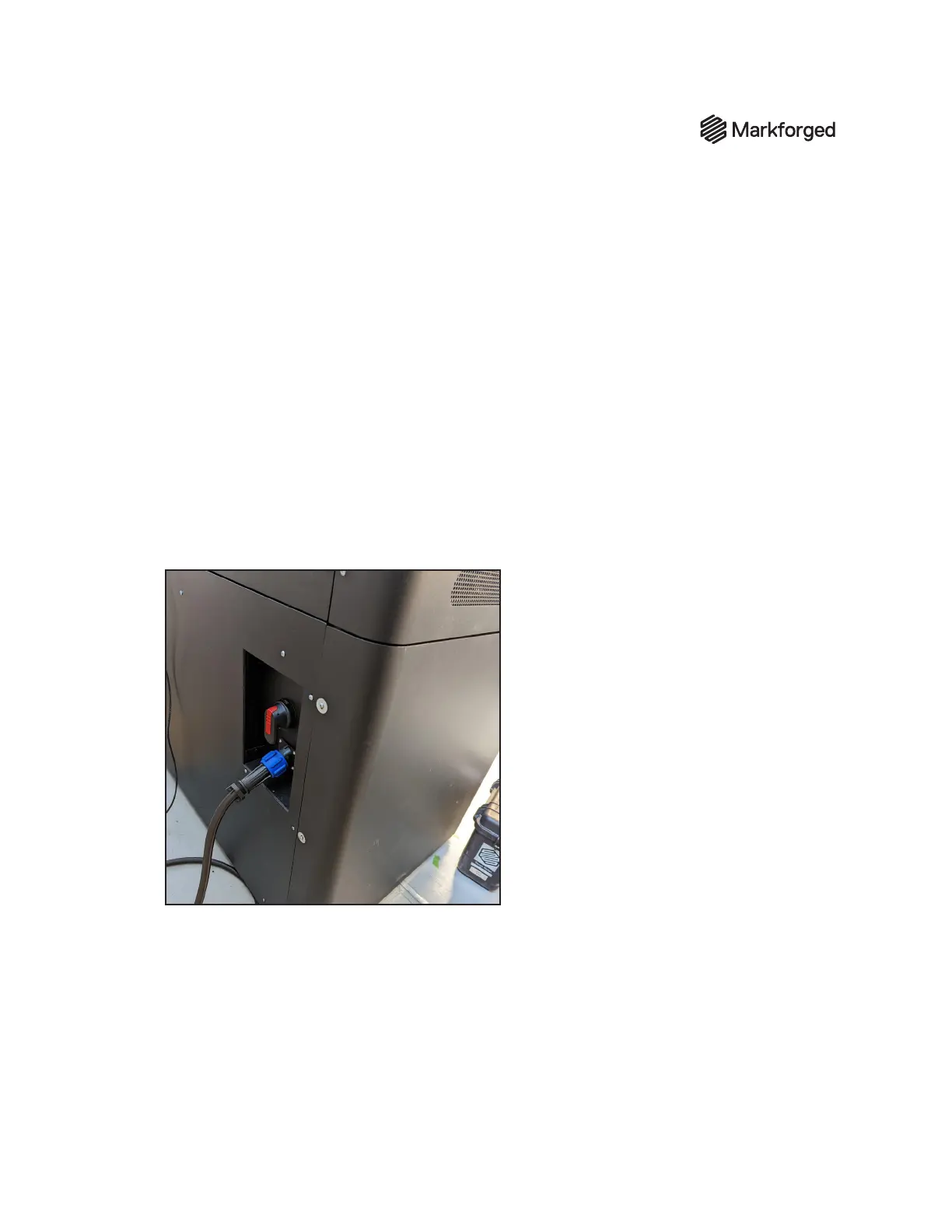
2. Power down the printer using the power switch on the rear of the machine, then disconnect the
power cable from the printer.
REMOVE SHEET METAL PANELS
1. Remove the lower left side panel by removing the screws at the back of the machine using a 3mm
hex driver.



 To Next Page