11
FX20 INSTALL GUIDE
VERSION 1.6 | APRIL 26, 2024
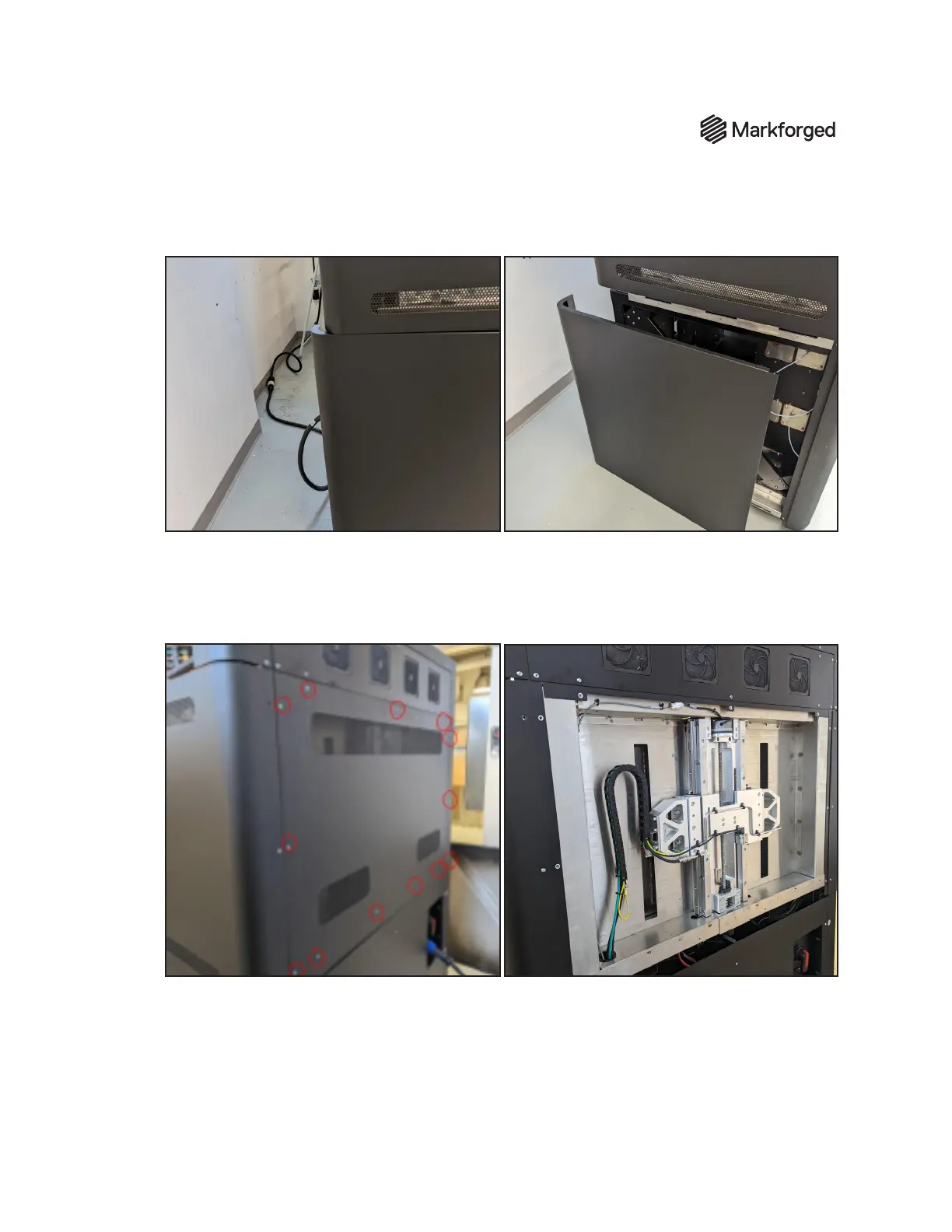
2. Slide the panel backward to remove the panel from the mount. Place this panel aside where it won't
be damaged.
3. Repeat steps 1 and 2 on the opposite side for the side panel removal. The screw locations and
placements are mirrored.
4. Expose the z-stage components by removing the upper rear panel using a 3 mm hex driver to
loosen and remove all 13 screws. Safely place this panel aside.



 To Next Page