FX20 INSTALL GUIDE
16 VERSION 1.6 | APRIL 26, 2024
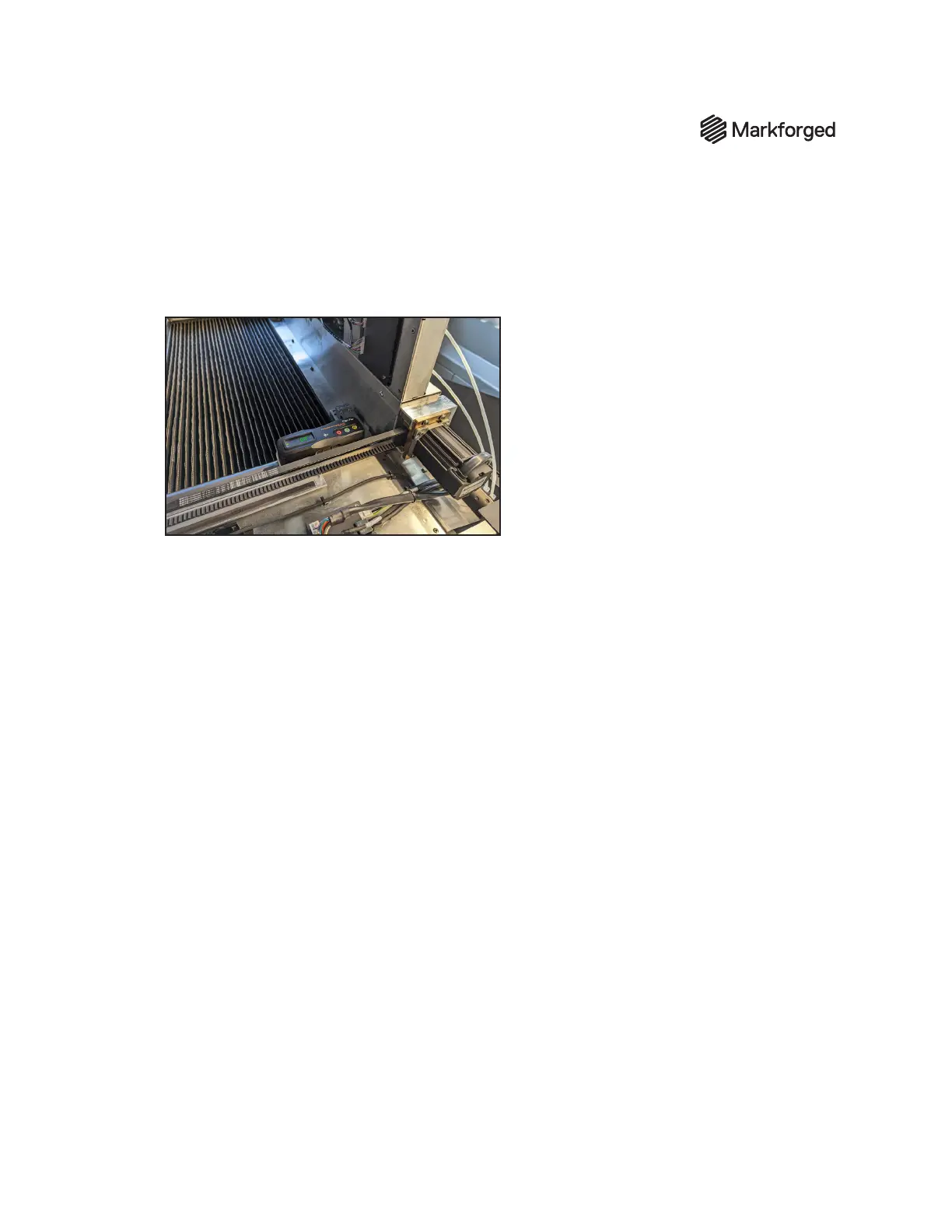
7. Place the level on the left-hand y-rail (Y1), then repeat steps 3-6, writing down the exact reading
from the digital level on the Y1 rail line of the sign-o sheet.. Ensure that the digital level is
reading the ALT zero established from the z-stage mount. Again, it is critical that you do not change
orientations from measurement to measurement; ensure that the screen/button orientation
remains the same with respect to the machine from step to step.



 To Next Page