31
FX20 INSTALL GUIDE
VERSION 1.6 | APRIL 26, 2024
8. Use the step stool to safely approach the top of the printer, and with the lid still open, tighten the
two (2) screws that were previously loosened to 70 in-lb. Once this is complete, step down and
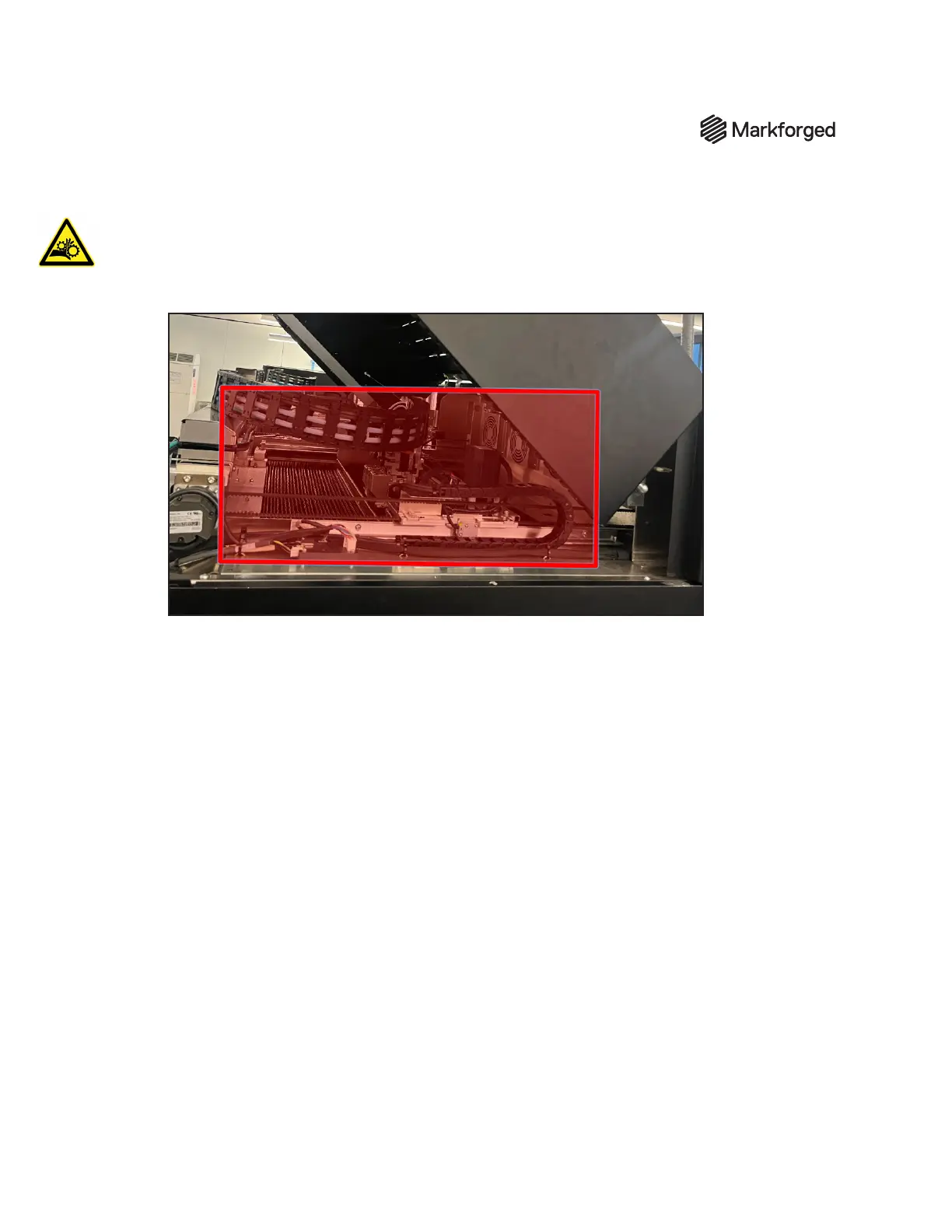
away from the top of the machine. WARNING: The motors are still energized, and there is a
crush hazard throughout the indicated area. Do not perform any other actions on-screen while
the device is in this state.
9. Remove the lid safety override and close the lid.
10. Run XYZ Initialization. Conrm that the utility runs to completion without any rmware errors.



 To Next Page