15
DESKTOP PRINTER QUICK START GUIDE
2. In Eiger, select Devices or Printers from the sidebar, then click the Register Device button in the top
be found on the sticker on your Getting Started card, as well as by selecting the menu icon from the
dashboard and navigating to Settings > System Info.
Note: You do not need to include any hyphens in the Device ID field.
3. Logo Keychain Onyx
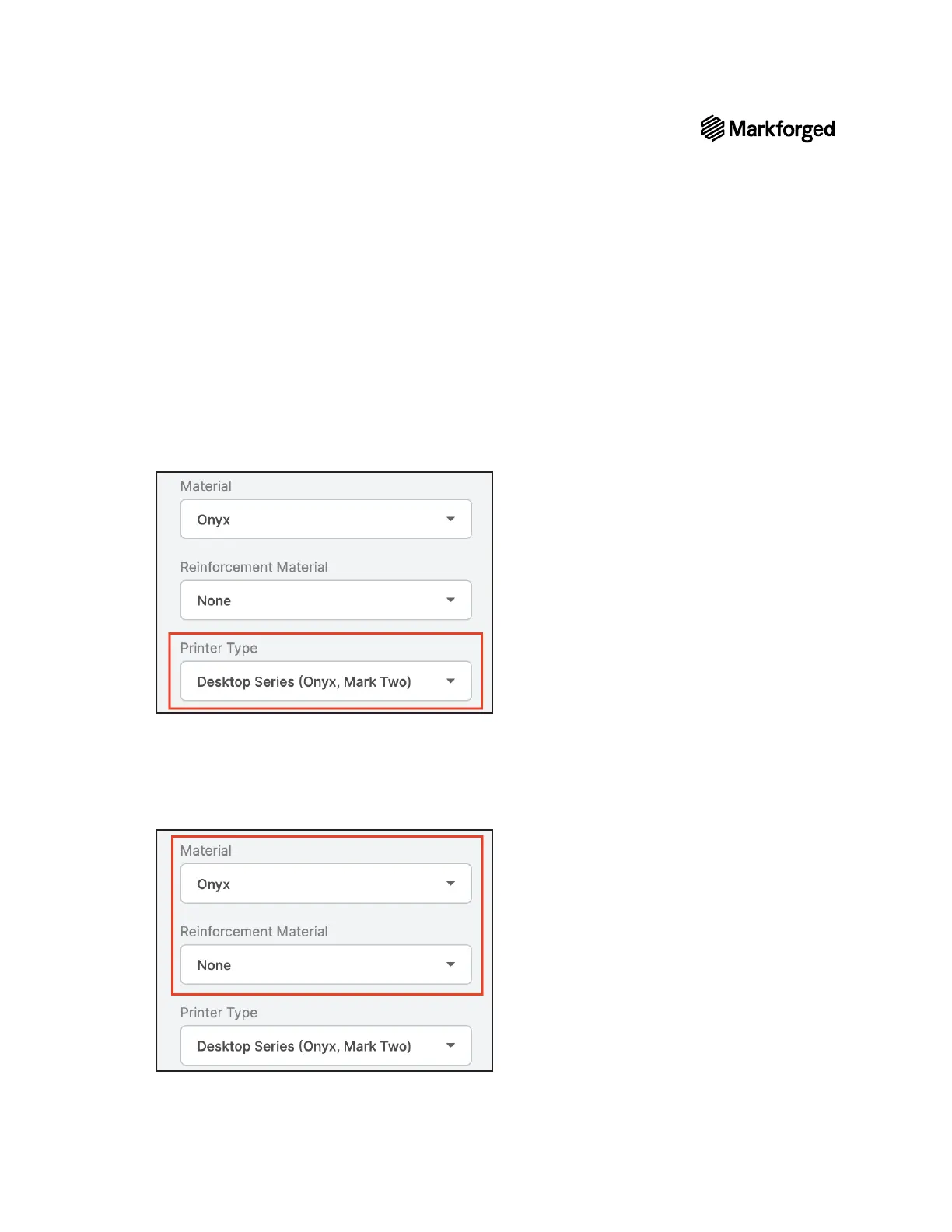
4. Desktop SeriesPrinter TypePart Settings
5. Select the material types that you will use for this print from the Material and Reinforcement Material
Note: This part can be printed with any combination of fiber and plastic. If you have loaded
materials other than the defaults for this part, please update the materials field in Eiger to
reflect your materials. If you print this part in nylon, consider changing the name of the part in
the top left corner of the page to reflect the material change.
6. Save.
7. Print



 To Next Page