29
Physical Functions
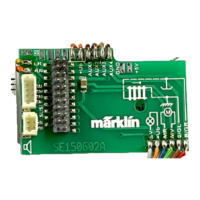
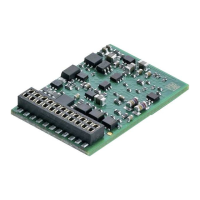
Each of these functions must be connected externally to the
circuit board. We therefore speak of physical functions. A
unique mode/effect can be assigned to each physical output
(AUX / lights) in digital operation. Three CVs are available for
each output for this purpose. Only one mode/effect can be
set for each output. A complete table for this can be found
on the Internet at:
www.maerklin.de/de/produkte/tools_downloads/tech-
nische_infos.html
Logic Functions
Since these functions are only executed by software, no
physical output is required for them. We therefore speak
here of a logic function.
Acceleration/Braking Delay
• The acceleration and braking time can be set separately
from each other.
• The logic function ABV can be assigned to any function
button by using the function mapping.
Switching Range (RG)
• The switching range causes a reduction in the current
speed of the locomotive. This allows a fine touch in the
controlling the locomotive. The switching range can be
assigned in mfx and DCC to any function button by using
the function mapping. See table on page 39 for setting
CV, CV 137 or mfx menu for the Central Station.
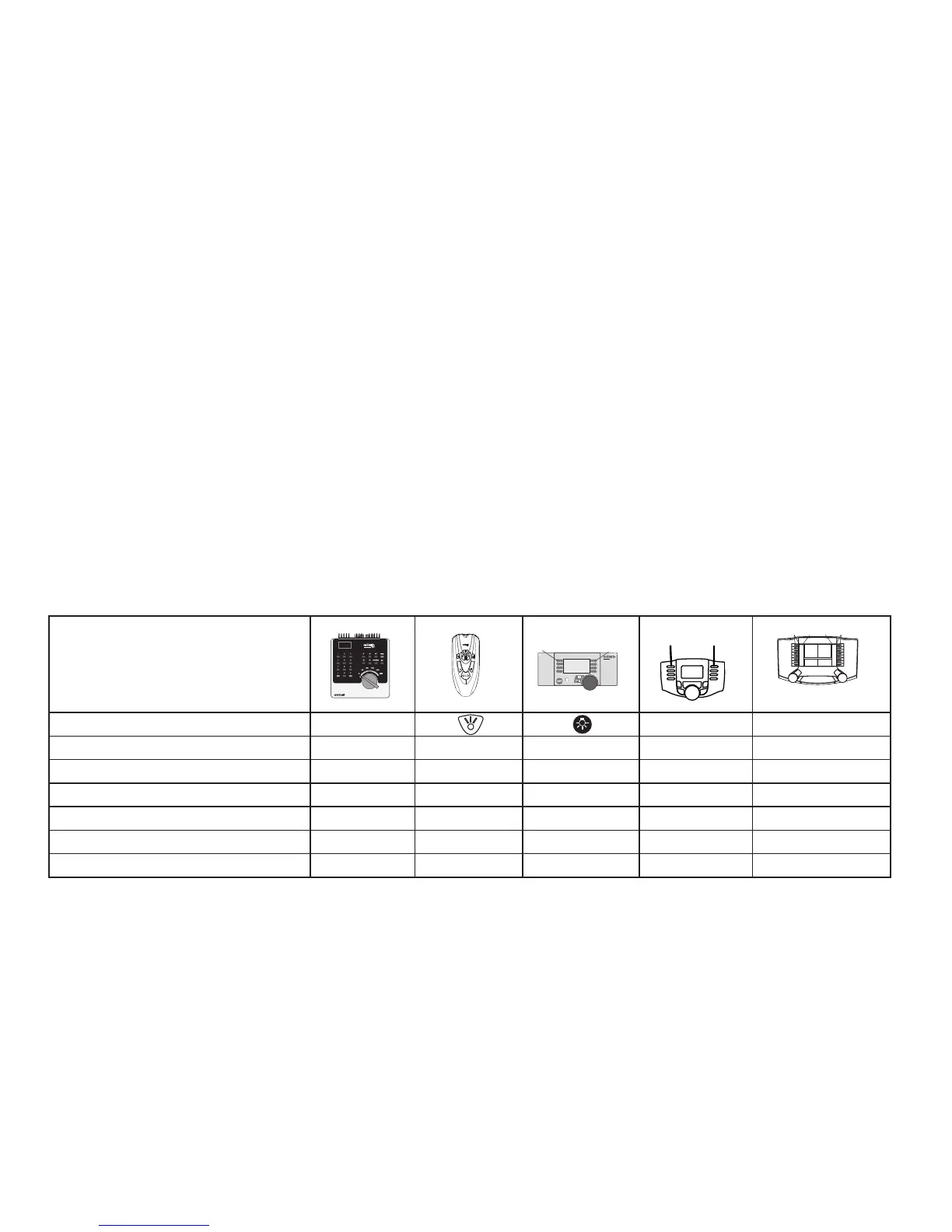
Controllable Functions
Headlights function/off Funktion f0 Funktion f0
Aux 1 f1 Funktion 1 Funktion * Funktion f1 Funktion f1
Aux 2 f2 Funktion 2 Funktion * Funktion f2 Funktion f2
Switching Range f3 Funktion 3 Funktion * Funktion f3 Funktion f3
ABV out f4 Funktion 4 Funktion * Funktion f4 Funktion f4
Aux 3 (nur 60942) — — Funktion * Funktion f5 Funktion f5
Aux 4 (nur 60942) — — Funktion * Funktion f6 Funktion f6



 To Next Page