44
USE
Charge the battery
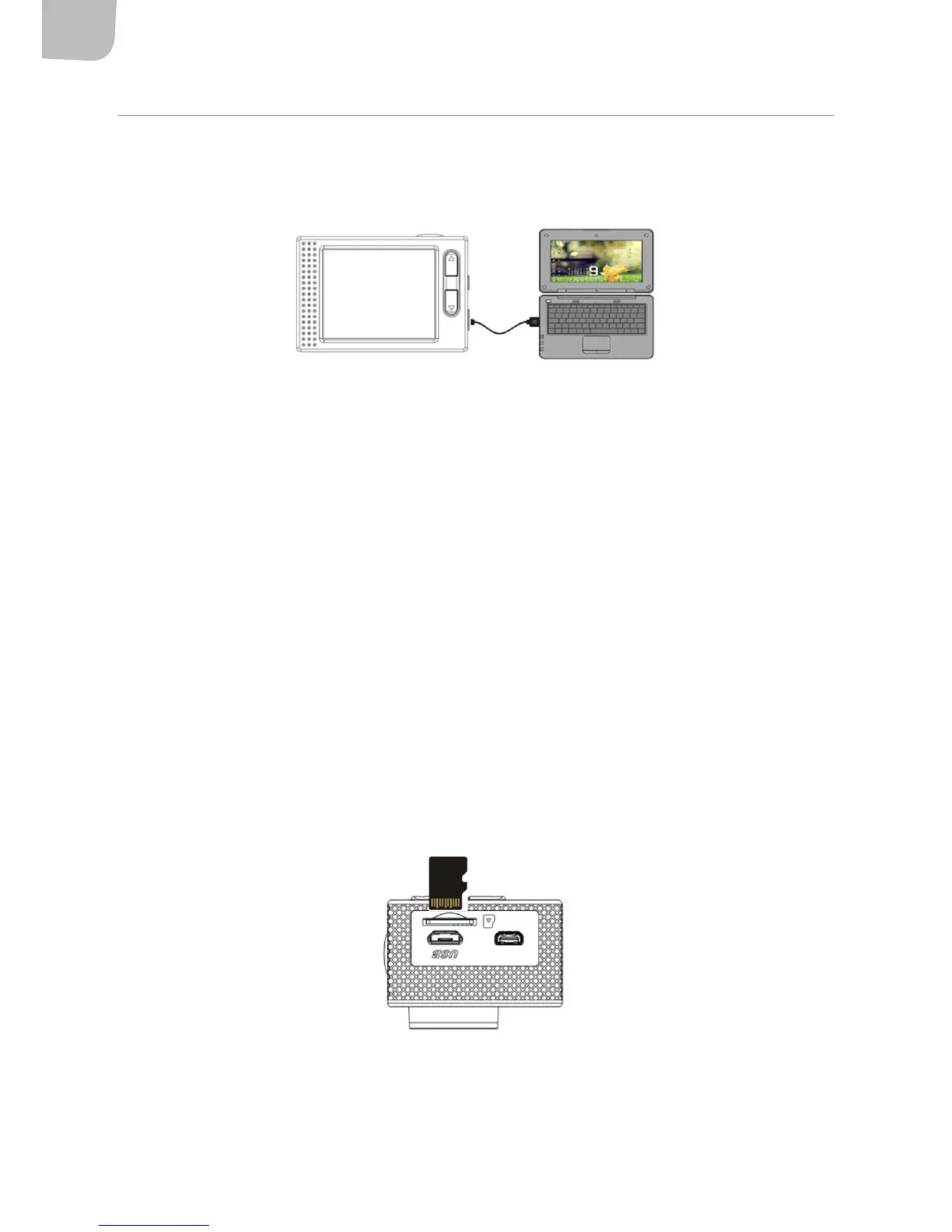
1. Connect the switched o camera to a computer (or USB charger) to charge the battery.
2. The charging indicator will go on during charging and go o when fully charged. The battery
is normally fully charged after about hours.
Using the memory card
NOTE:
• Us a high speed memory card class 4, or higher.
• New memory cards and memory cards that contain data from other cameras, or data that the
camera does not recognise, must be formatted before they are used.
• The memory card gets hot during use. This is quite normal.
• Memory card capacity decreases over time. Replace the memory card if this happens.
• Store the memory card in its case when not in use.
3. Disconnect the power supply to the camera before inserting or removing the memory card.
4. The camera does not have a built-in memory. Insert a memory card before use. The camera
will not work without a formatted memory card. Insert the memory card according to the
instructions by the card slot. Carefully press the end of the memory card to feed in the card.
Starting and switching o
Starting
Press the power switch for three seconds. The display lights up and the camera switches on.


 To Next Page