47
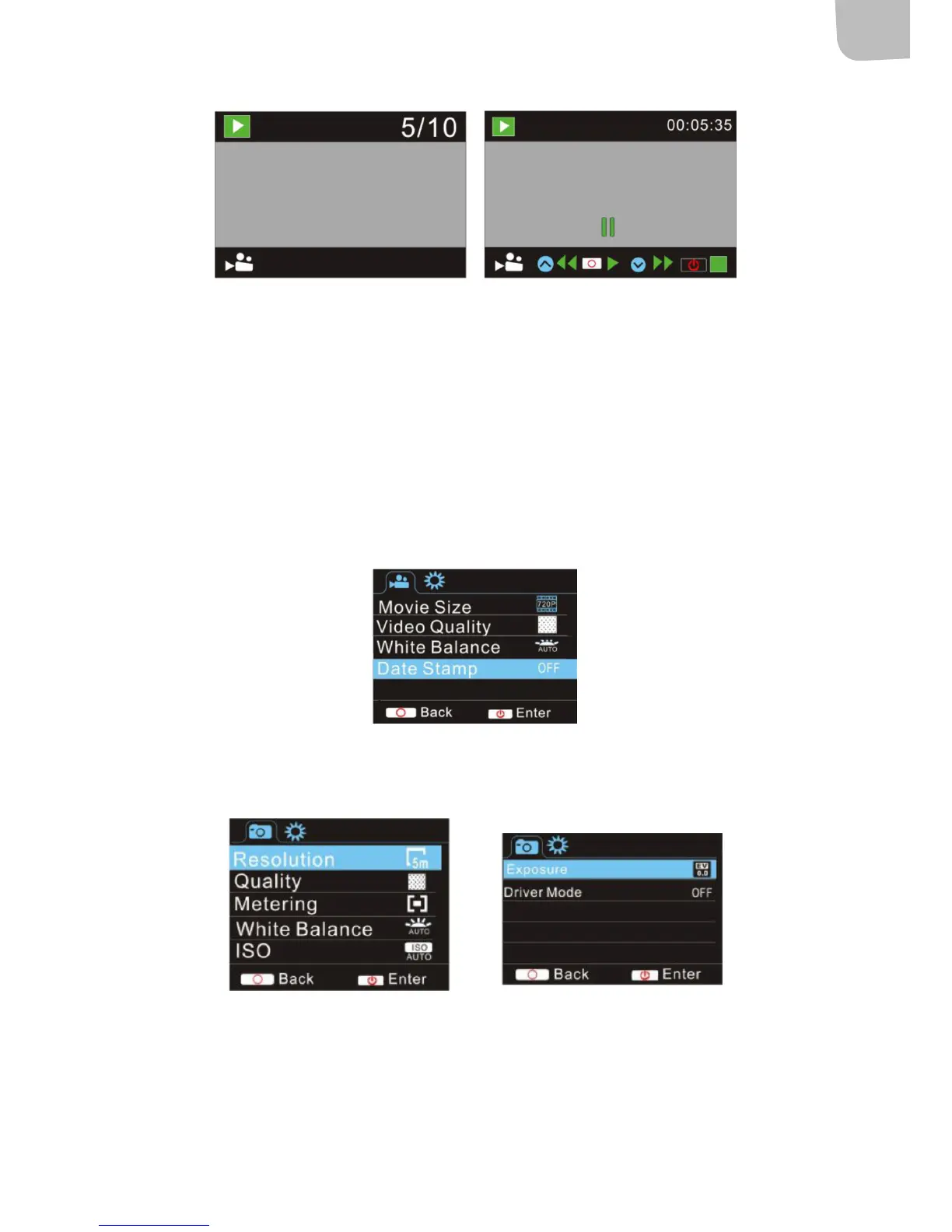
Playback of video le Video pause mode
SETTINGS
Menu display
In photo, recording, car or playback mode:
1. Press the power switch to open the menu and highlight unwanted items with the
UP/DOWN buttons.
2. Press the shutter button to open the submenus. Highlighted items are shown with
blue background.
Menu recording/car mode
Menu photographing mode
System menu
1. Open the menu by pressing the power switch.
2. Press the mode selector button to switch to the settings menu.
3. Highlight unwanted items with the UP/DOWN buttons and press the shutter button to open


 To Next Page