MARS DRINKS AROMA™ User Guide
6
Indicator Lights
Drink selection buttons feature corresponding indicator lights that will
illuminate when the drink is selected.
Diagnostic Lights
For ease of use, your brewer features three diagnostic lights on the user
interface panel. These lights will flash notifying you if an action is needed.
The DOOR diagnostic light will flash if the door needs to be closed.
The PACK diagnostic light will flash if the pack needs to be inserted or
removed.
The WATER diagnostic light will flash if the cold tank needs to be
filled.
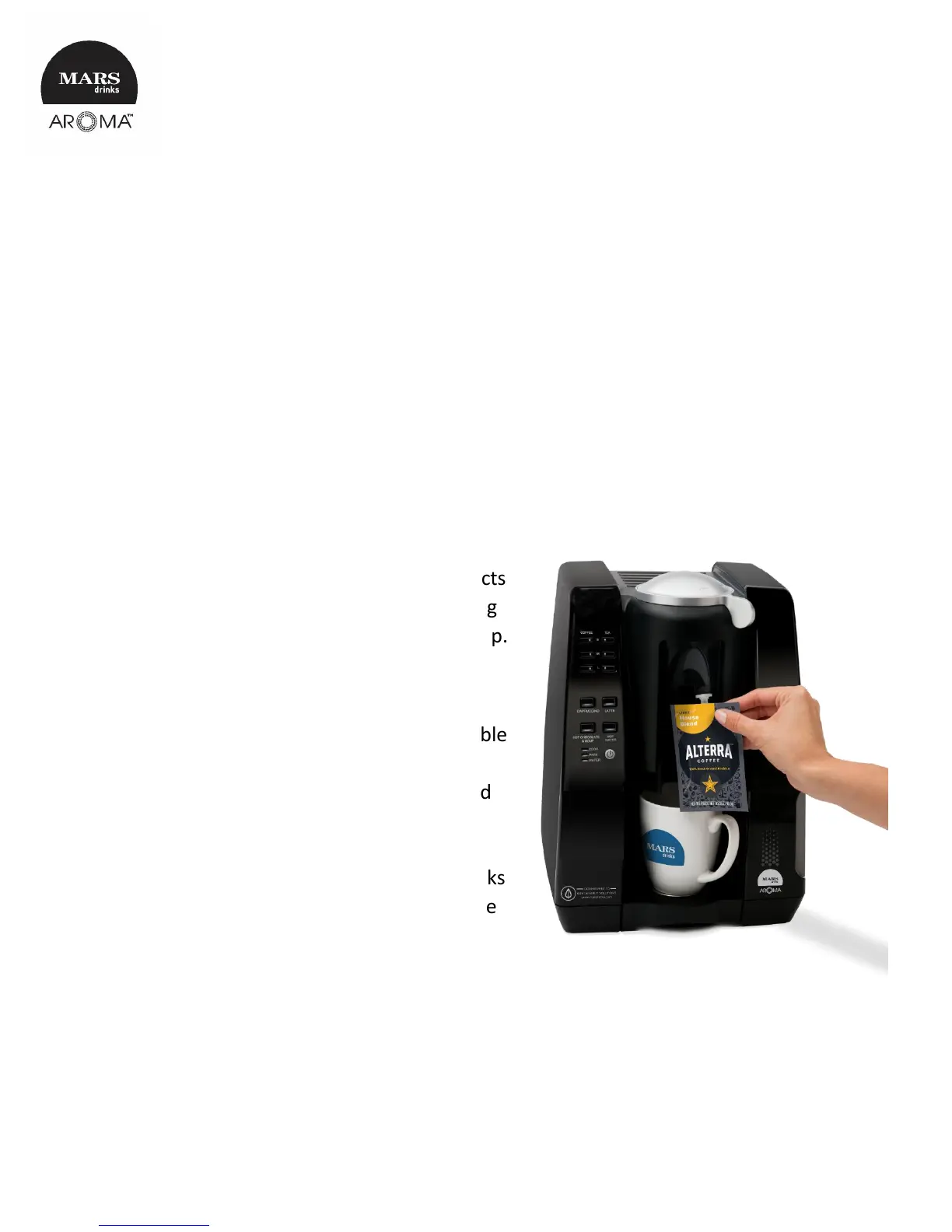
Freshpacks
Our Freshpack isn’t any ordinary pack. It not
only seals in freshness and flavor, it also acts
as a self-contained brew chamber, enabling
your drink to brew directly from pack to cup.
This means that any lingering flavors from
the previous cup won’t transfer to yours.
IMPORTANT: This brewer is NOT compatible
with MARS DRINKS Espresso Freshpacks.
Espresso packs have distinctive red winged
nozzles. Only standard Freshpacks with
white nozzles should be used with the
brewer. Attempting to force incorrect packs
into the brewer will result in damage to the
brewer.
NOTE:
• Freshpacks should be stored in a cool dry place.
• Freshpacks should not be stored in a refrigerator or freezer.


 To Next Page