ENGLISH-13
29933/02080 Rev CA
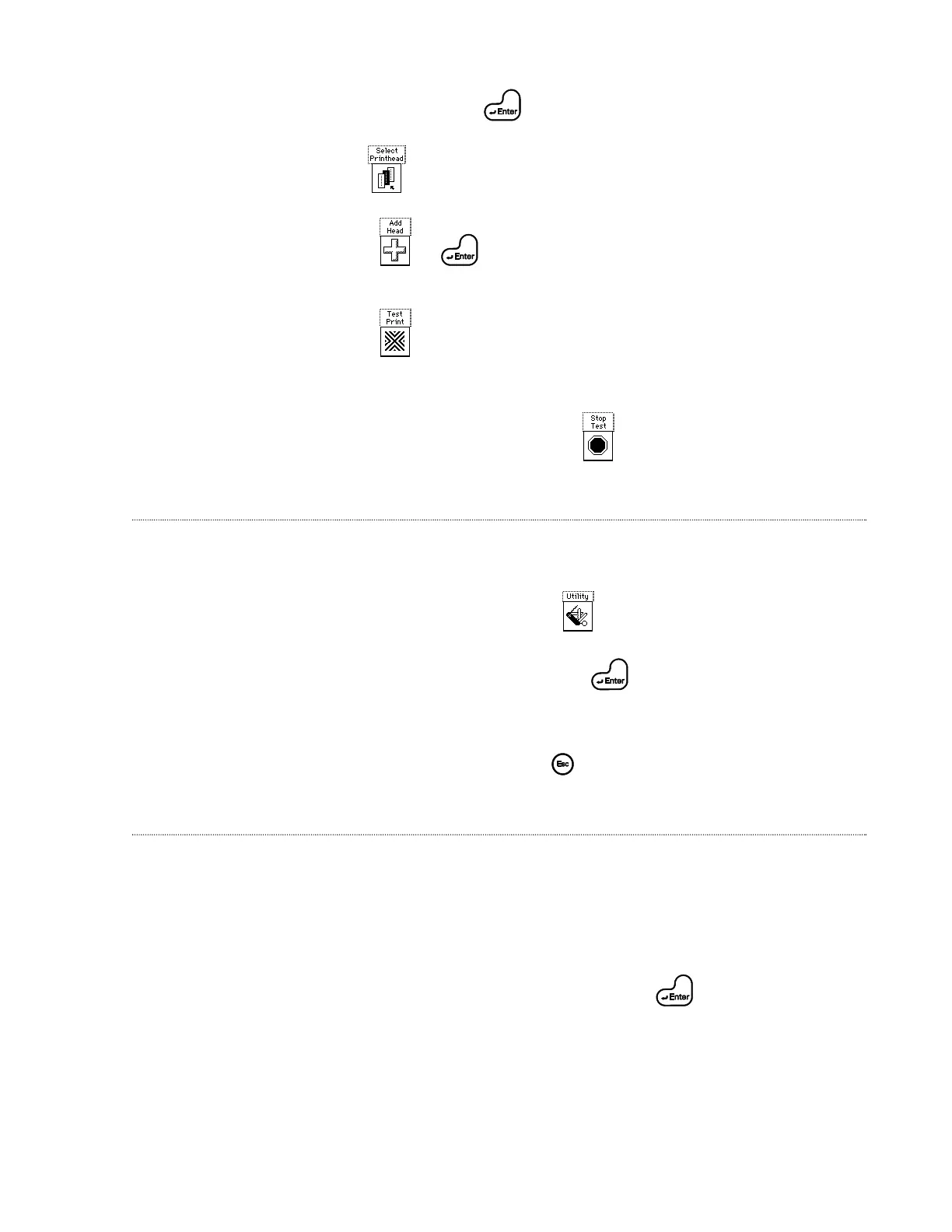
1. Highlight Purge; press .
2. Use to highlight printhead to be tested.
3. Press or to display the nozzle associated with the highlighted
printhead.
4. Press .
5. Pass test-card or box in front of printhead.
6. To stop test process at any time, press .
ML8 (EMULATION MODE)
1. Plug KID into back of PatrionPlus controller.
2. From controller homescreen, press .
3. Highlight ML8 Emulation option; press . System transfers control of the
PatrionPlus system to the KID. Note: See Technical Manual for complete list of
commands.
4. To return to Patrion mode, press .
MESSAGE SELECTION (PATRION MODE)
1. Plug the input device (Keyboard Input Device (KID), RS-232, etc.) into the back of
the PatrionPlus controller.
2. Begin from homescreen. Press “CTRL T” on the input device. The input device
displays “MSG = ”.
3. Type the message name on the input device; press . Note: Marsh
recommends using capitalized letters and numbers when saving messages created in
the Edit/New Message screen.
4. The PatrionPlus homescreen is updated with the message selected.
Printing Test Pattern
Operating PatrionPlus
System using a
Keyboard Input
Device (KID)


 To Previous Page