18
OSD Configuration Submenu
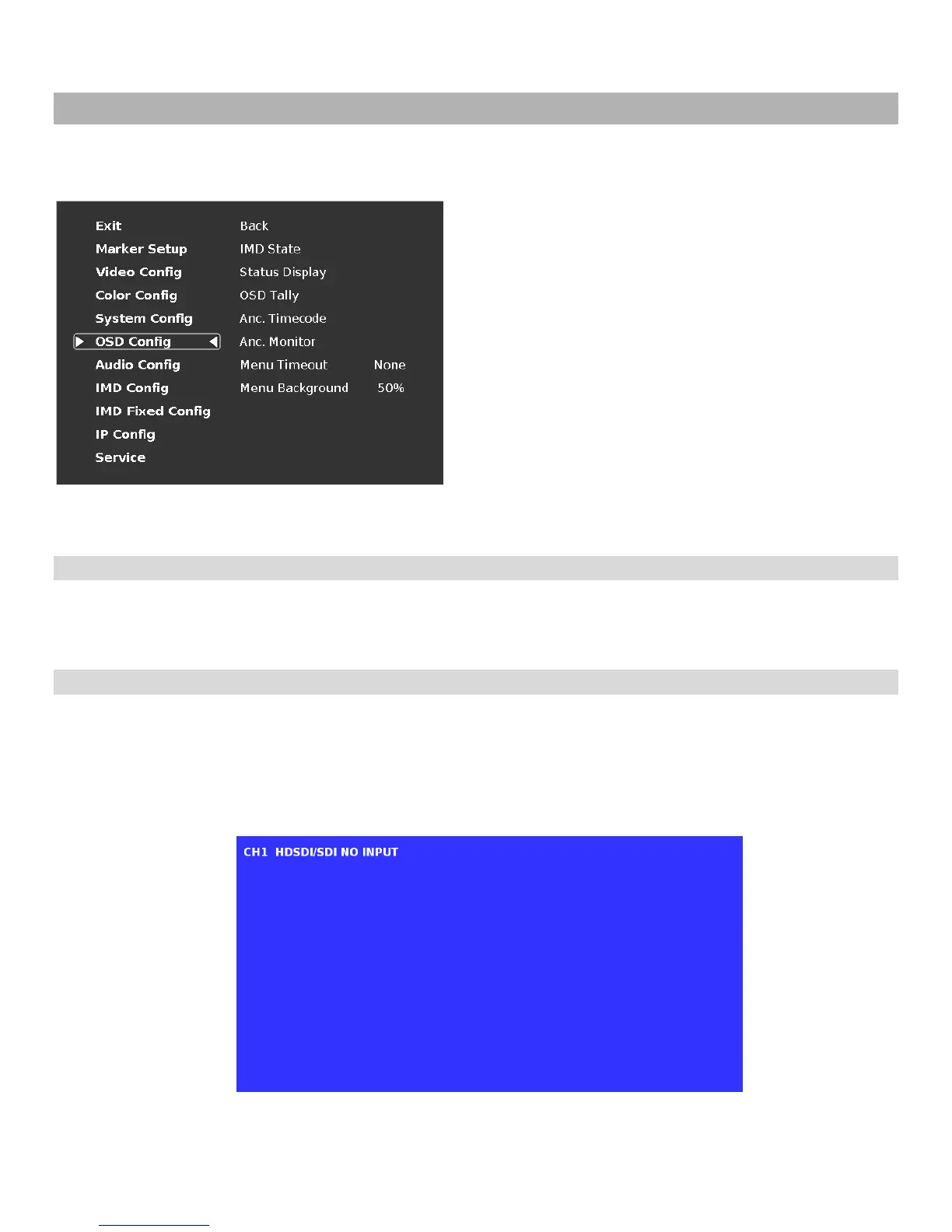
Use the OSD Configuration submenu to select a variety of information to be displayed on the screen.
■
IMD State
Use this setting to enable or disable the IMD text display. This setting affects both the fixed string (entered through
display menus) and remote IMD text commands.
■
Status Display
Use this setting to enable or disable status display. When enabled, the current video input standard is displayed on the
top left of the screen. When disabled, status is only displayed for 2 seconds when the monitor is powered on, when an
input is applied, or when the input video standard changes. The status display reads “No Input” when no video input is
present.
OSD Configuration Submenu
Status Display


 To Next Page