15
English
SWT-X Wireless System
Found on Dynamo 600X, 800X, 1100X, and 1600X. The SWT-X
Subwoofer Wireless transmitter/receiver system is sold separately
and available from your local dealer.
The SWT-X wireless system can be used to establish either a left/
right line level connection or a LFE line level connection.
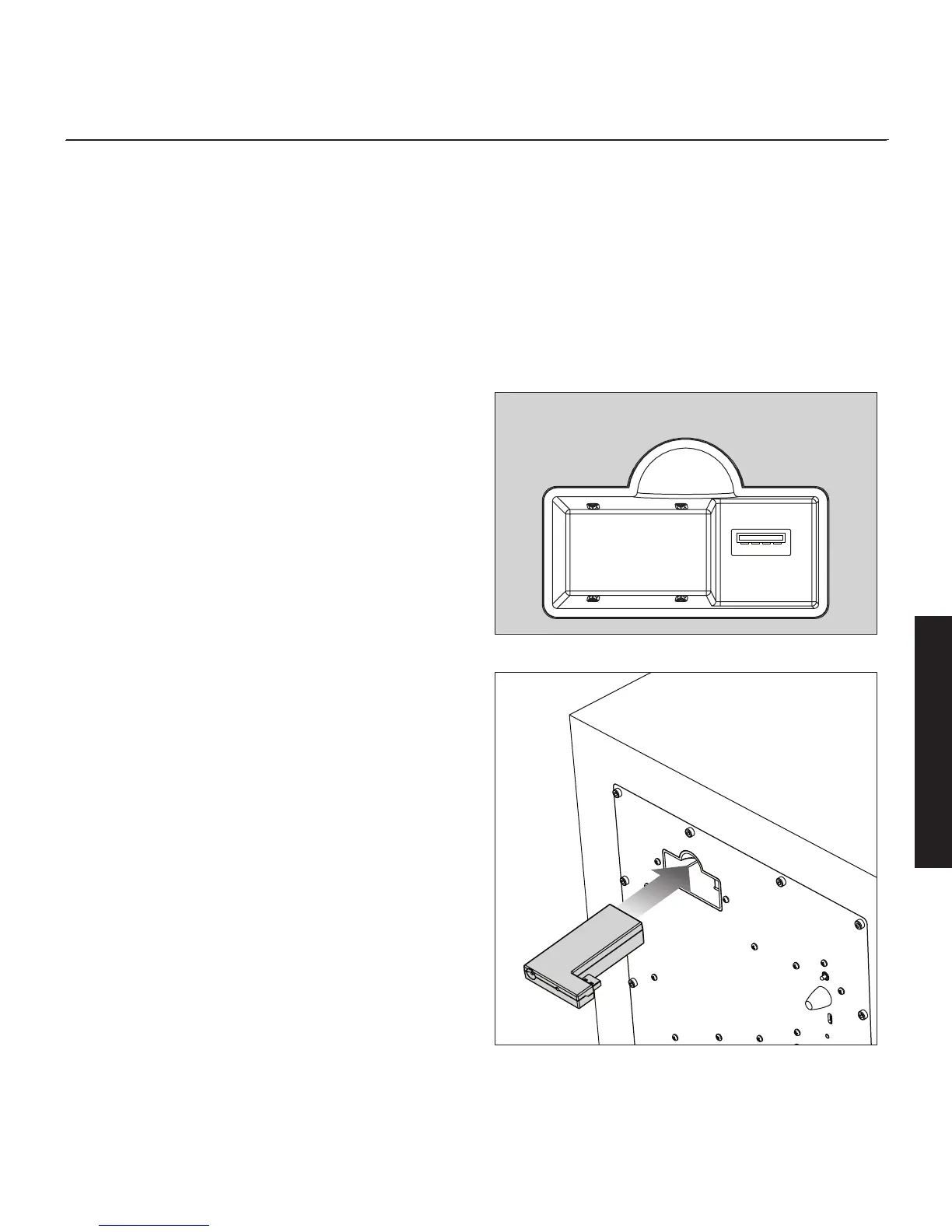
To install the SWT-X wireless receiver, slide it into the Wireless
Module Connection port on the back of the subwoofer.
SWT-X receivers and transmitters are shipped already paired.
Signal Connection:
1 Follow the instructions outlined in "2-Channel Mode" or "Multi-
Channel Mode", only instead of connecting your receiver/
processor to the subwoofer, connect it to the SWT-X transmitter.
Please note, "Simultaneous 2-Channel/Multi-Channel Mode"
and "Speaker Level Input" connection methods are not compat-
ible with the wireless system.
Recommended Control Settings:
1 Follow the instructions outlined above in "2-Channel Mode" or
"Multi-Channel Mode".
SWT-X Status LEDs and Power
The SWT-X transmitter shuts down to save power after about 20
minutes. When the transmitter shuts down the receiver will also shut
-
down shortly thereafter.
SWT-X Transmitter LED (front) Status:
• No light: Standby
• Solid light: Transmitting wireless signals
• Flashing slowly: Waiting to be synchronized
• Flashing fast: Searching for receiver (after sync button has
been pressed)
SWT-X Transmitter LED (back) Status:
• Off: No power
• On: Receiving power
SWT-X Receiver LED (front) Status:
• Off: Standby or subwoofer is unpowered
• On: Wireless audio being received
• Flashing slowly: Waiting to be synchronized
• Flashing fast: Searching for transmitter (after sync button has
been pressed)
Wireless Module Connection
Figure 21. Wireless module receptacle
Figure 22. Wireless module installation


 To Next Page