MICROSENTRY™ REFRIGERATION MONITOR
Section 10: Troubleshooting Guide
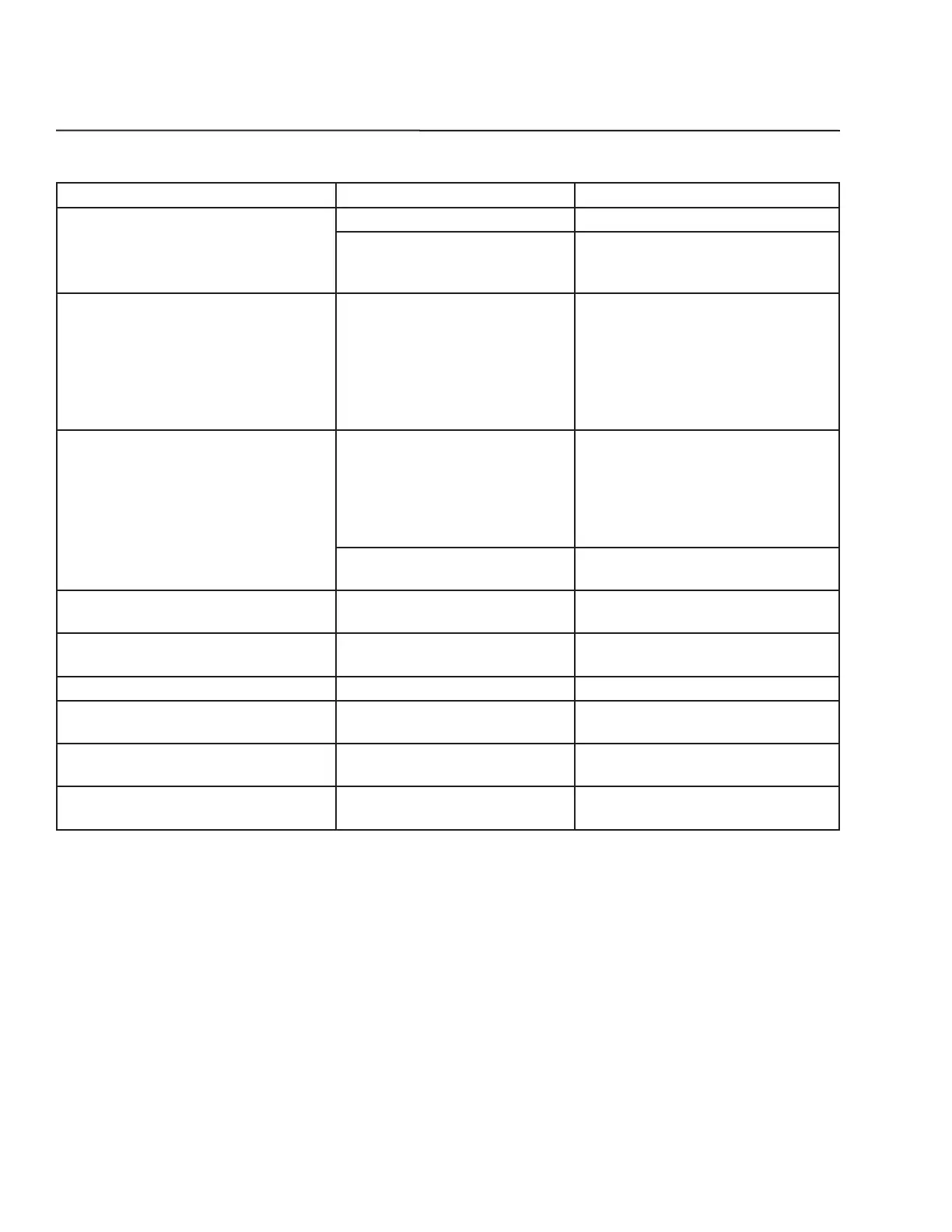
PROBLEM POSSIBLE CAUSE CORRECTION
Unit does not operate.
1. The unit is unplugged. Plug in the unit.
2. Did not hold the “ON/OFF”
button long enough on the dis-
play panel.
Press and hold the “ON/OFF” button
for three (3) seconds.
Temperature controls are not raising
or lowering the set temperature on the
unit.
1. Did not press and hold the
“SET” button on the display
panel while pressing either the
“WARMER” or “COLDER” button.
Press and hold the “SET” key until the
set point temperature is displayed.
While continuing to hold the “SET”
key, press either the “WARMER” or
“COLDER” button. This will raise or
lower the set temperature by one (1)
degree F.
Display light feature is not engaged.
1. Did not press the “LIGHT”
switch on the display panel.
Press the round “LIGHT” switch
located on the left hand side of the
user panel. The light will come on
and stay on with the door closed
until the “LIGHT” switch is pressed
again.
2. The light bulb is burned out.
Replace the light bulb and then press
“LIGHT” switch.
Door is closed but the light is still on
inside of the unit.
1. Display light feature is en-
gaged.
Press “LIGHT” switch to disengage
light.
“E1” error code on display panel 1. Sensor Fault.
Call your dealer or Marvel Customer
Service.
“Do” error code on display panel 1. The door is open. Close the door.
“Hi” error code on display panel
1. Temperature of unit is 10 de-
grees greater than your set-point.
Call your dealer or Marvel Customer
Service.
“Lo” error code on display panel
1. Temperature of unit is 10 de-
grees less than your set-point.
Call your dealer or Marvel Customer
Service.
“cL” error code on display panel
1. Condenser coil cleaning is
recommended.
Vacuum the condenser.
44


 To Next Page