Page 26
CAUTION: When storing, place the rear extension
tray at the bottom, side extension tray B on the middle and
rear extension tray A on the top.
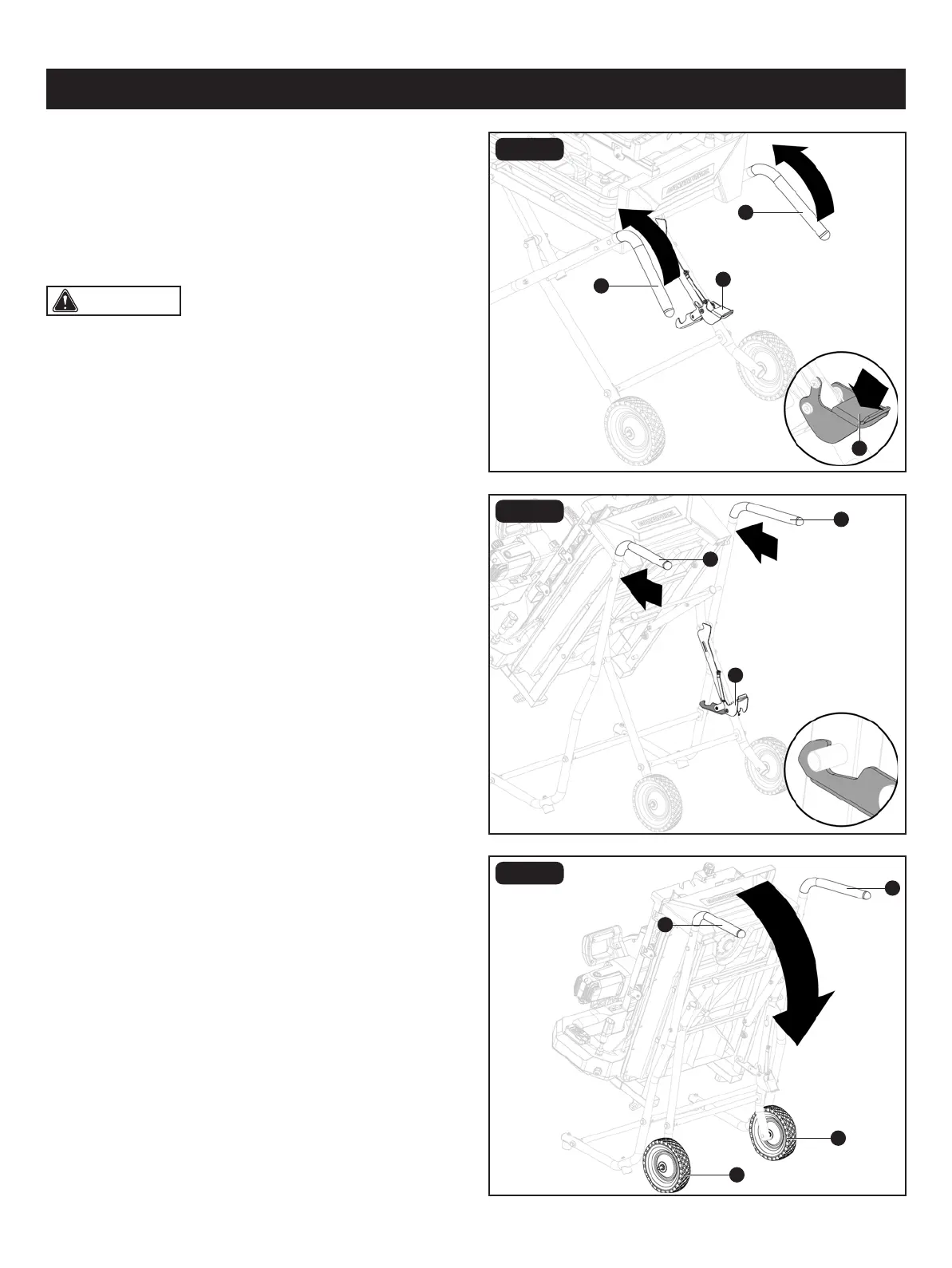
FIG. 18A
FIG. 18B
FIG. 18C
OPERATION
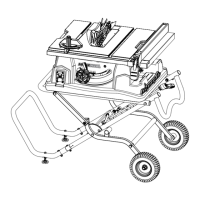
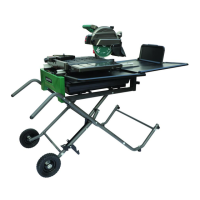
CLOSING OR OPENING STAND
(FIG. 18A-18E)
• Unplug the tile saw and water pump.
• Remove water rear and side extension trays and store
them inside the water tray.
Remove any work pieces from the tile saw.
CLOSING STAND (FIG. 18A-18B)
• At the same time, step on release lever (JJ), grasp handles
(EE) and lift them up and away from the body.
• Push the tile saw until the release lever (JJ) clicks and locks
into place.
MOVING STAND (FIG. 18C)
• Holding the handles (EE) rmly, pull the handles toward you
until the stand and tile saw are balanced on the wheels (FF).
• Push the tile saw to the desired location then either open
the stand for tile saw operation or store the tile saw in a
dry environment.
• Place the table in front of the frame and lock the table in
place.
IMPORTANT: Ensure that the table is locked in place
before closing the stand.
• Lower the wheel and secure by locking the tile saw head
in place using the lock knob.
JJ
JJ
JJ
EE
EE
EE
EE
EE
EE
FF
FF


 To Next Page