4
5. Position the steam release valve properly
Please note, it is perfectly normal and necessary for the steam
release valve to be loose. It works by weight and simply rests on
top of the exhaust pipe. It can also be removed for washing, if
necessary, by pulling it straight out.
When in use, for any function except ‘Keep Warm’, the end of the
steam release handle will point to ‘Sealing’, which indicates that
the appliance is in the sealed position.
CONTROLS AND STATES OF THE APPLIANCE
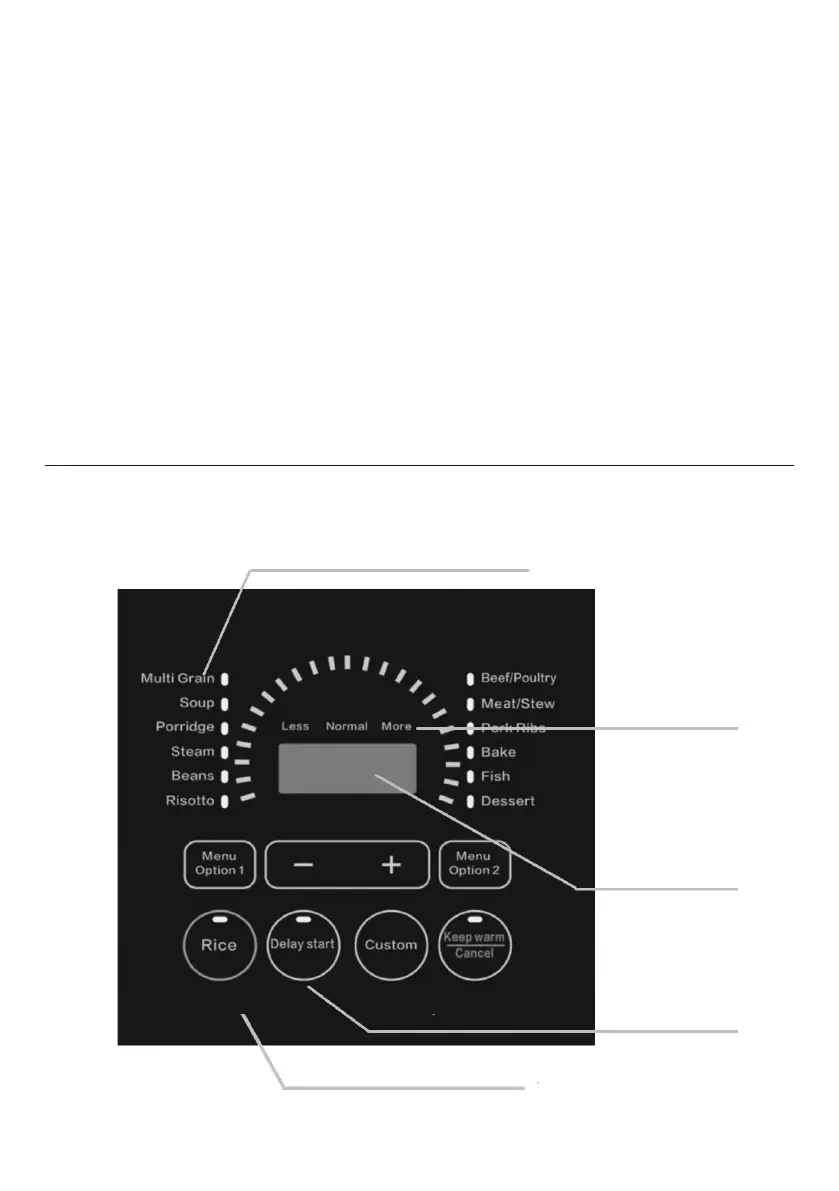
Control Panel
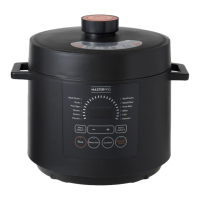
The control panel of your 14-in-1 Pressure Cooker consists of an
LED display, 3 mode indicators and 14 function keys.
States of the Appliance
Standby state: The LED display shows “0000”
Program operating state: The activated function indicator
lights up and the LED display shows time. For pressure
cooking and timer functions.
OPERATION KEYS
The 4 operations keys include”+”,”-”,”Delay Start” and
“Custom” Keys.
The “+” and”-” are used to change the time value.
The ‘Custom’ key can make 3 types of adjustments.
CONTROL PANEL
Function indicators
Taste indicators
LED display
Operation keys
Function key


 To Next Page