Note: use ‘+’ or ‘-’ keys to adjust the cooking time.
INITIAL TEST RUN
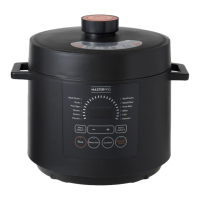
In order to get a feel for your appliance and before jumping in
with your favourite recipe, it’s a great idea to take it for a test
run. This will help you become familiar with your pressure
cooker, ensuring the appliance is working perfectly. This test
run can be accomplished in about 15 minutes. It’s optional but
recommended.
1. Make sure the steam release handle and float valve are
unobstructed and clean, and that the sealing ring is properly
seated.
2. Insert the inner pot into the cooker base and add water to
the ‘3’ mark on the inner pot.
3. Close the lid. Make sure the steam release handle is
pointing to the ‘Sealing’ mark on the lid.
4. Five seconds after pressing any function button, the
pressure cooker will go into the heating cycle. Within a few
minutes, steam will start coming out for a minute or two until
the Float Valve pops up and seals the cooker. Within another
minute or two, the working pressure will be reached and the
countdown timer will begin. Once the countdown is finished,
your appliance’s LED will show ‘bb’ and go into the ‘Keep
Warm’ mode.
That’s it. The test is complete. Press the ‘Keep Warm/Cancel’
button and unplug the appliance. Once the pot cools down, you
can open it and are ready to try your favourite recipe.
FUNCTION KEYS
Manual Option 1: Selects the menu on the left side of LED
display screen by keep pushing the key until the required menu
comes up (the indicator light next to the menu will light up).
Manual Option 2: Selects the menu on the right side of LED
display screen by keep pushing the key until the required menu
comes up (the indicator light next to the menu will light up).
Rice: Select when cooking rice.
Delay Start: To start delayed cooking, first delay start’ button
then use ‘+’ and ‘-’ to set the delayed time, then select the
desired cooking function (all program functions except ‘Keep
Warm’). The time you are setting is the delayed time before
the program starts. Please allow sufficient cooking time and
cooling down time before serving. The time delay can be
adjusted with the ‘+’ or ‘-’ keys for 24 hours.
Keep Warm/Cancel: When the appliance is being programmed
or any other program is in operation, pressing this key will
cancel the program. When the appliance is in a standby state,
pressing this key will activate the ‘Keep Warm’ program.
5
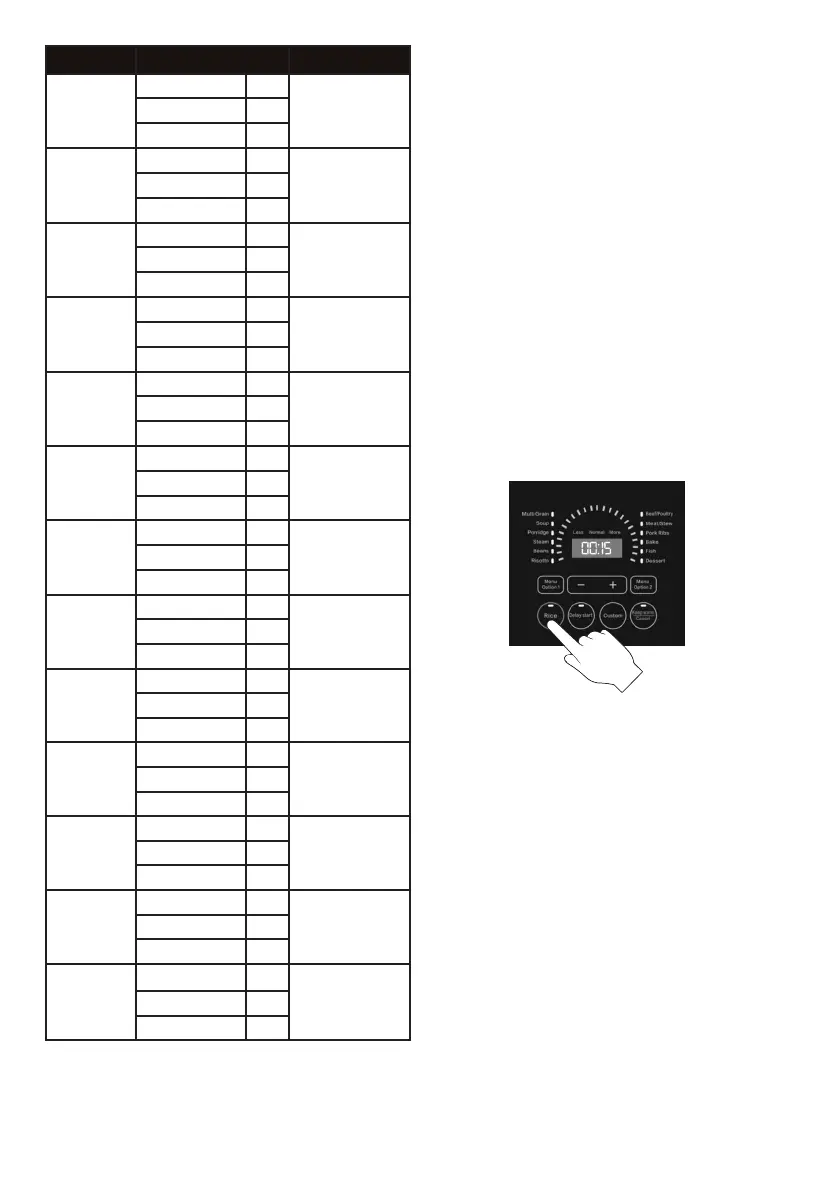
Functions Adjust/Mins Default Setting
Rice
Less 10
12 minutes
Normal 12
More 16
Multi Grain
Less 15
18 minutes
Normal 18
More 20
Soup
Less 15
25 minutes
Normal 25
More 35
Porridge
Less 12
15 minutes
Normal 15
More 20
Steam
Less 5
15 minutesNormal 15
More 25
Beans
Less 20
40 minutes
Normal 40
More 60
Risotto
Less 10
15 minutesNormal 15
More 20
Beef/Poultry
Less 20
35 minutesNormal 35
More 50
Meat/Stew
Less 8
13 minutesNormal 13
More 18
Pork Ribs
Less 10
15 minutesNormal 15
More 20
Bake
Less 10
15 minutesNormal 15
More 25
Fish
Less 3
5 minutesNormal 5
More 10
Dessert
Less 1
5 minutes
Normal 5
More 10


 To Next Page