EasyManua.ls Logo

Mastervolt Mac Plus 2/12-50 - Trouble Shooting

Mastervolt Mac Plus 2/12-50
36 pages
Print Icon
To Next Page IconTo Next Page
To Previous Page IconTo Previous Page
Loading...
MAC-PLUS
19
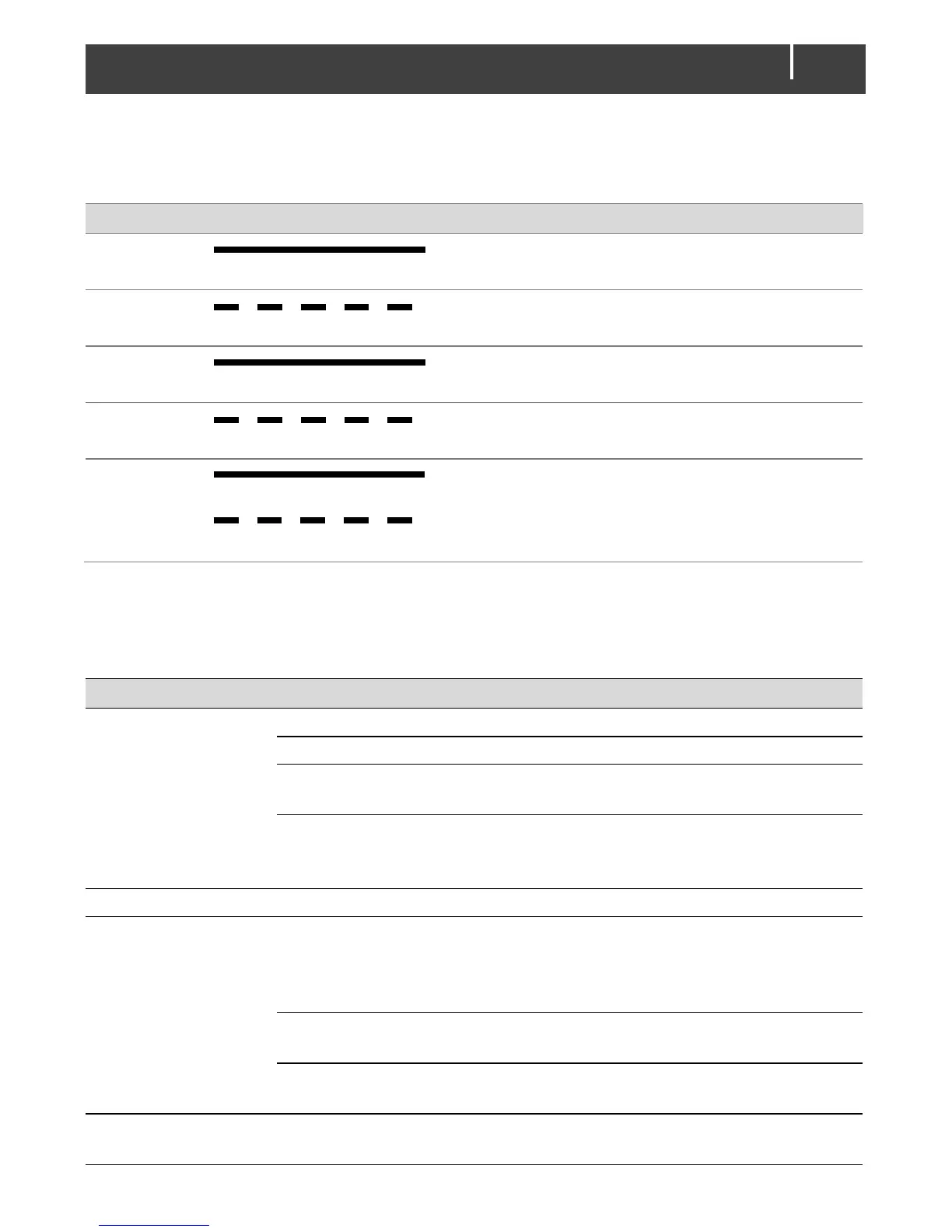
LED indicator
Use the following table to understand the meaning of the LED signals.
LED color LED indication Meaning What to do?
Green
Solid
Charging
Normal operation
Green
Slow blinking
Software
update
Normal operation
Blue
Solid
Standby
Normal operation
Red-Blue
Fast blinking
Sleep
Normal operation
Red
Solid
Slow blinking
Possible
error
Connect MasterBus and analyse
the situation
12. Trouble shooting
Malfunction
Possible cause
What to do
No output voltage
and/or current
No input voltage
Check wiring
Input voltage too low
Check input voltage, check configuration
No enable signal on the
remote switch input
Check remote switch input
The primary (input)
battery is discharged too
far
Charge input battery
LED is red
Check chapter 11 for an overview of fault indications of the LED’s.
Output voltage too
low, charger supplies
maximum current
Load connected to the
batteries is larger than
battery charger can
supply.
Reduce load taken from the batteries.
Batteries not 100%
charged
Measure battery voltage. After some time
this will be higher.
Wrong setting of the
charge voltage
Check settings
Charge current too
low
Batteries almost fully
charged
Nothing, this is normal when the battery is
almost fully charged.

Related product manuals