Install the Processor
Processor
Cartridge
Clock Rate
MHz
Processor
Socket
System Bus
MHz
Pentium-III 500 Slot-1 100
Pentium-III 450 Slot-1 100
Pentium-II 450 Slot-1 100
Pentium-II 400 Slot-1 100
Pentium-II 350 Slot-1 100
Pentium-II 333 Slot-1 66
Pentium-II 300 Slot-1 66
Pentium-II 266 Slot-1 66
Pentium-II 233 Slot-1 66
SEPP Celeron 433 Slot-1 66
SEPP Celeron 400 Slot-1 66
SEPP Celeron 366 Slot-1 66
SEPP Celeron 333 Slot-1 66
SEPP Celeron 300A Slot-1 66
SEPP Celeron 300 Slot-1 66
SEPP Celeron 266 Slot-1 66
PPGA Celeron 433 Socket-370 66
PPGA Celeron 400 Socket-370 66
PPGA Celeron 366 Socket-370 66
PPGA Celeron 333 Socket-370 66
PPGA Celeron 300 Socket-370 66
Installing a Slot-1 Processor Cartridge
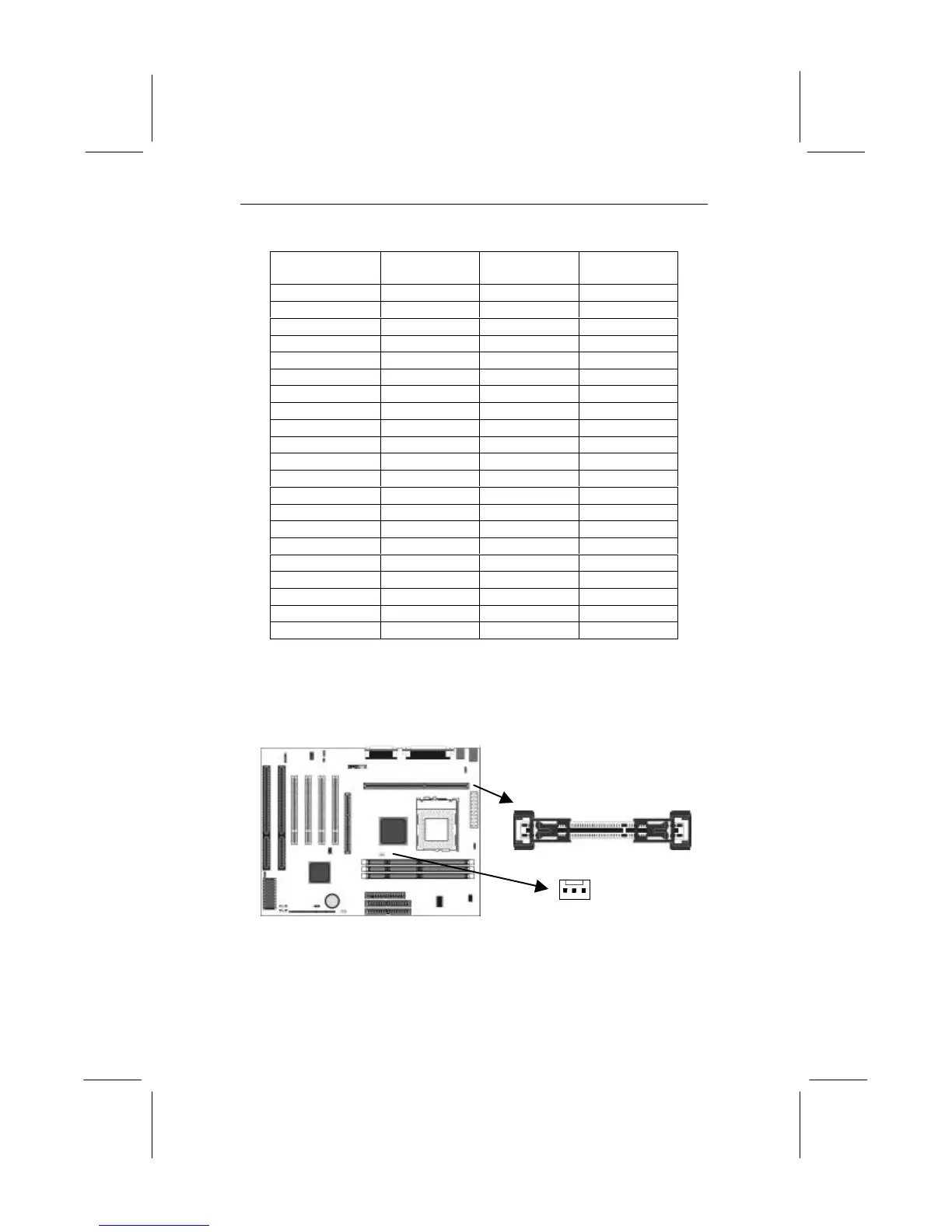
1. Locate Slot-1 and CPUFAN1on the mainboard.
2. The Slot-1 is installed with a cartridge holder. The upright
struts of the cartridge holder are folded down for shipping. Pull
the struts upwards so that they are in the upright position.
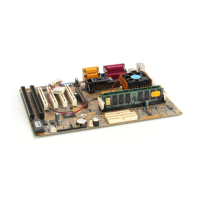
Slot-1 with pre-installed
cartridge holder. The
upright arms are folded
down for shipping.
CPUFAN1



 To Next Page