Chapter 2
Expansion Slots
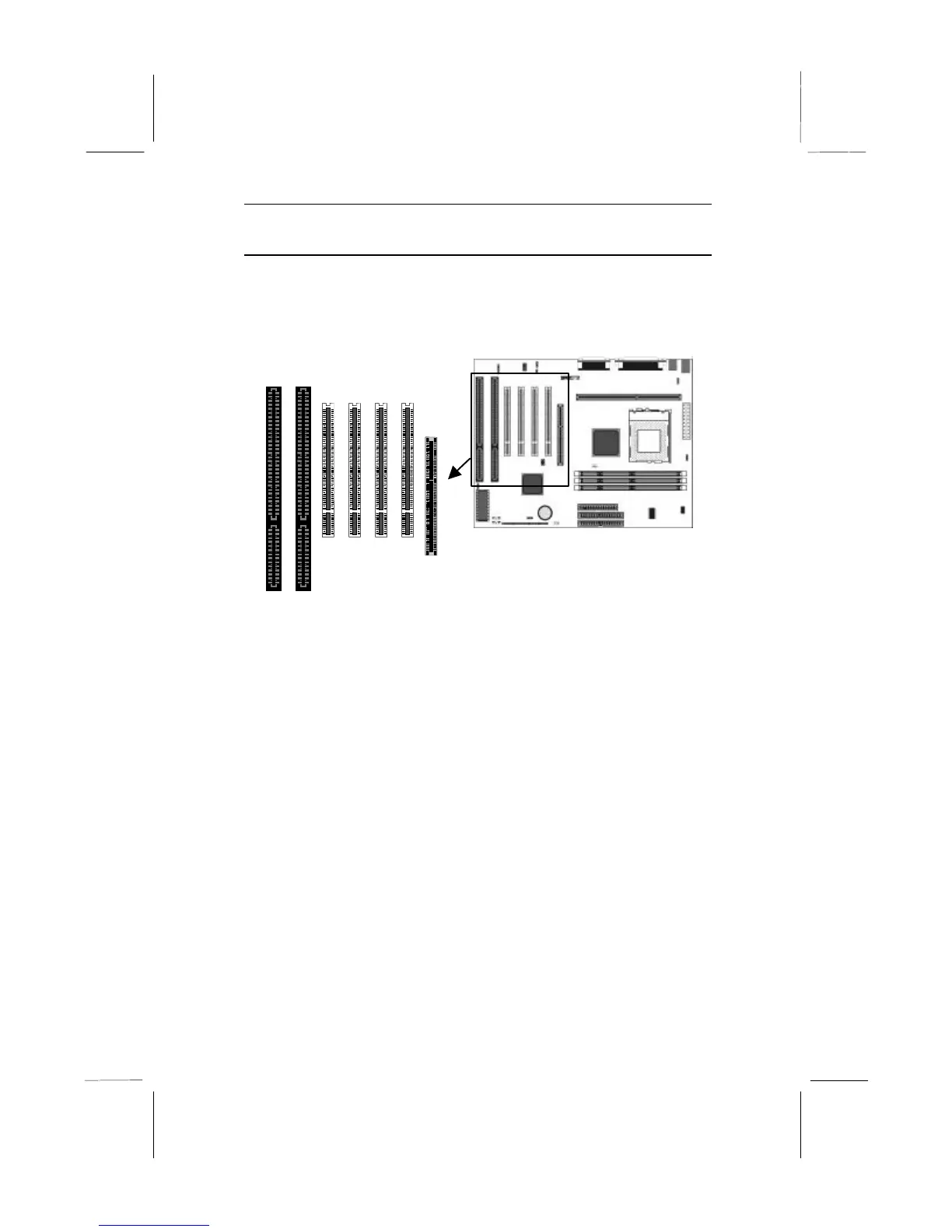
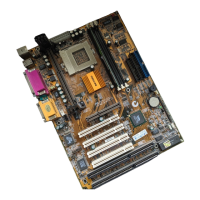
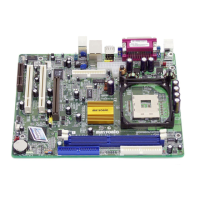
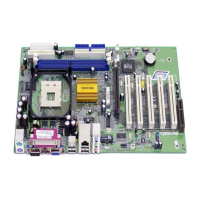
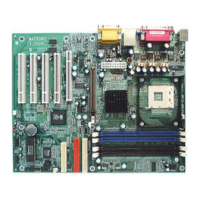
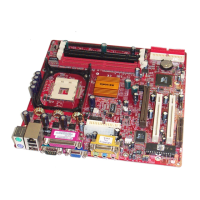
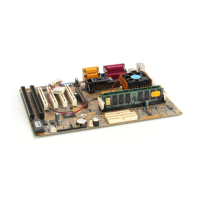
This mainboard has one AGP slot, four PCI 32-bit expansion slots
and two 8/16-bit ISA slots. The PCI slot PCI4 is shared with the
ISA slot ISA1. This means that you can use either of these slots but
not both at the same time.
Use the AGP1 slot to install an AGP graphics adapter. Use the PCI
slots to install 32-bit PCI expansion cards. Use the ISA slots to
install legacy 8/16-bit expansion cards.
Installing an Expansion Card
1. Locate the AGP, PCI or ISA slot on the mainboard.
2. Remove the blanking plate from the appropriate expansion slot
on the system chassis.
3. Install the edge connector of the expansion card into the slot
and press it quite firmly down so that it is seated correctly.
4. Secure the bracket of the expansion card into the expansion
slot in the system chassis using the screw that held the
blanking plate in place.
AGP1
PCI1
PCI2
PCI3
PCI4
ISA1
ISA2



 To Next Page