15
Calder Brothers Corp
V1.0
Serial Number Range:
848-S-56TCG9Y2*03848 to ________________
Page 15
Model: 1560 Paver
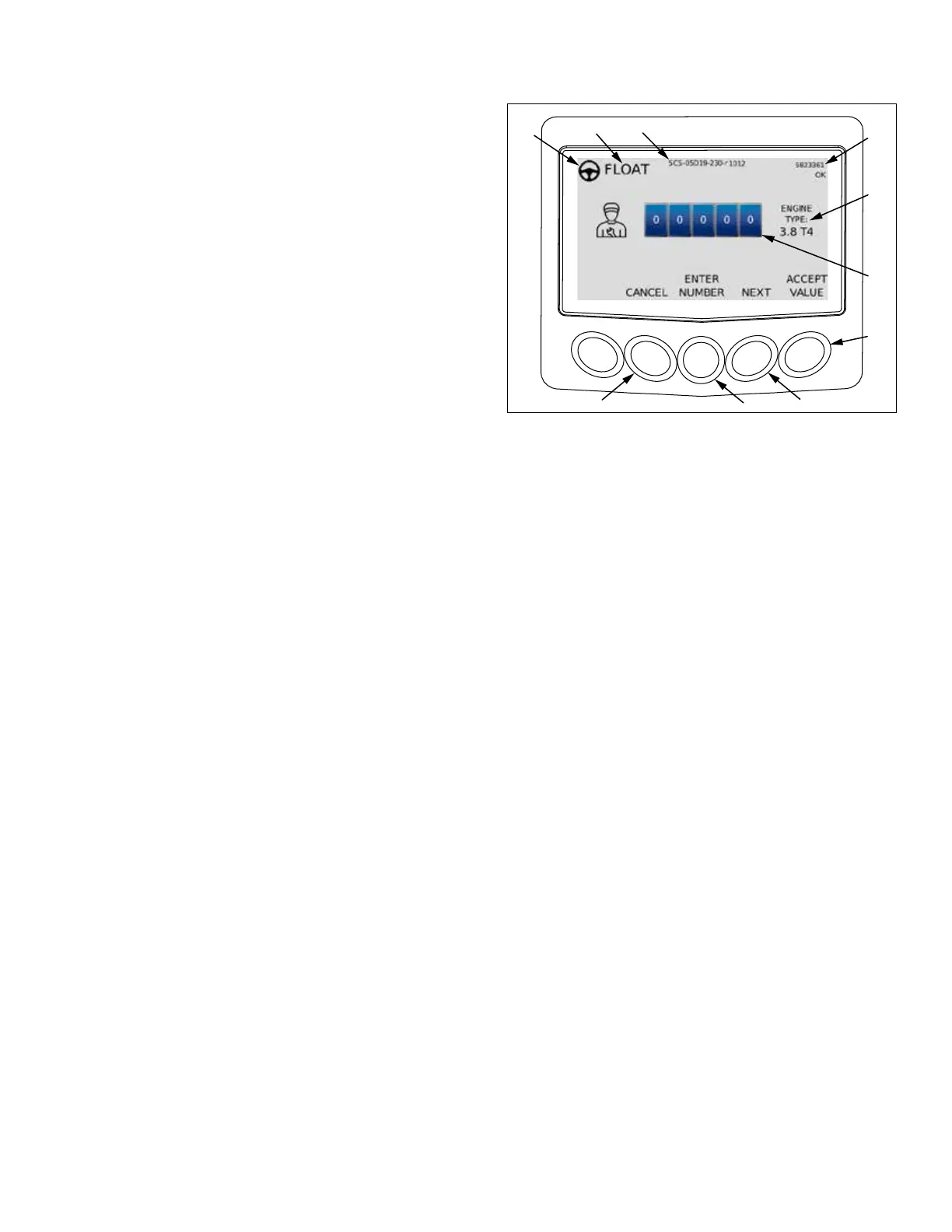
Password Screen
Password screen should only be accessed while being
directed by a Mauldin service technician.
1. Selected station indicator. This symbol will be displayed
on operators station screen with active travel controls.
2. Screed oat mode indicator. When illuminated, screed
is in oat mode.
3. Program version.
4. Display serial number.
5. Machine engine model.
6. Password input eld.
7. Press to accept input eld value.
8. Press to move to next screen.
9. Press to enter number in input eld.
10. Press to cancel input eld value.
1
7
4
3
5
6
2



 To Next Page