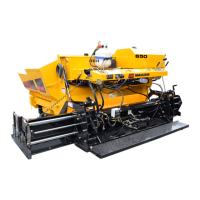
DRIVE TIRE - CHAIN ADJUSTMENTS
1.
Remove chain covers.
2.
Loosen bolts on wheel bearings slightly.
3.
Loosen chain adjusters on each side of drive wheel axles.
4.
Using a ¾” wrench, tighten chains to approximately ¾” slack depression. Align
sprockets in turn by swapping sides of wheel.
5.
After alignment is finished, tighten bolts on wheel and tighten chain adjusters opposite
drive side.
6.
Check chain again for ¾” slack depression.
7.
Replace chain covers.
CRAWLER TRACK - CHAIN ADJUSTMENTS
1.
Idler sprockets should be greased daily.
2.
With a 1” wrench, (or crow bar), tighten track through side access.
3.
Track should be adjusted so that the top hangs level.
DO NOT OVER TIGHTEN!
4.
Check bearings annually.



 To Next Page