Calder Brothers Corporation
Model: 550E Gravity Feed Paver
Page 7
550E Operations Manual Rev 1.0.doc
MATERIAL FEED OPERATION
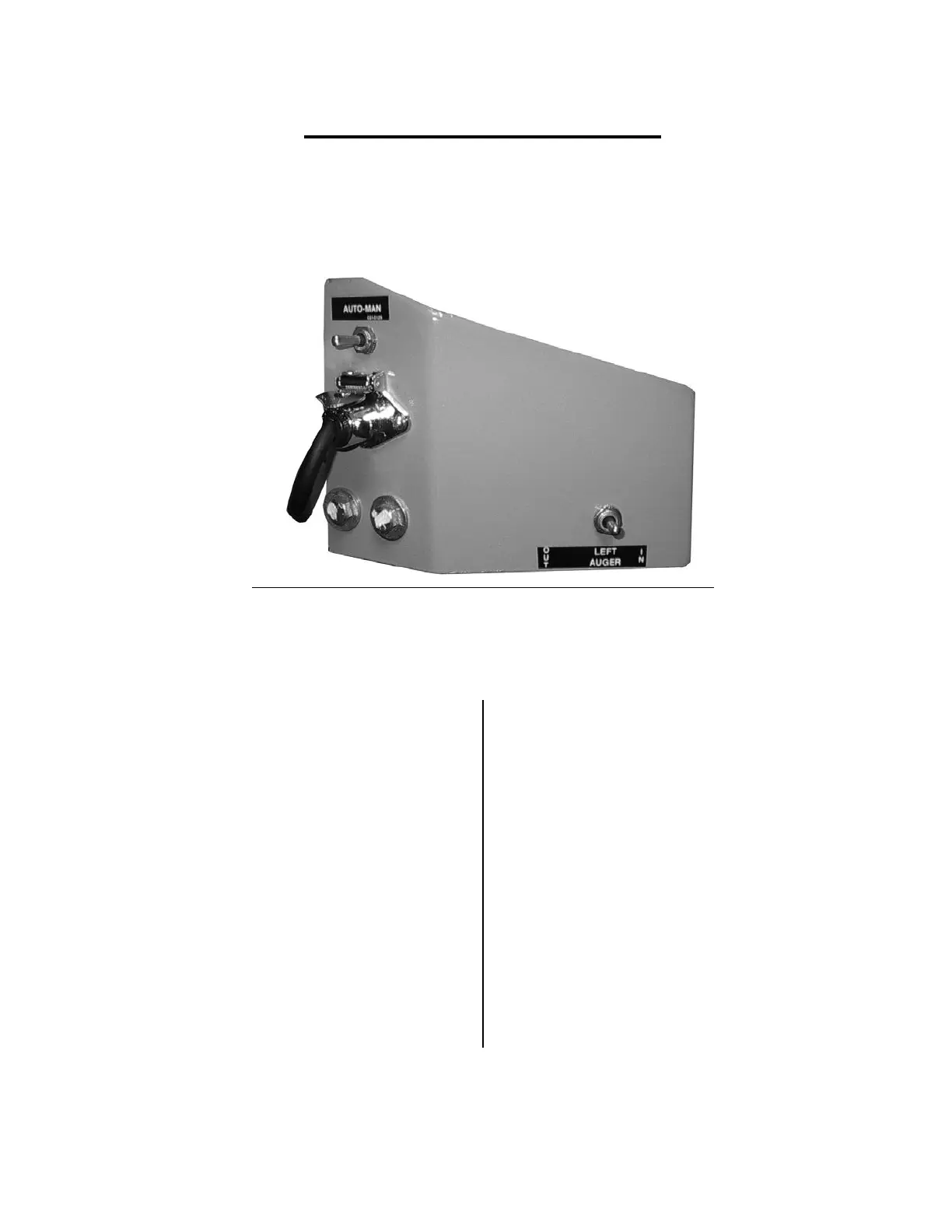
The 550-E allows you to configure the auger operation of the paver for both an Automatic mode
and a Manual mode. Use the automatic setting whenever possible to increase the useful life of
the feed augers, and to maintain a more consistent “Head of Material” in front of the screed. In
either mode the lower selector switch can be set to “IN” for reverse material flow.
SETUP Each side of the paver must be set independently.
AUTOMATIC AUGER FEED OPERATION
MANUAL AUGER FEED OPERATION
Go to the LH operators station
Go to the LH operators station
Locate the switch labeled:
Locate the switch labeled:
Locate the switch labeled:
Locate the switch labeled:
Set the switch to the “OUT”
Set the switch to the “OUT”
Adjust height of switch by end
Change this switch from the “LEFT
control size of the head of material
AUGER” position to the “OUT” and back
to the “LEFT AUGER” position, to
operate.



 To Next Page