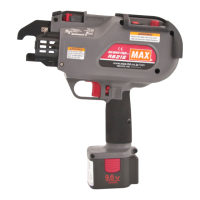
4. BATTERY INSTRUCTIONS
1 Charging
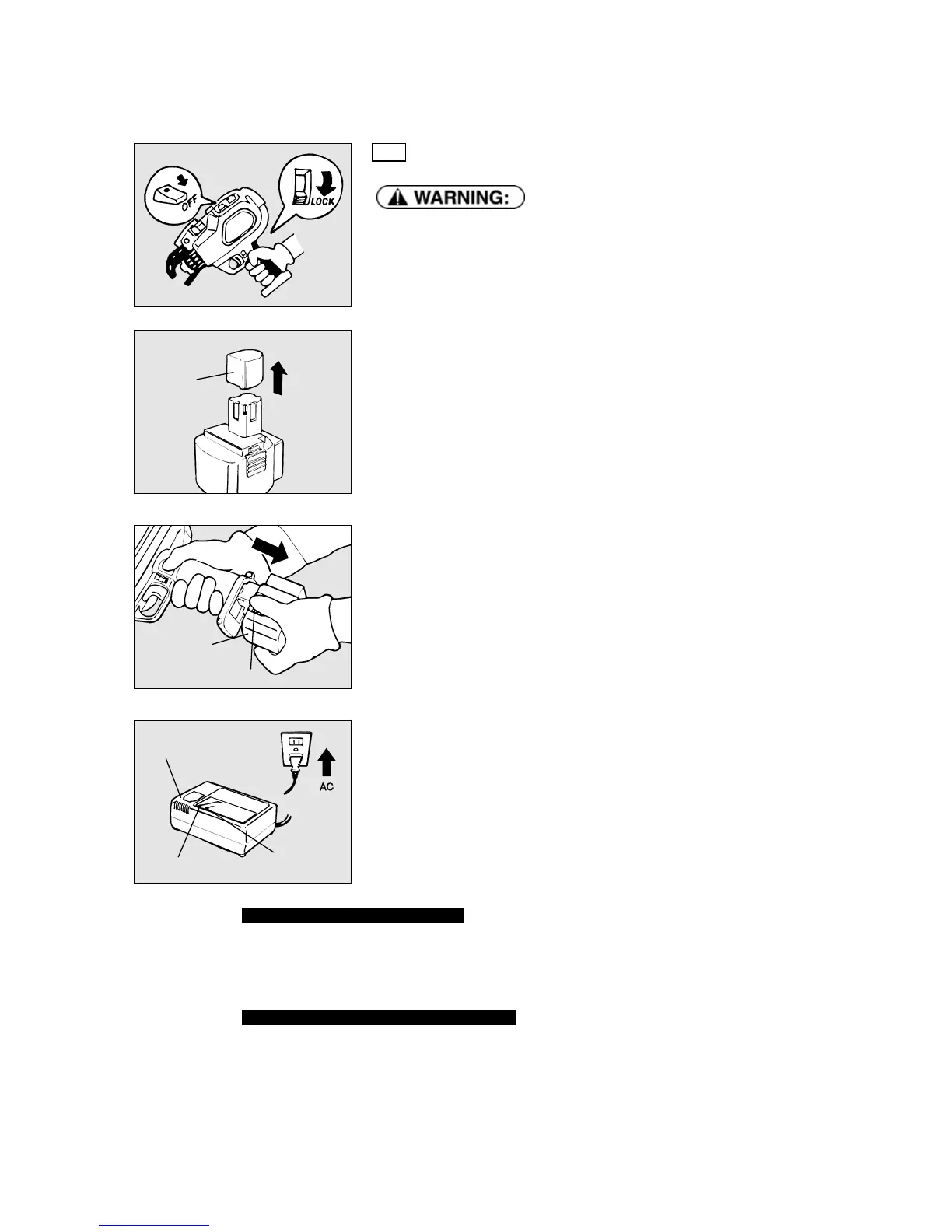
● Before removing the Battery pack from the tool, set the Main switch at OFF
and lock the Trigger.
① A Pack cap that is used to prevent short circuits must be removed from the
terminal of the Battery pack.
When charging the Battery pack, remove it by pushing on its latches from both sides
while firmly holding the grip of the tool.
② Plug the charger into a 230V wall socket.
The red light, a current-carrying indicator, will flash on and off.
Charger
Pack cap
Latch
Battery pack
Red charging lamp
Orange
standby lamp
When the orange standby light is lit
When the Battery pack is hot (after continuous use or exposure to direct sunlight) the Charger will
automatically switch to standby to protect the Battery. The orange standby light will blink until the Battery’s
temperature lowers to a safe level, The Battery will then be charged automatically.
When the Battery pack is at low temperature
When the Battery pack is at low temperature, its charging is automatically suspended until its temperature
increases, in order to protect it, even if it is set in the Charger.
Leave the Battery pack at normal temperature in the room for some time, and then, charge it again.
11


 To Next Page