Installing a Processor
Instructions on how to install the processor to the board are given below.
Installing a Processor
CAUTION
Before installing or removing the processor, make sure that AC power has been removed by unplugging
the power cord from the computer; the standby power LED should not be lit Failure to do so could
damage the processor and the board.
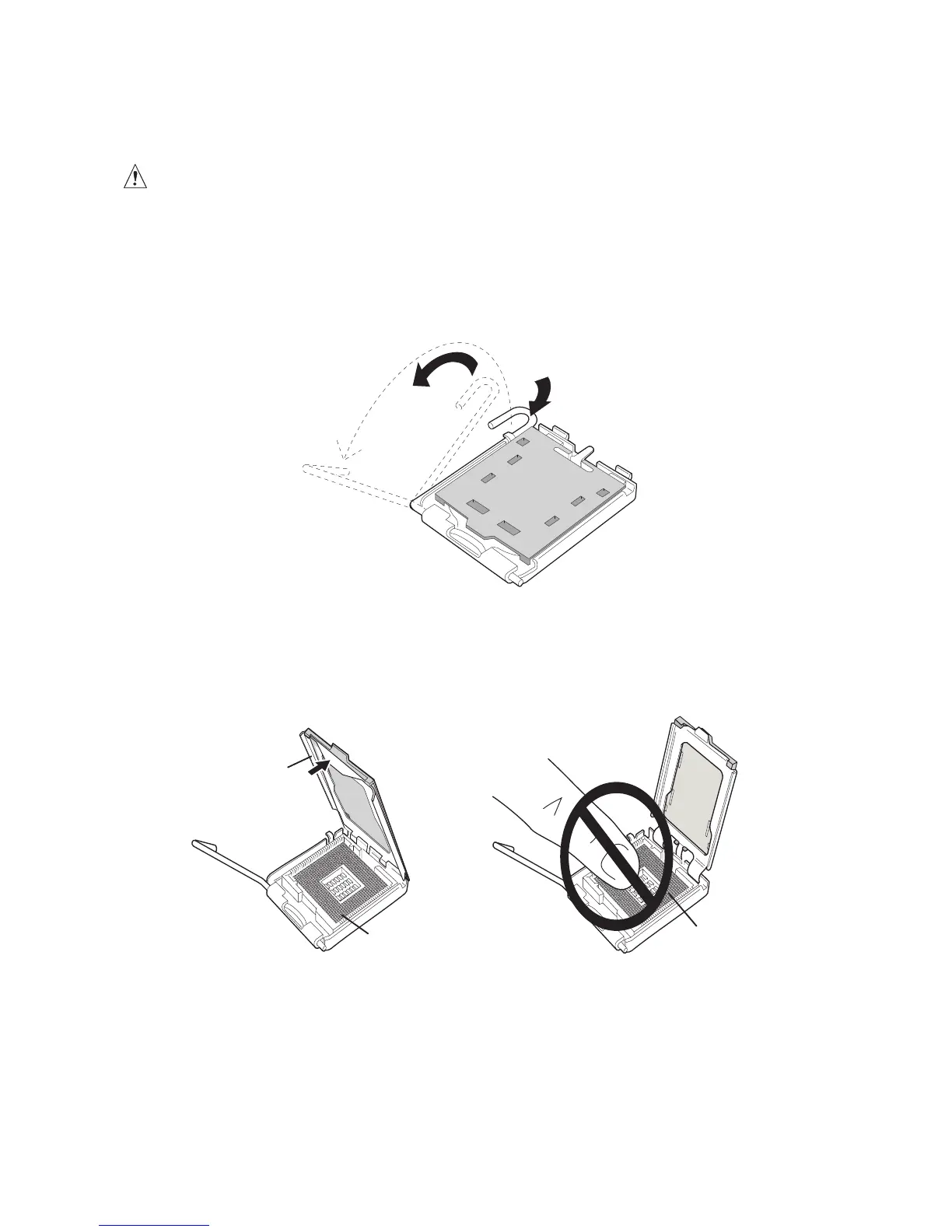
To install a processor, follow these instructions:
1. Observe the precautions in “Before You Begin”.
2. Open the socket lever by pushing the lever down and away from the socket (see Figure 4, A
and B).
3. Lift the load plate. Do not touch the socket contacts (see Figure 5, C and D)



 To Next Page