ENGLISH
Movie Configure:
Subtitle Specific: Change setting for the subtitling size. You can choose between:
‘small’, ‘Normal’ and ‘Big’.
Subtitle BG: Change setting for the subtitle background. You can choose
between: ‘white’, ‘transparent’, ‘grey’ and ‘yellow green’.
Subtitle Font Colour: Change setting for the colour of the subtitles. You can
choose between: ‘red’, ‘blue’, ‘green’, ‘white’ and ‘black’.
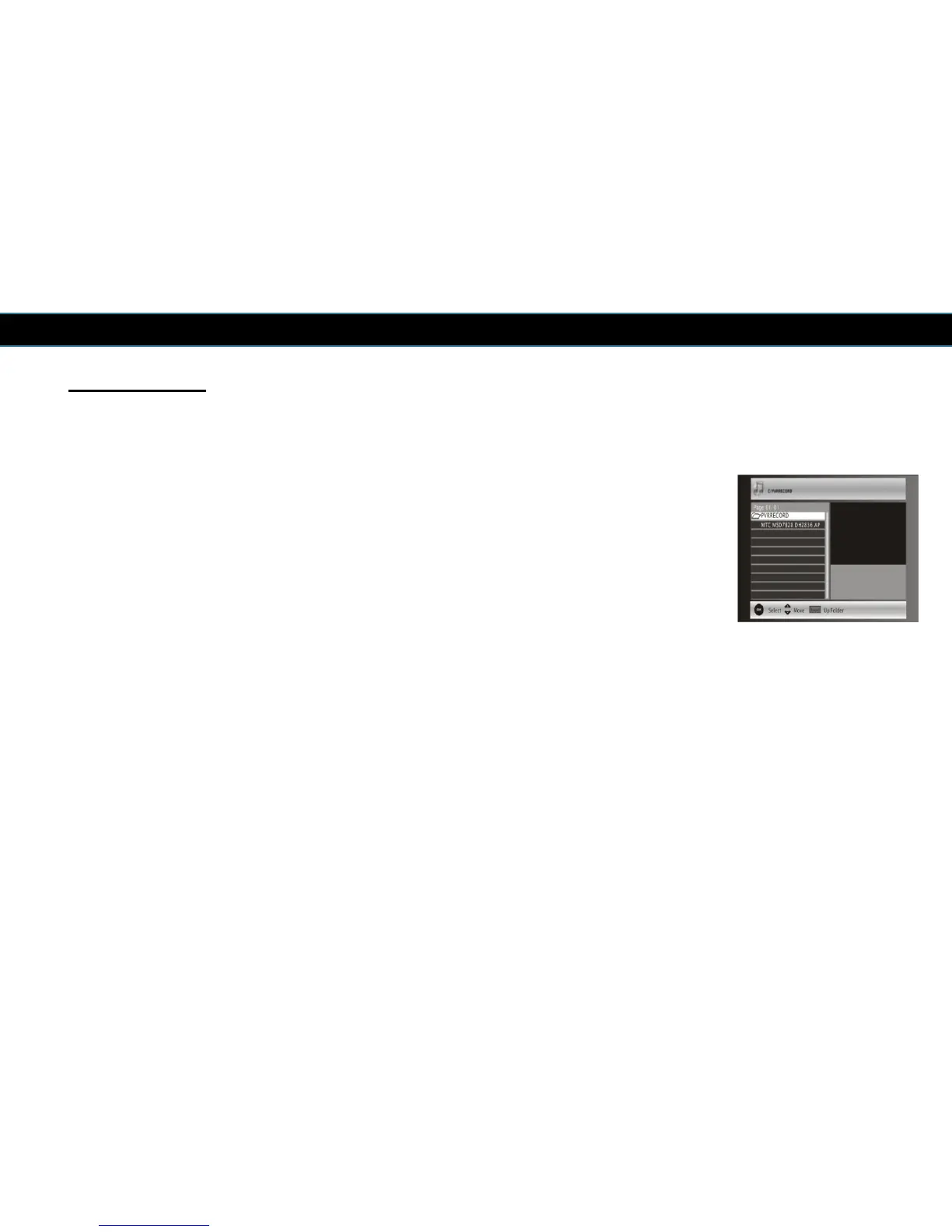
General information about USB media
We cannot guarantee compatibility (operation and/or bus power) with all USB
mass storage devices and assumes no responsibility for any loss of data that may
occur when connected to this receiver.
With large amounts of data, it can take longer for the receiver to read the contents
of a USB media.
Some USB media may not be properly recognized despite the file format of the
USB media is supposed to be support by this receiver.
27



 To Next Page